Showpieces
The work
Wander through it.
Drag it any way you like.
A wall of pictures with no edge: drag it in any direction and it keeps going, coasting when you let go and drifting when left alone. Swipe it sideways on a phone. Needs the EtchPress Runtime; without it it is a tidy grid of the pictures.
How it works
A portfolio to wander through. Photos from an event. A mood board or lookbook. A product range with no first and last.
Options
eyebrow (text, optional); title (text, optional); images (repeater: image, alt)
Open the item page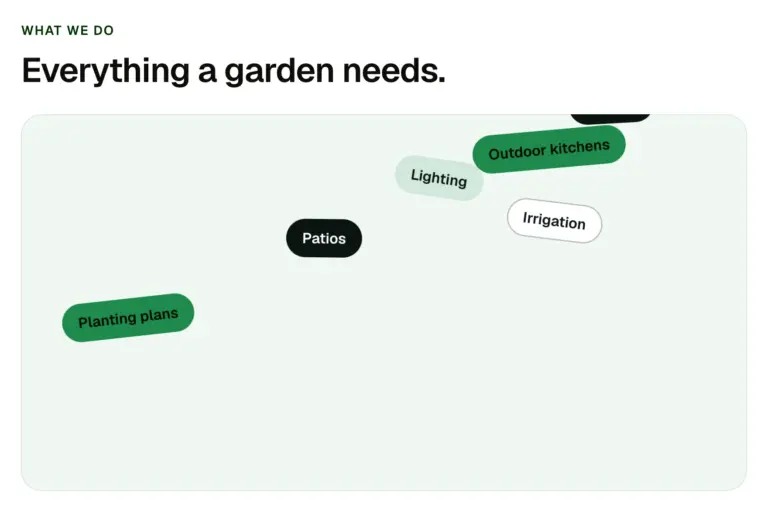
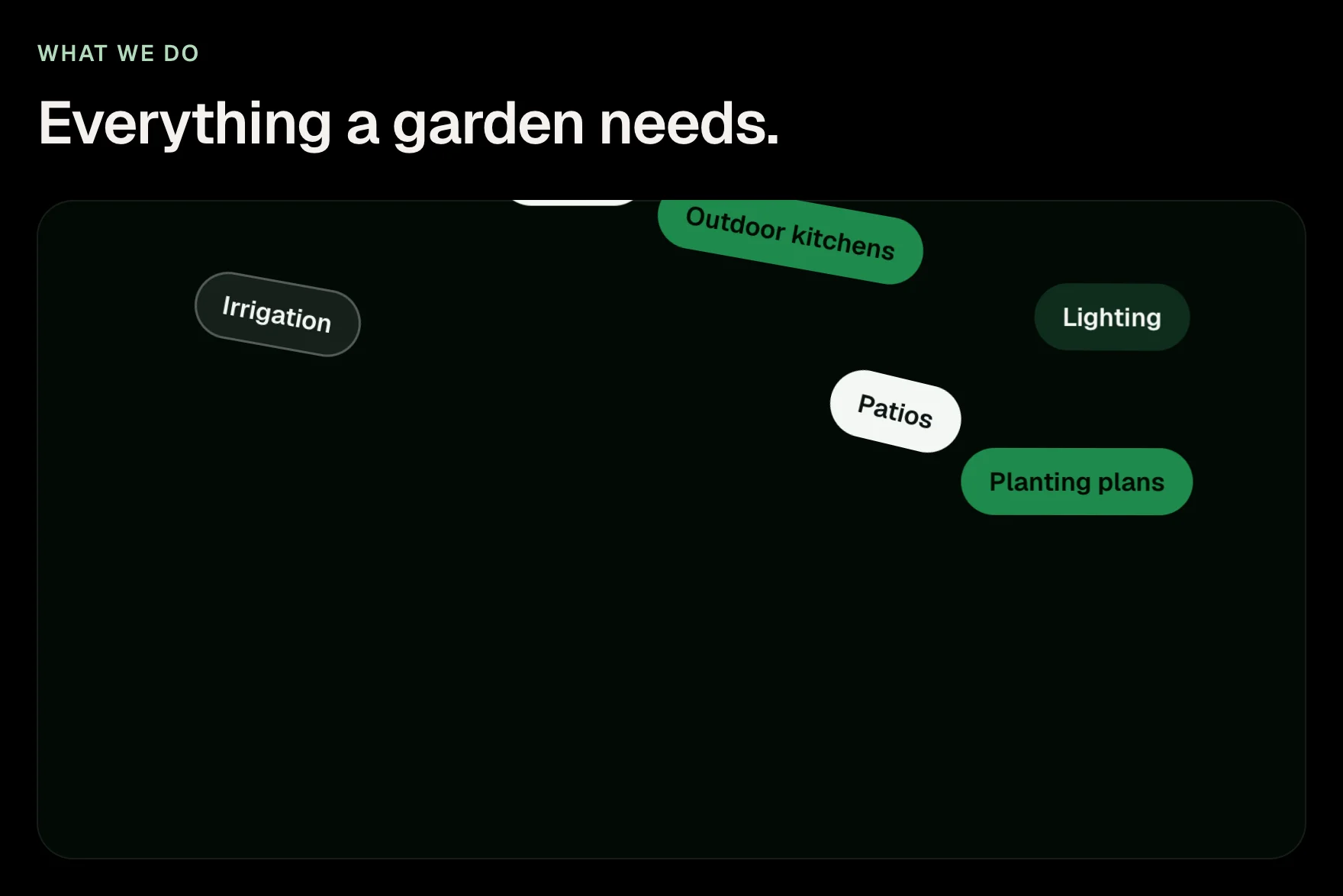
A box of tags that drop in, pile up with real weight, and can be picked up and thrown, with a mouse or a finger. For skills, services, tools or values. Needs the EtchPress Runtime; without it the tags are a tidy wrapped row.
How it works
Skills on a portfolio. Services at a glance. The tools a team works with. Values or topics on an about page.
Options
eyebrow (text, optional); title (text, optional); tags (repeater: label)
Open the item pageWith a mouse the photo follows the pointer. On a phone it follows the row at the middle of the screen as you scroll.
A list of projects or services where one floating photo follows the pointer and wipes to each row's picture. On a phone the photo rides down the list and shows the row at the middle of the screen as you scroll. Needs the EtchPress Runtime; without it each row keeps its own small picture.
How it works
Selected work on a studio or contractor's home page. A services index where every service has a photo. A list of case studies or press. A menu of locations or team members.
Options
rows (repeater: number, title, meta, image, alt, href)
Open the item pageThe crew
Nine people, one standard.
The same crew designs, builds and looks after every garden.
Pictures circle a heading on two tilted rings, nearer ones larger and in front, the far side passing behind. It turns slowly by itself; dragging it, with a mouse or a finger, spins it. Needs the EtchPress Runtime; without it the pictures sit in a row under the heading.
How it works
The people behind a company, around its name. Integrations around a product. Clients or partners around a claim. A community section.
Options
eyebrow (text, optional); title (text); text (text, optional); items (repeater: image, alt)
Open the item pageWhat we do
Five things, done properly.
A row of tall picture panels: the one you point at opens wide and shows its title, text and link, and the others narrow to slivers. Tap to open on a phone, where the panels stack and open downward. Needs the EtchPress Runtime; without it it is a grid of cards.
How it works
Services or categories on a home page. A portfolio with a few hero projects. Team or locations. Product ranges.
Options
eyebrow (text, optional); title (text, optional); panels (repeater: image, alt, title, text, linkLabel, href); open (select: how wide the open panel is)
Open the item page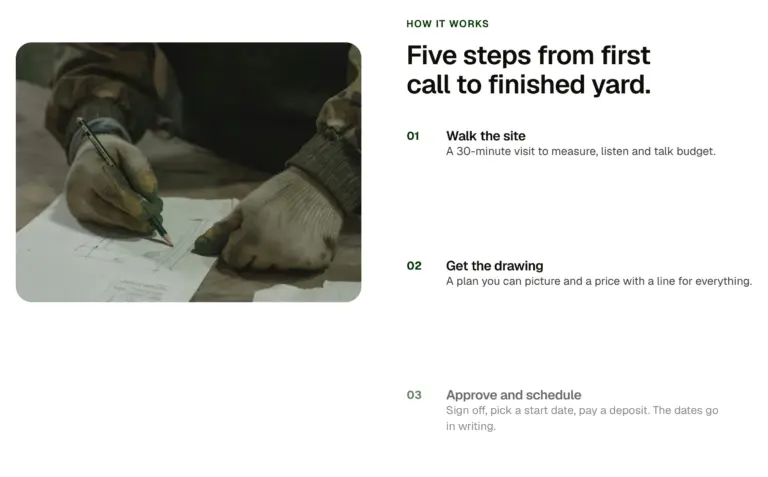
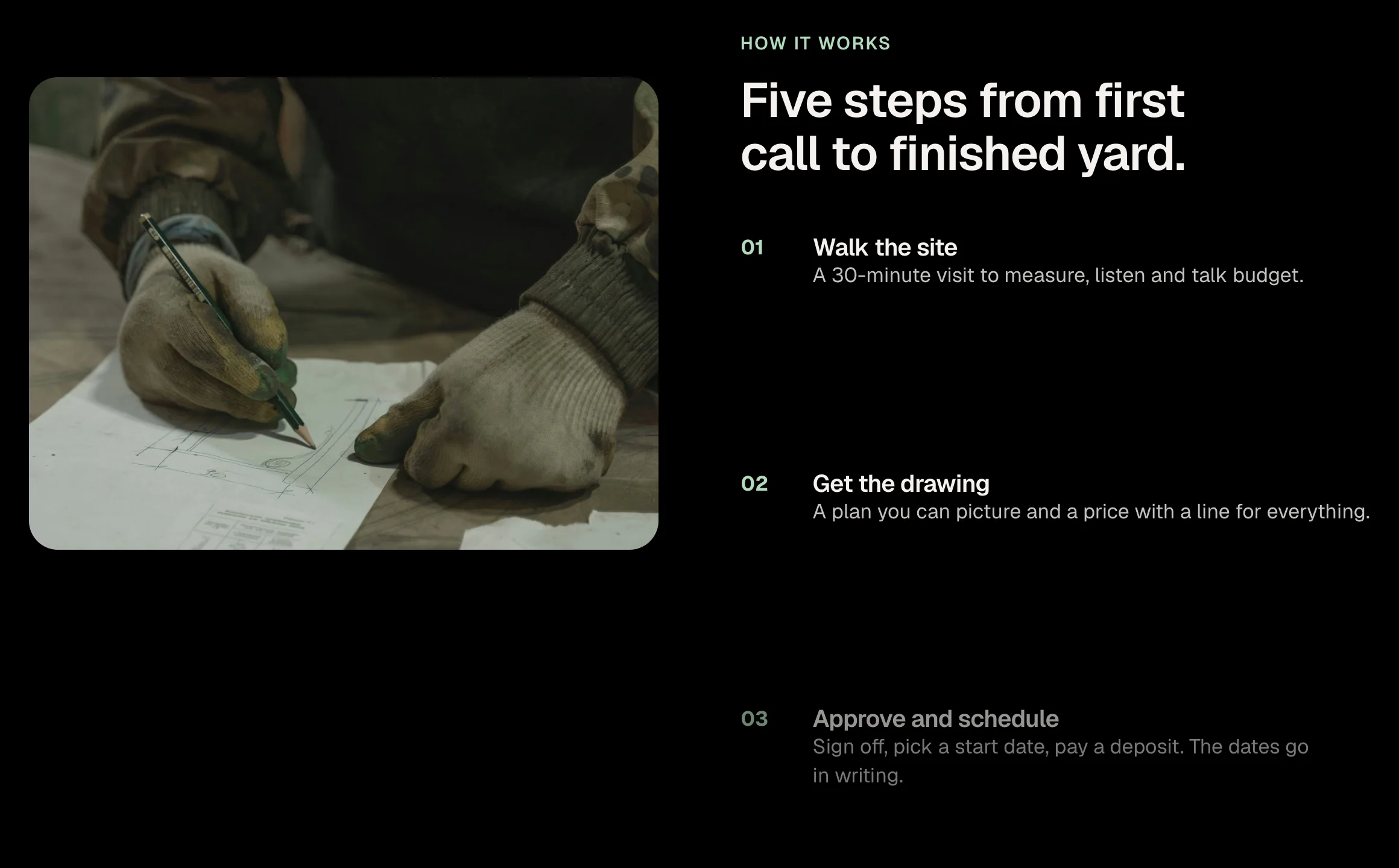
A two-column section where the image stays put while the steps scroll past it, each step brightening as it reaches the middle of the screen. Steps are a repeater. On narrow screens the image sits above the steps.
How it works
A how it works section where the image holds while the steps pass. A product tour with one screenshot and several points. A process explained beside a photo.
Options
eyebrow (text); headline (text); image (image); alt (text); steps (repeater: title, text); tone (select: light, dark)
Open the item pageSelected work
Eight gardens. Give it a spin.
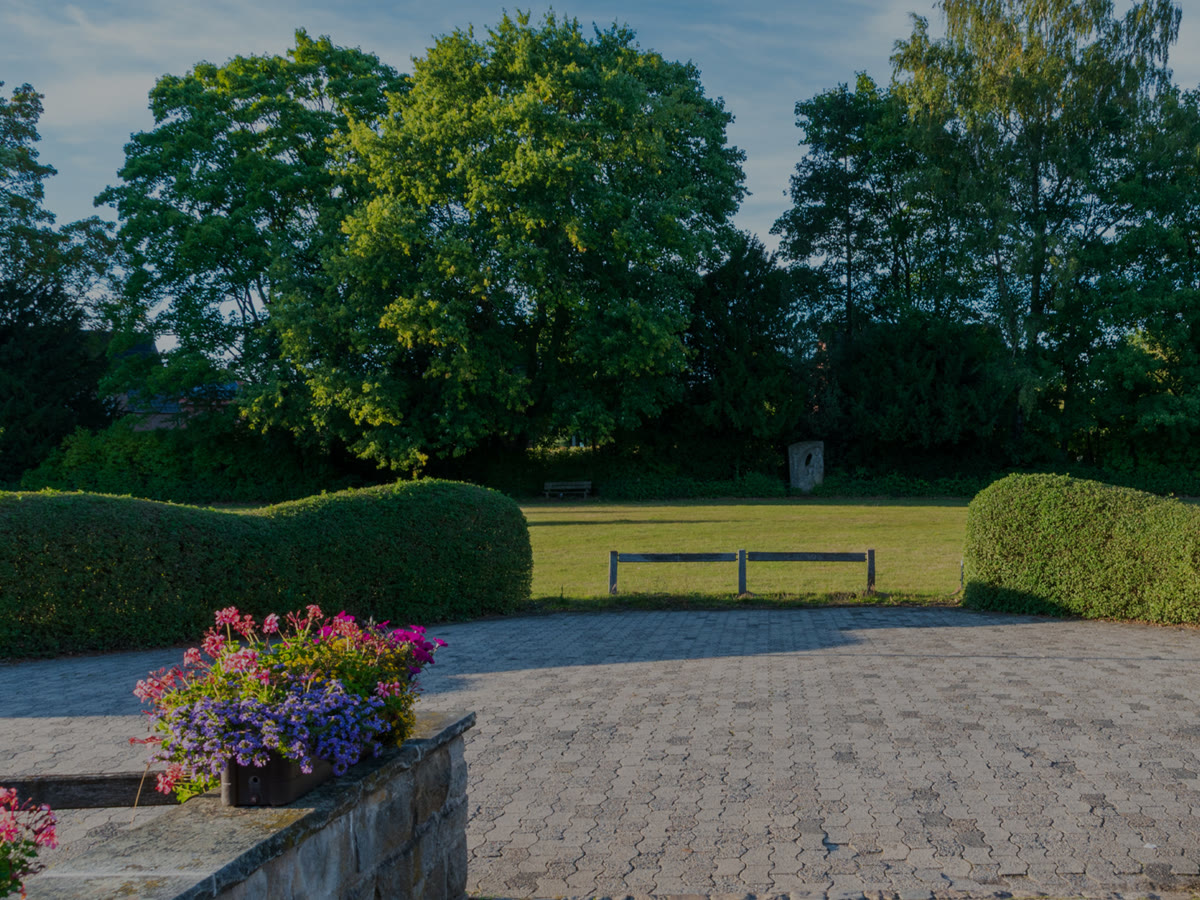
Hillcrest terrace 
Lakeside retreat 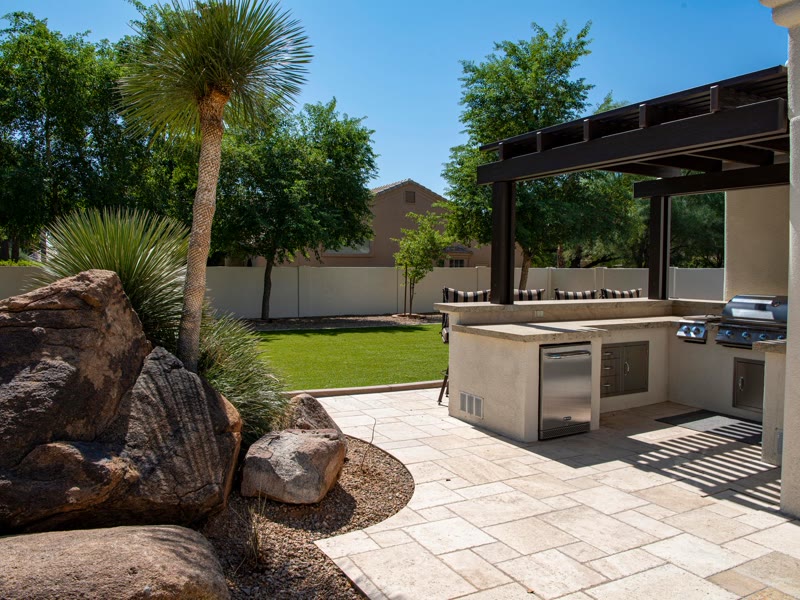
The Alder house 
Meadow Lane 
Kitchen garden 
River walk 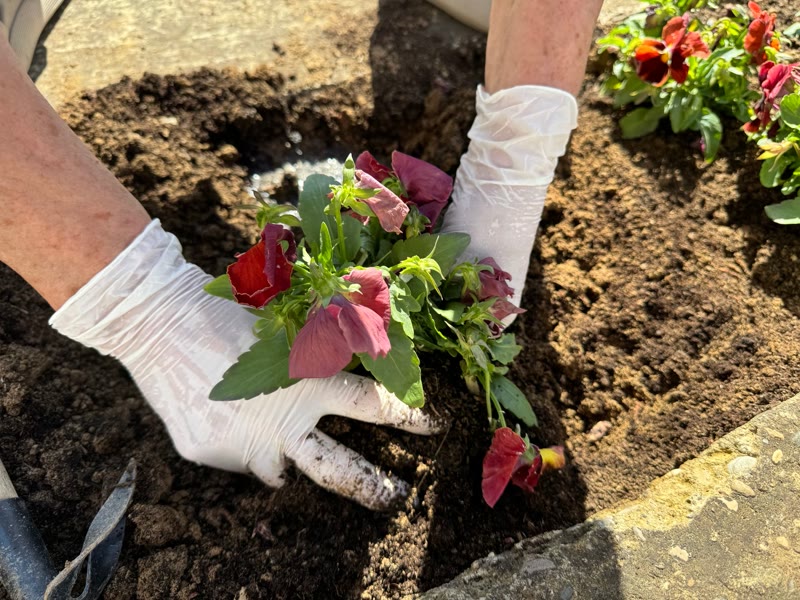
The Orchard 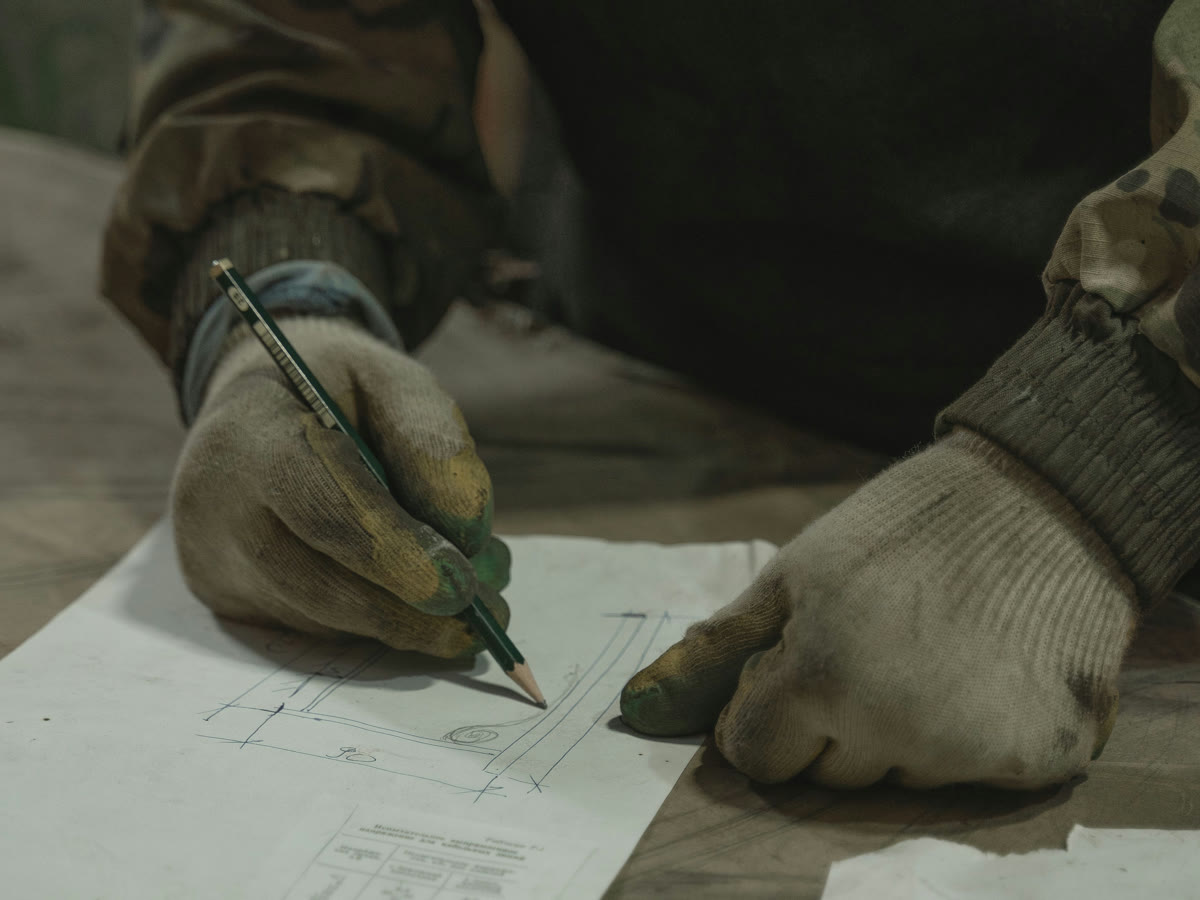
Corner plot
Cards standing on a ring in depth. It turns slowly on its own, turns with a drag and keeps its spin when you let go; Previous and Next step it one card at a time. Swipe it on a phone. Needs the EtchPress Runtime; without it it is a row of cards to swipe.
How it works
A portfolio that wants to be touched. Team members. Products in a range. Testimonials with photos.
Options
eyebrow (text, optional); title (text, optional); cards (repeater: image, alt, title, meta); auto (select: turn on its own, or only when moved); prevLabel and nextLabel
Open the item page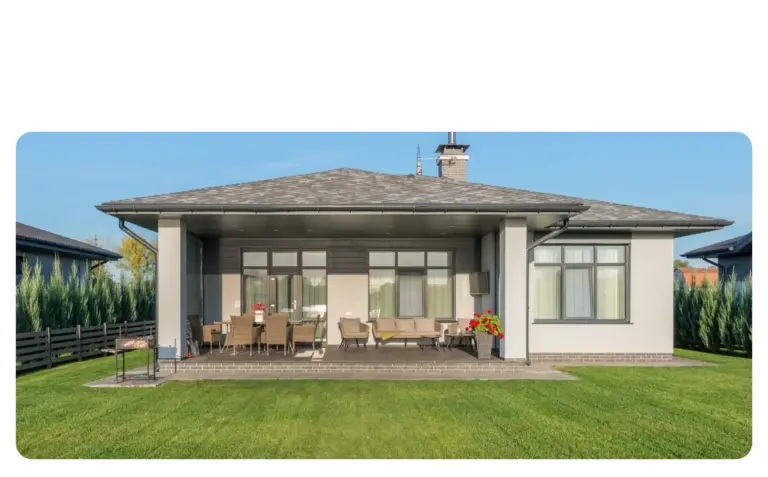
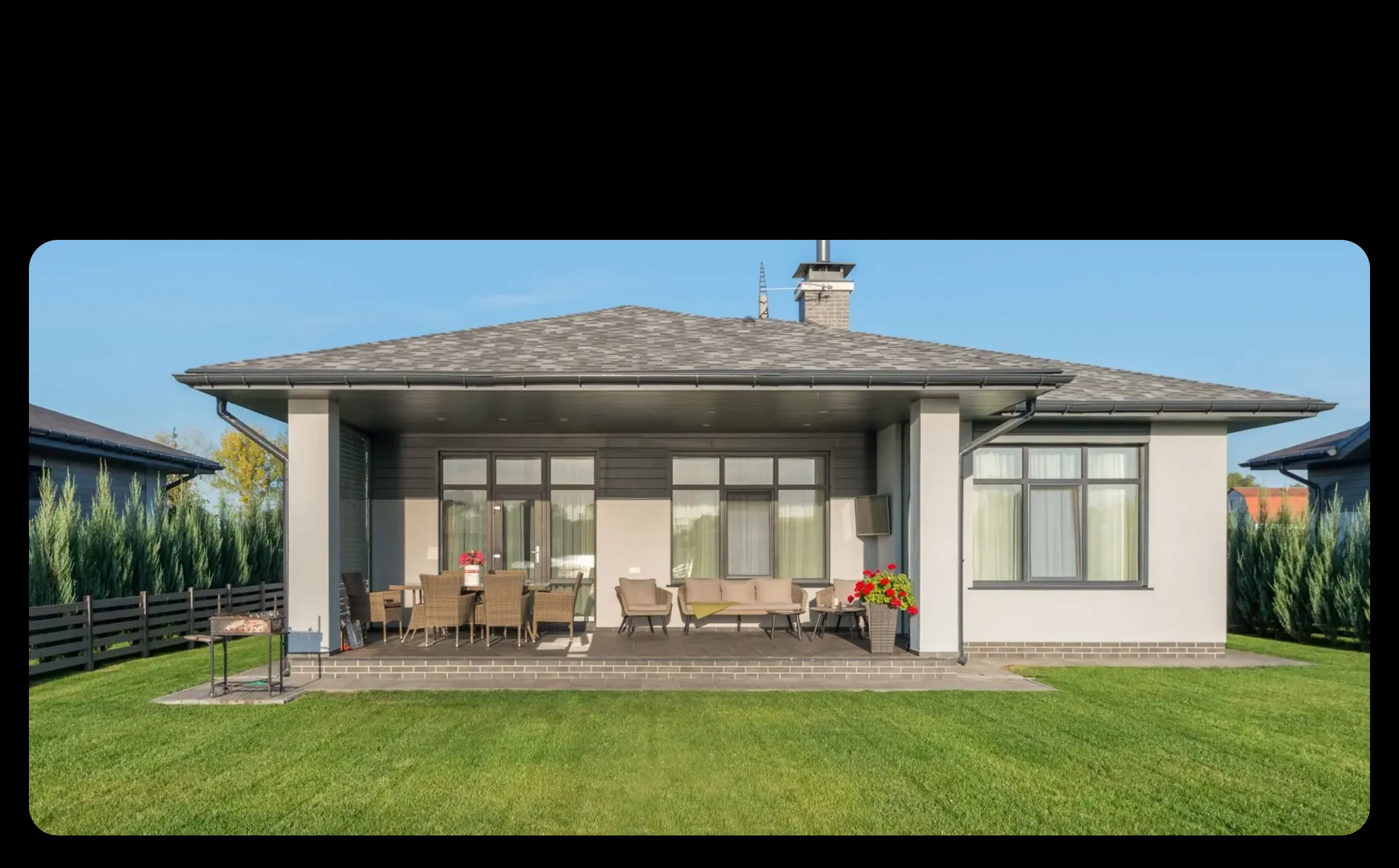
One wide photo holds on screen while the page scrolls, splits into two, three or four cards, and each card turns over to its own title, line and link. On a phone, with reduced motion, or without its script, it is a heading over plain cards. No plugin and no stylesheet.
How it works
The services of a home page as one showpiece: a photo of the work that becomes the three things you do. A studio's disciplines, each card turning to a link. Before the plain services grid, as the one moment of theatre on the page. A process in three or four steps, each with its own page.
Options
eyebrow (text, optional); title (text); image (one wide photo, cut across the cards); cards (repeater, two to four: number, title, text, linkLabel, href)
Open the item page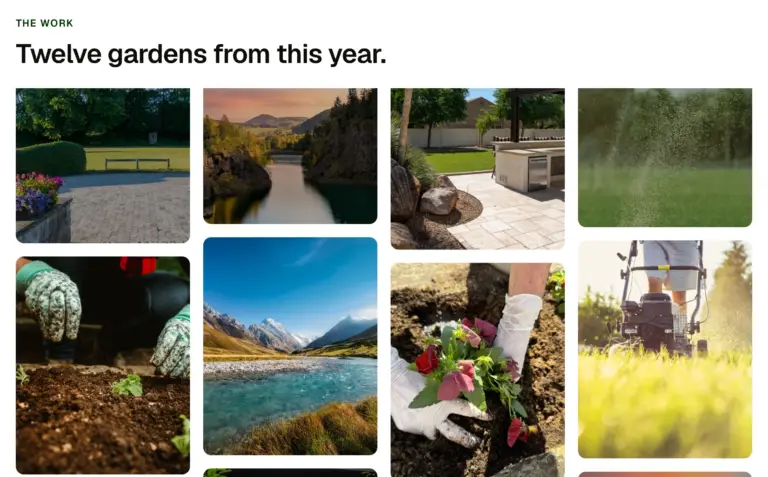
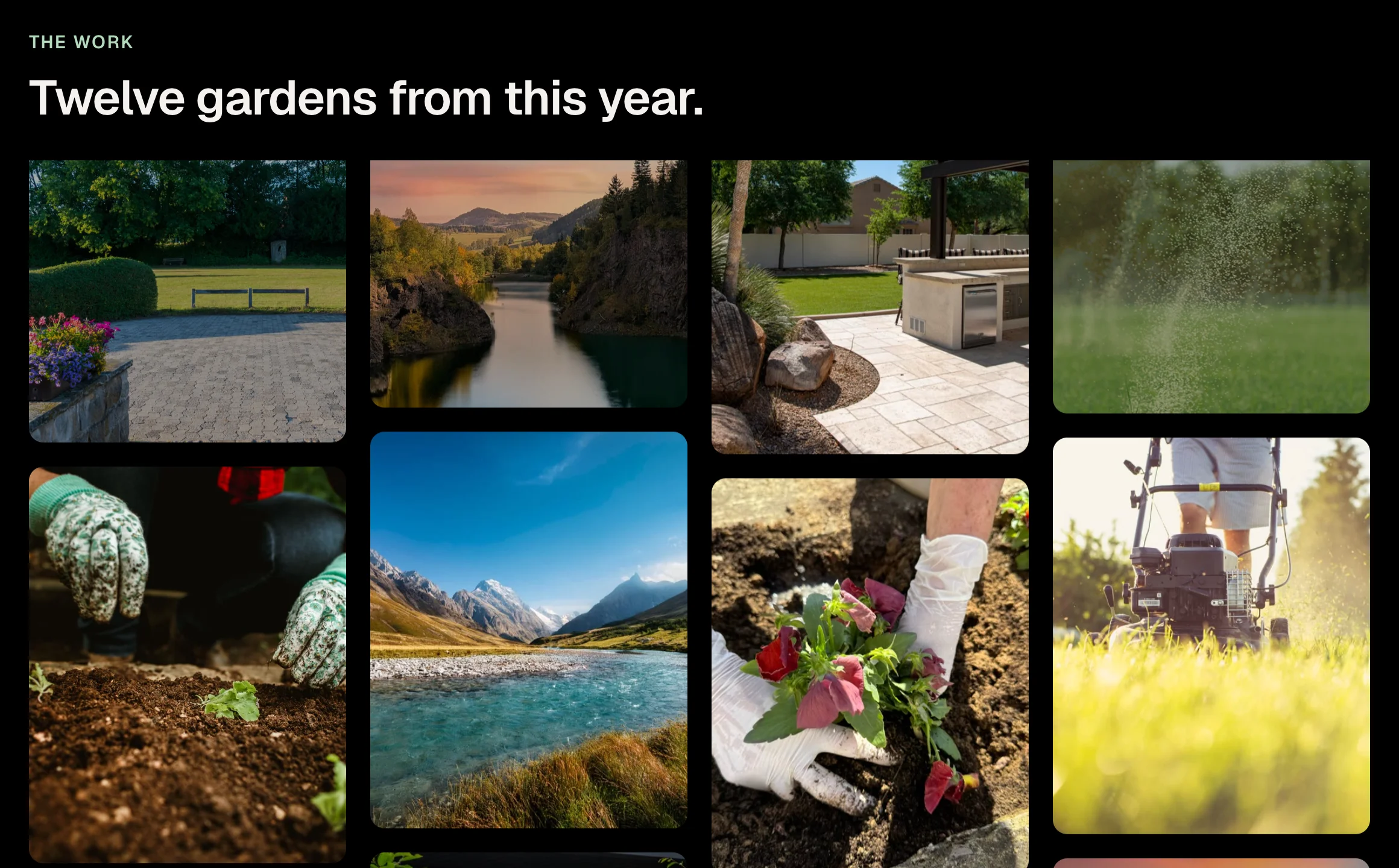
A wall of pictures in columns that travel at different speeds as the page scrolls, alternate columns the other way, so the wall seems to breathe. Two columns on a phone, four on a wide screen. Needs the EtchPress Runtime; without it it is a plain even grid.
How it works
A portfolio wall. Photos from an event or a place. A product range shown at a glance. Press or social proof as pictures.
Options
eyebrow (text, optional); title (text, optional); images (repeater: image, alt)
Open the item page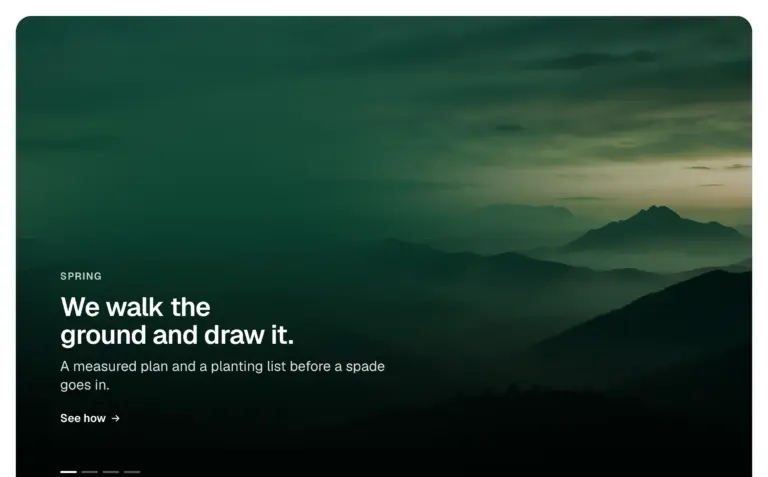
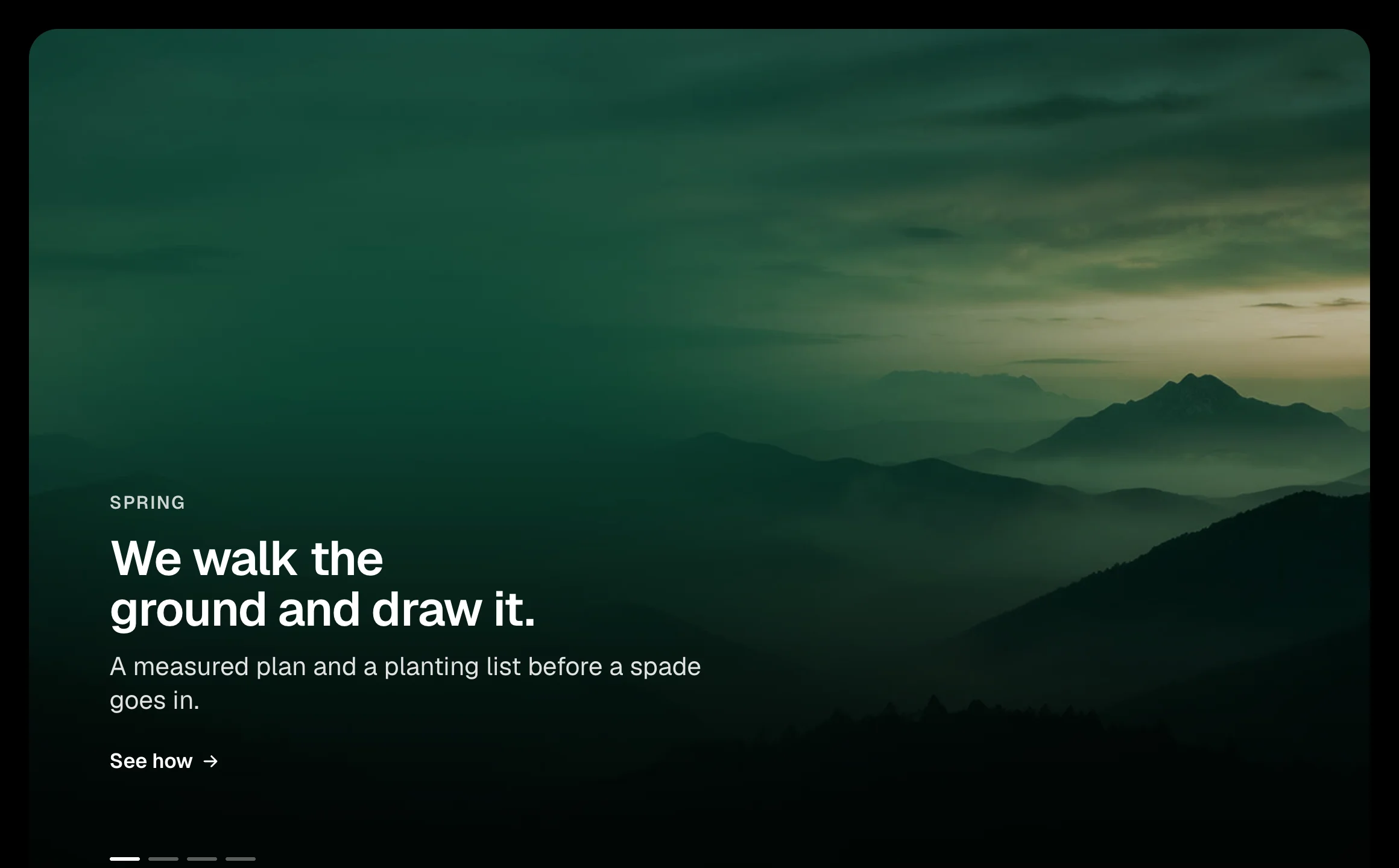
Full picture panels, one frame: as you scroll, the next panel is uncovered through a growing circle, a rising wipe or a diagonal, its picture easing back and its words arriving. The same on a phone. Needs the EtchPress Runtime; without it the panels simply follow one another.
How it works
A home page that tells three or four things in turn. Chapters of a case study. Seasons, places or product lines. A launch page.
Options
panels (repeater: image, alt, eyebrow, title, text, linkLabel, href); shape (select: circle, wipe up, diagonal)
Open the item page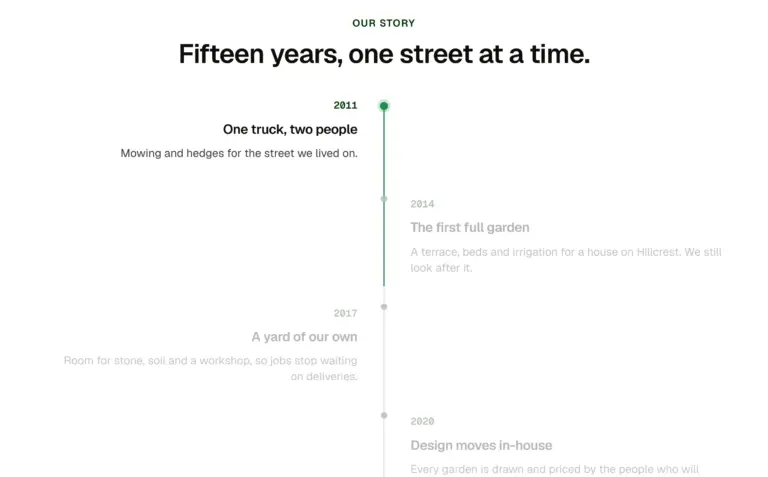
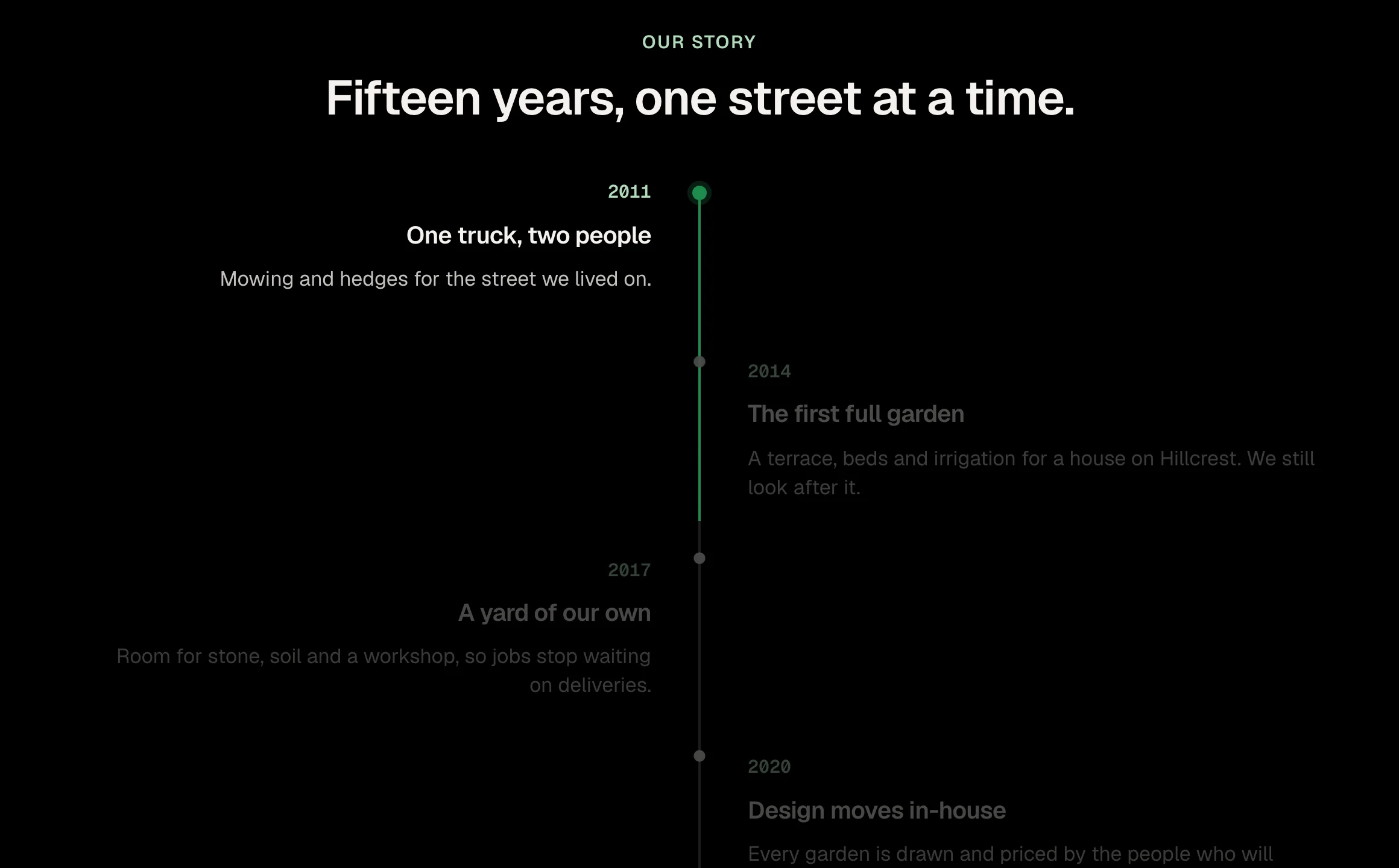
A timeline whose line draws itself as you scroll, lighting each entry as it arrives. Entries alternate either side of the line on a wide screen and line up beside it on a phone. Needs the EtchPress Runtime; without it the timeline is simply all there.
How it works
A company history. A project timeline or roadmap. The stages of a service. A changelog told as a story.
Options
eyebrow (text, optional); title (text, optional); entries (repeater: when, title, text)
Open the item page
A stack of pictures that fans out into a row as you scroll, each one settling level with its name beneath it, while the section holds on screen. On a phone the row overlaps like a hand of cards. Needs the EtchPress Runtime; without it it is a row of cards.
How it works
Introducing a team. A handful of featured projects. Product ranges. The stages of something, shown as pictures.
Options
eyebrow (text, optional); title (text, optional); cards (repeater: image, alt, title)
Open the item page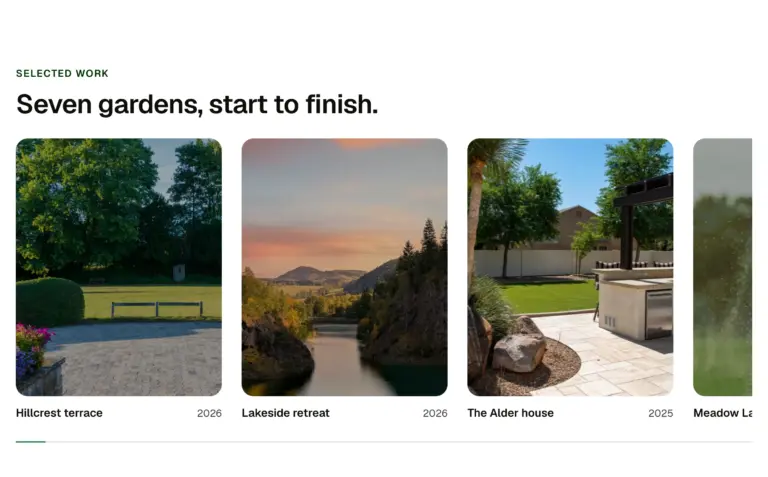
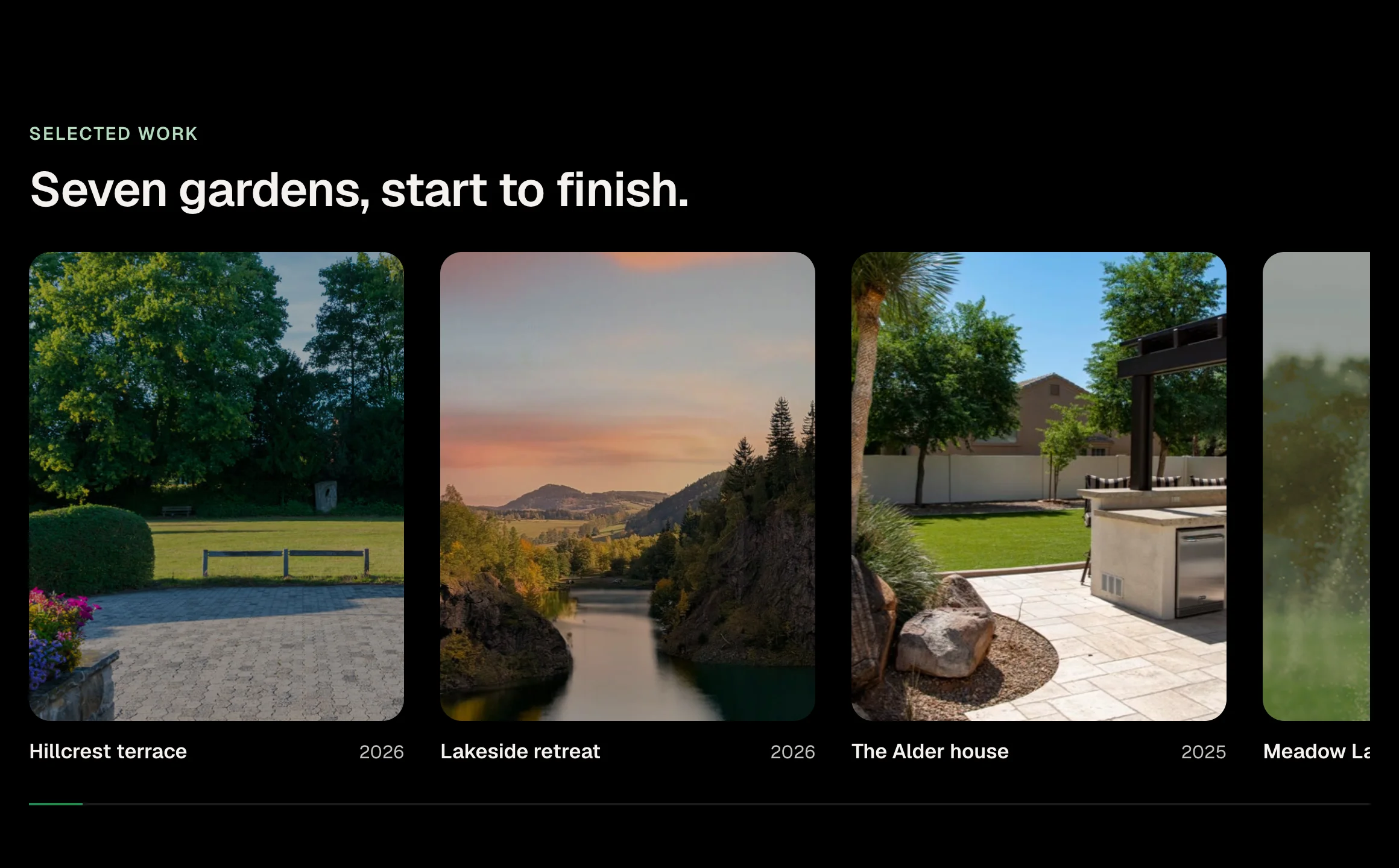
A row of pictures that travels sideways while the page scrolls and the section holds on screen, each picture drifting inside its frame, a bar showing how far along. On a phone the row is swiped by hand, with the same drift and bar. Needs the EtchPress Runtime; without it it is a row you scroll.
How it works
Selected work, six to ten projects. A product line shown one after the other. A timeline of a company's years. Before the plain gallery grid, as the page's one moment of theatre.
Options
eyebrow (text, optional); title (text); cards (repeater: title, meta, image, alt, href)
Open the item page

A picture the size of a word sits inside the headline. As the page scrolls the section holds, the picture opens until it fills the screen, the words part, and a caption arrives over it. The same on a phone. Needs the EtchPress Runtime; without it it is a headline with its picture and a caption.
How it works
The opening of a home page for a business whose work is visual. The turn from a claim to the proof on a case study. An about page: the sentence, then the place. A campaign landing page with one photograph.
Options
lead (the first words); tail (the last words); image and alt; text (the caption); linkLabel (optional) and href
Open the item page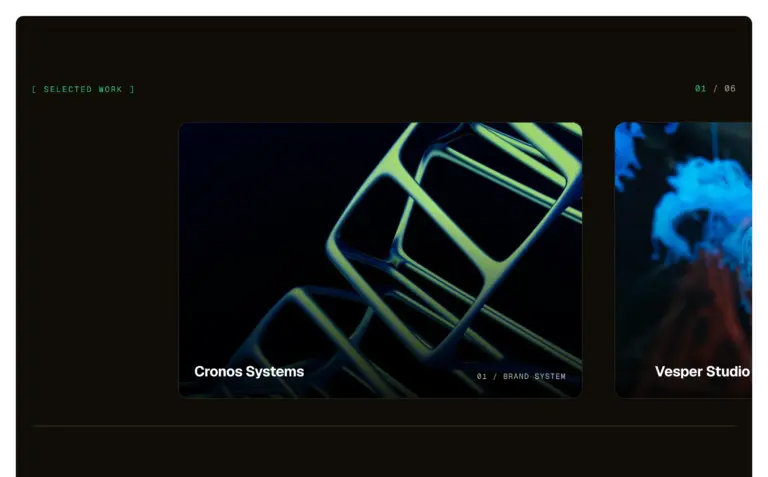
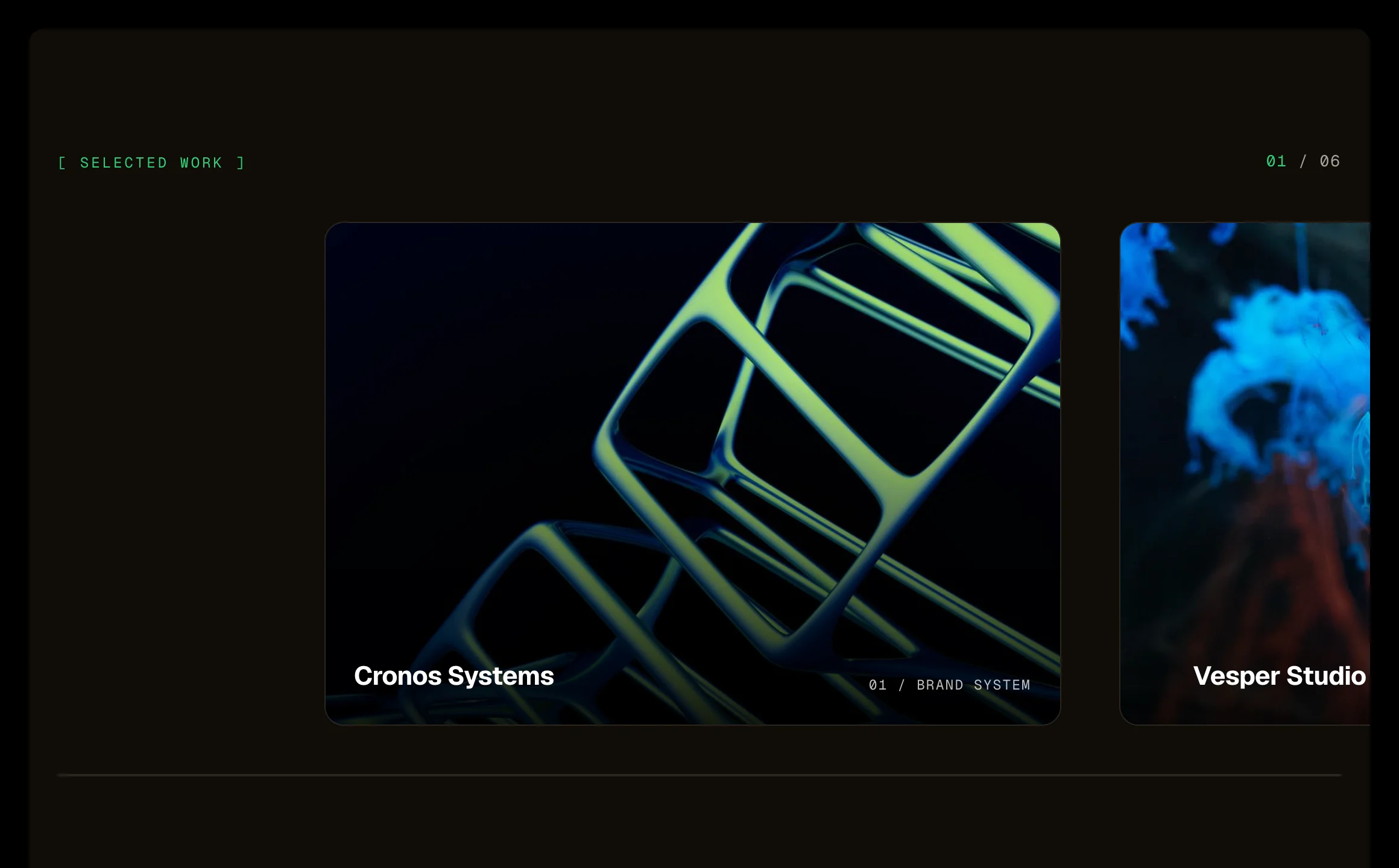
A row of large picture cards that travels sideways while the section holds on screen, like a camera panning. Three layers move at three speeds: the picture, its caption, and a large ghost numeral behind each card, so it reads as depth. A counter above and a progress line below. The same on a phone. Needs the EtchPress Runtime; without it it is a row of cards to swipe.
How it works
Selected work on a studio or agency site. A portfolio's featured projects. A product line shown one at a time. Chapters or case studies on a landing page.
Options
eyebrow (text); cards (repeater: image, alt, title, label)
Open the item page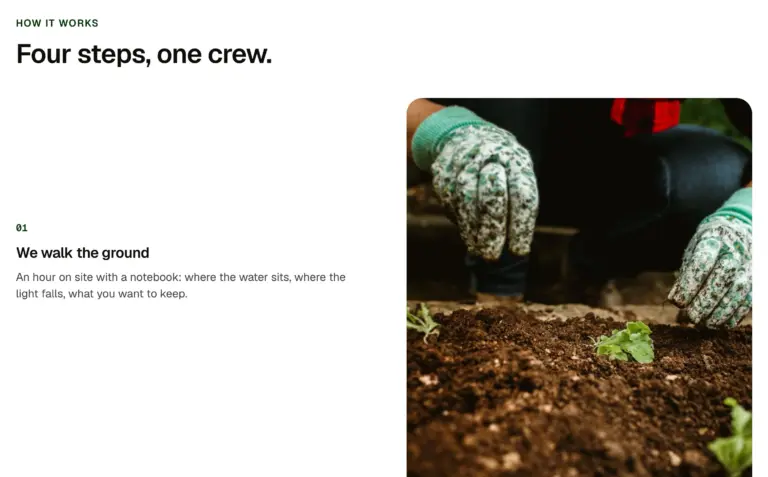
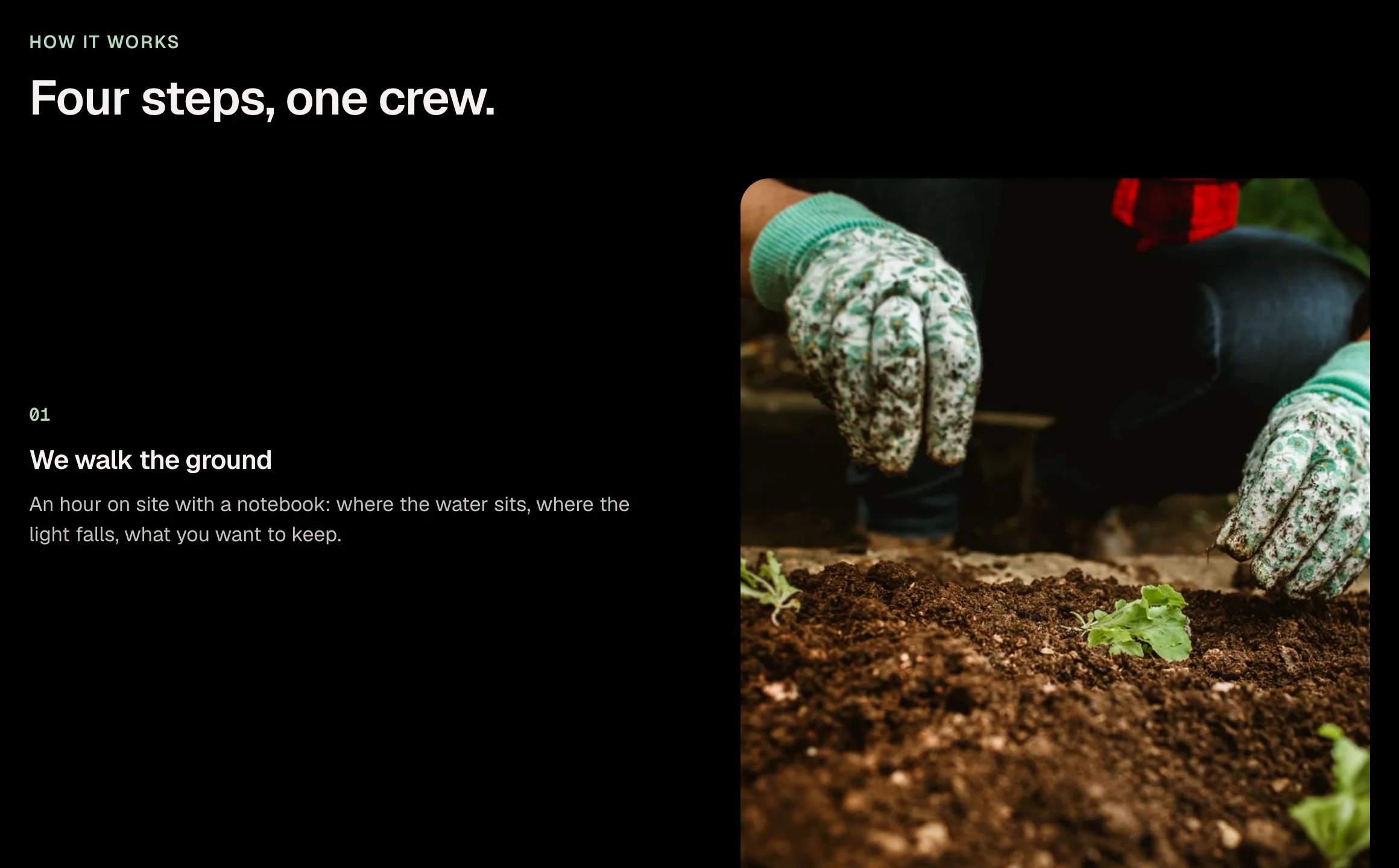
Steps that scroll past while one picture stays in view and changes to match the step you are reading. Beside the steps on a wide screen, held at the top on a phone. Needs the EtchPress Runtime; without it each step simply has its picture above it.
How it works
How a service works, step by step. A product tour with a screenshot per feature. A case study told in stages. An onboarding or process page.
Options
eyebrow (text, optional); title (text, optional); steps (repeater: image, alt, title, text)
Open the item page

A picture shows only through the letters of one large word. As the page scrolls the section holds and the word grows until you have passed through it into the picture, and a caption arrives. The same on a phone. Needs the EtchPress Runtime; without it it is the word, the picture and the caption.
How it works
The opening of a campaign page. A one-word brand statement that becomes the product. The start of a case study. A chapter break on a long story page.
Options
word (one short word); image and alt; text (the caption); linkLabel (optional) and href
Open the item page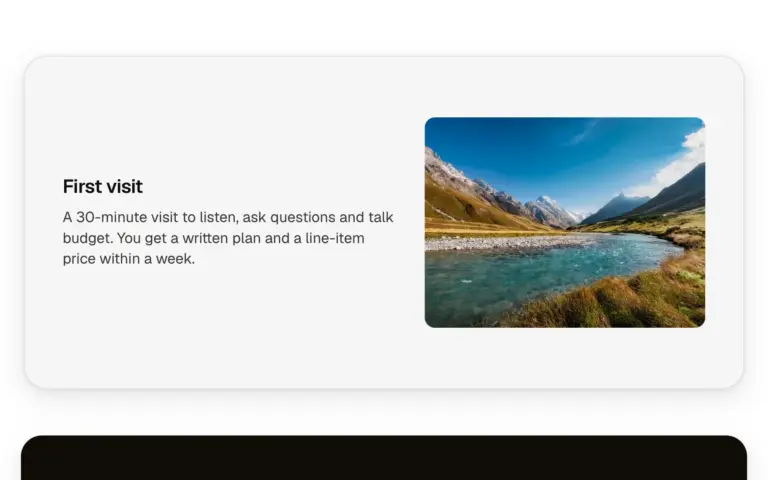
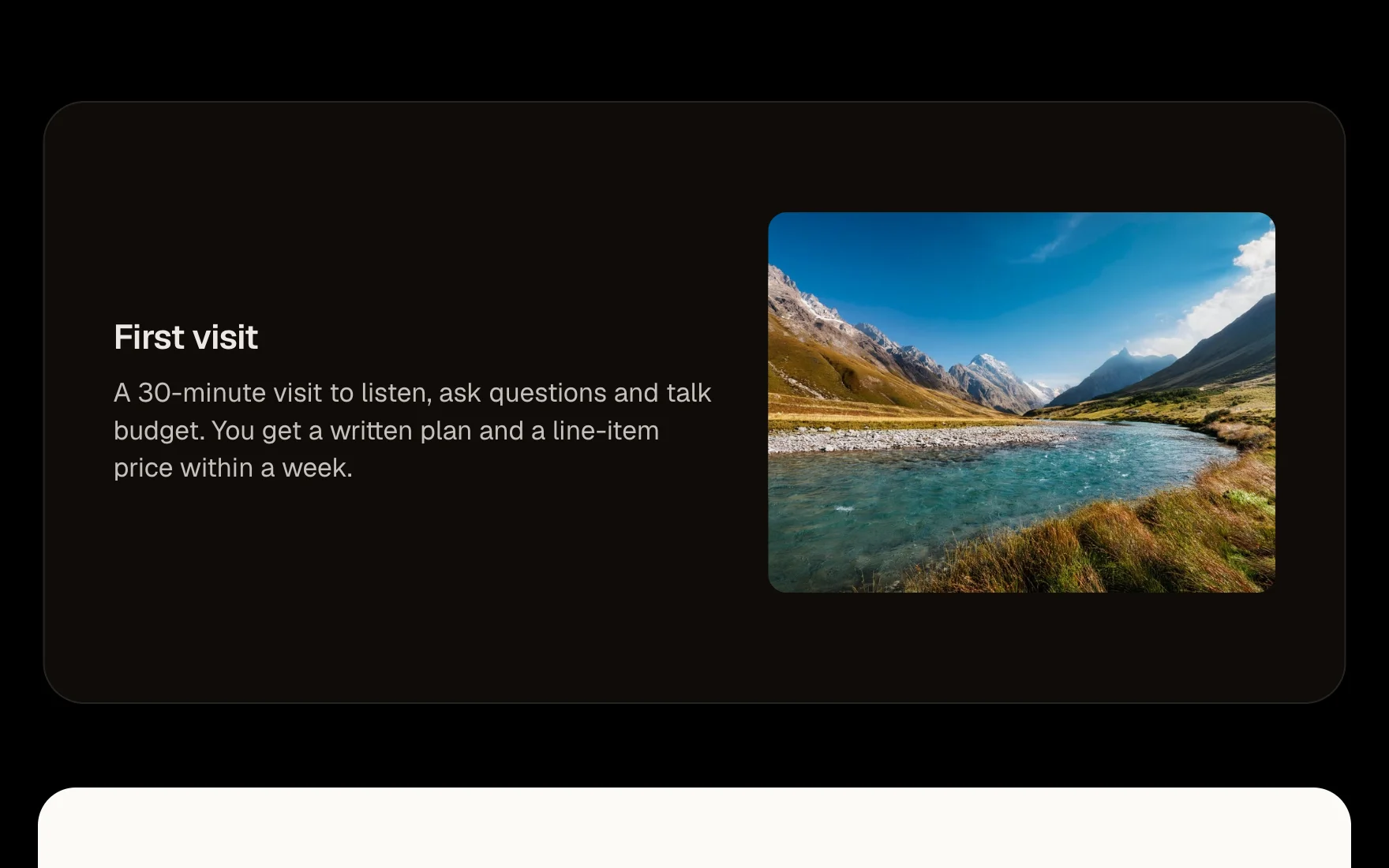
Cards that pin near the top as you scroll and stack, each one settling back a step as the next slides over it. One list, one card per item; the list carries a few lines of script that measure the scroll, so it works in every browser. Full-screen cards (the default) or content-height cards; the outgoing card settles back smaller, dimmer and rounder as the next slides over.
How it works
A sequence of steps or features that stack as the page scrolls. A case study told card by card. A product's main points on a long landing page.
Options
title (text); text (text); image (image, optional); tone (select: light, dark, primary); size (select: full, content).
Open the item page









Nothing matches. Clear the search.