Media
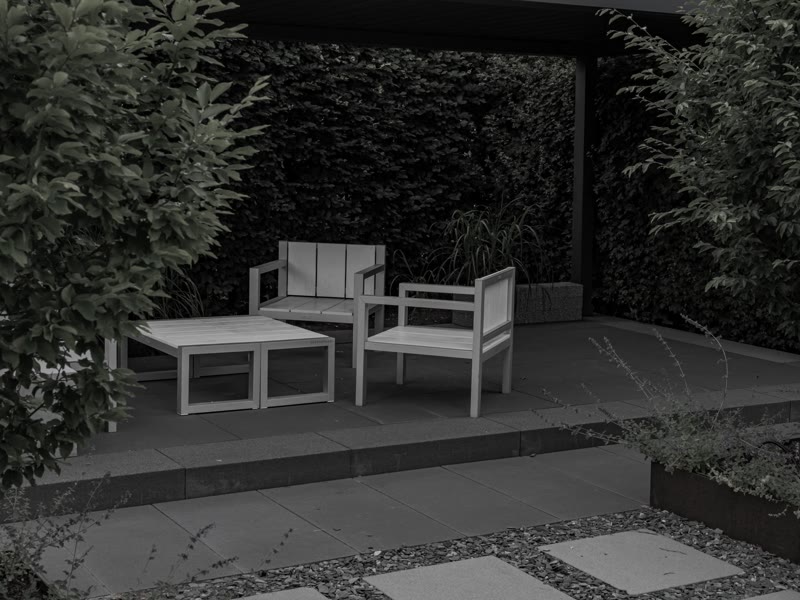
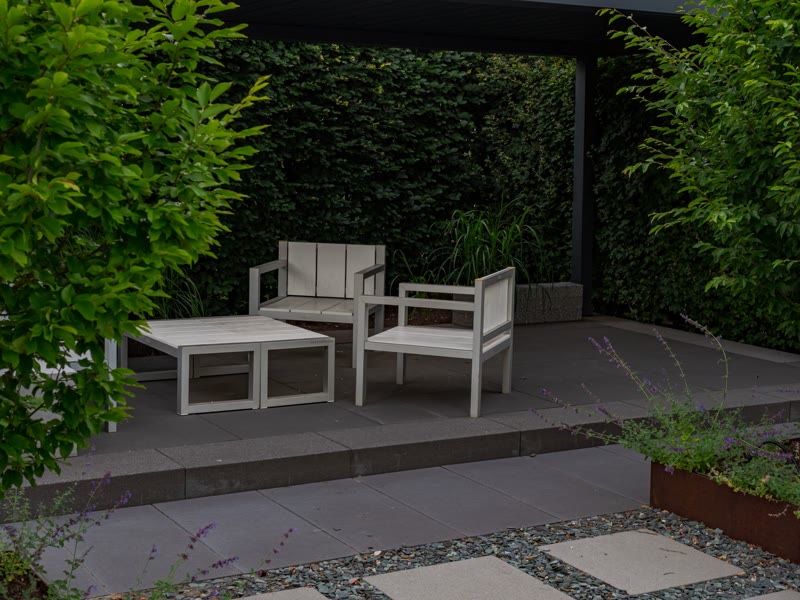 BeforeAfter
Two photos, one divider you drag. The control is a real range input, so it works by keyboard, touch and mouse, reads its position aloud, and needs no library. Labels and the start position are props.
How it works
A renovation or landscaping result, before and after. A cleaning, detailing or repair comparison on a service page. A retouching or design revision shown side by side.
Options
before (image URL); beforeAlt (text); after (image URL); afterAlt (text); beforeLabel and afterLabel (text); start (select: 25, 50, 75 percent); ratio (select: 4:3, 16:9, 1:1)
Open the item page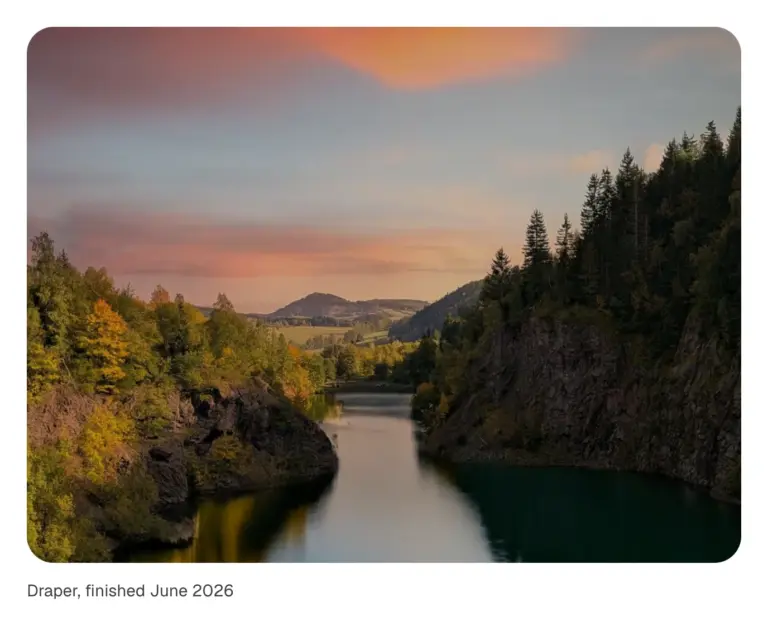
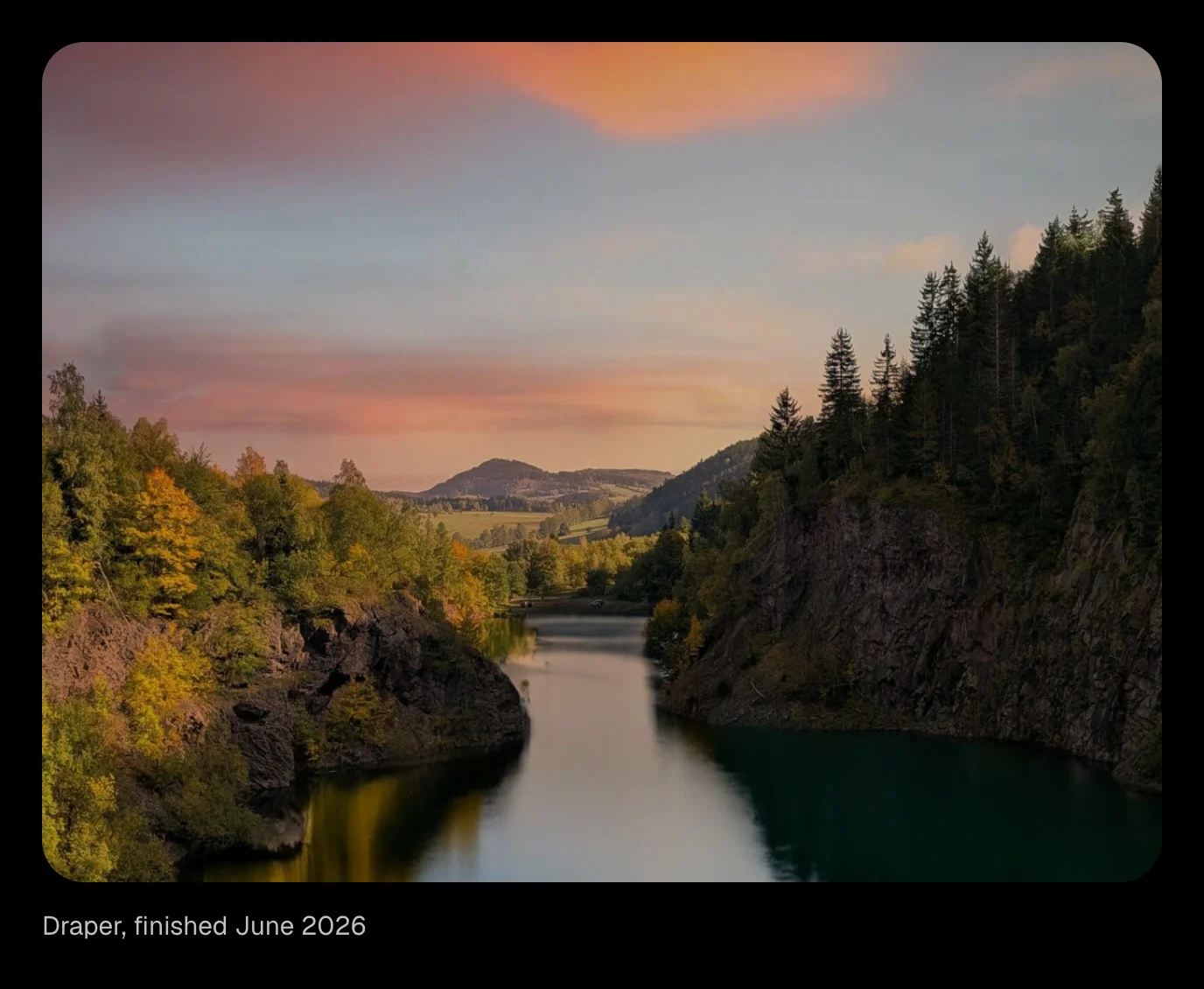
A figure whose image wipes into view as it scrolls in, from the side or the bottom, with a slow settle from a slight zoom. Optional caption. Scroll-driven CSS, no script.
How it works
A case study image that wipes in as the reader reaches it. A portfolio piece with a caption. A product photo with a slow settle.
Options
image (image); alt (text); caption (text, optional); direction (select: up, left, right, down, curtain, circle); ratio (select: 4:3, 16:9, 1:1, 3:4); zoom (boolean)
Open the item pageSelected work
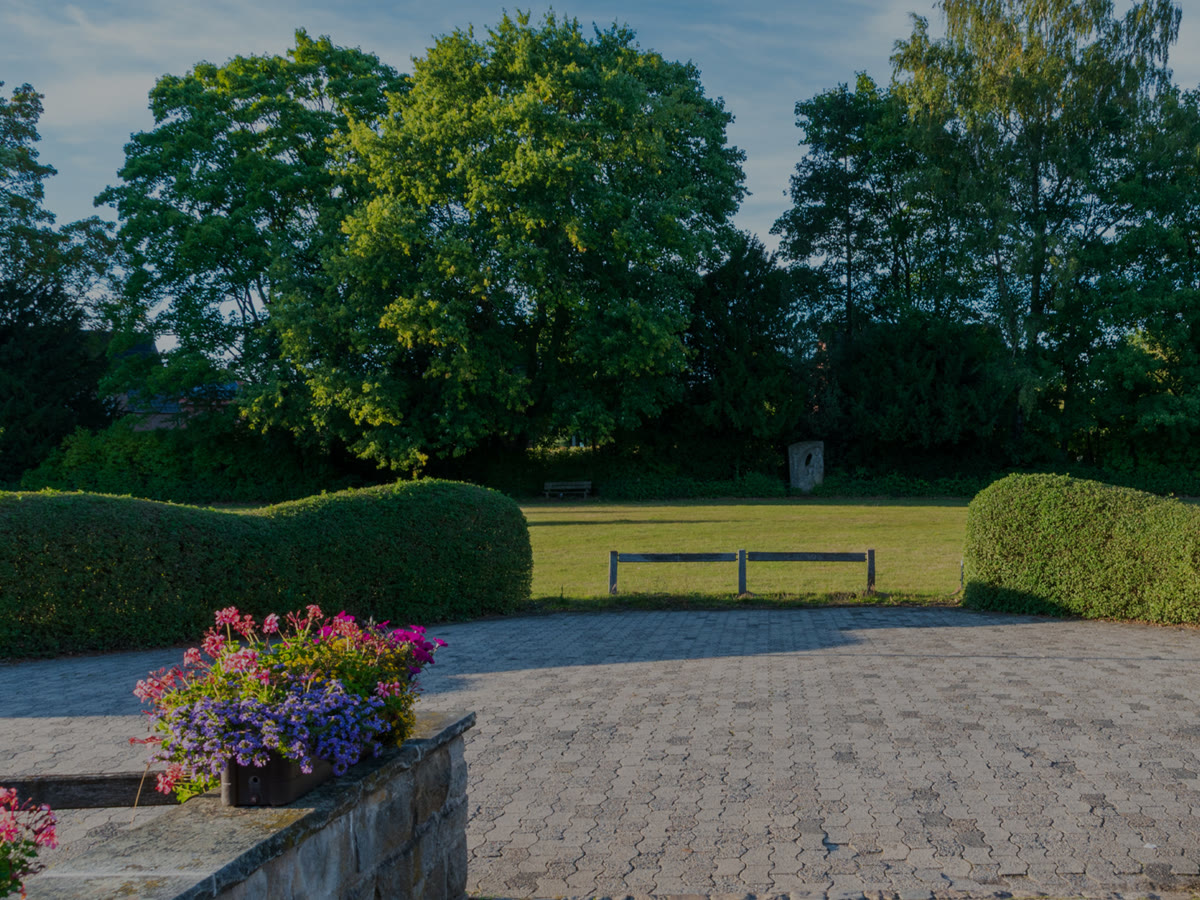
Eight gardens, one summer.
Move across to look through them.
Pictures appear one after another along the pointer's path, around the words and never over them and fade behind it, over a heading. Until someone moves, and on a phone, a slow figure of eight draws the trail by itself; a finger dragged across draws its own. Needs the EtchPress Runtime; without it the pictures sit in a quiet row.
How it works
A photographer's or a studio's hero. The opening of a lookbook or a collection. A playful band on an about page. A gallery teaser above the real gallery.
Options
eyebrow (text, optional); title (text); lead (text, optional); images (repeater: image, alt)
Open the item page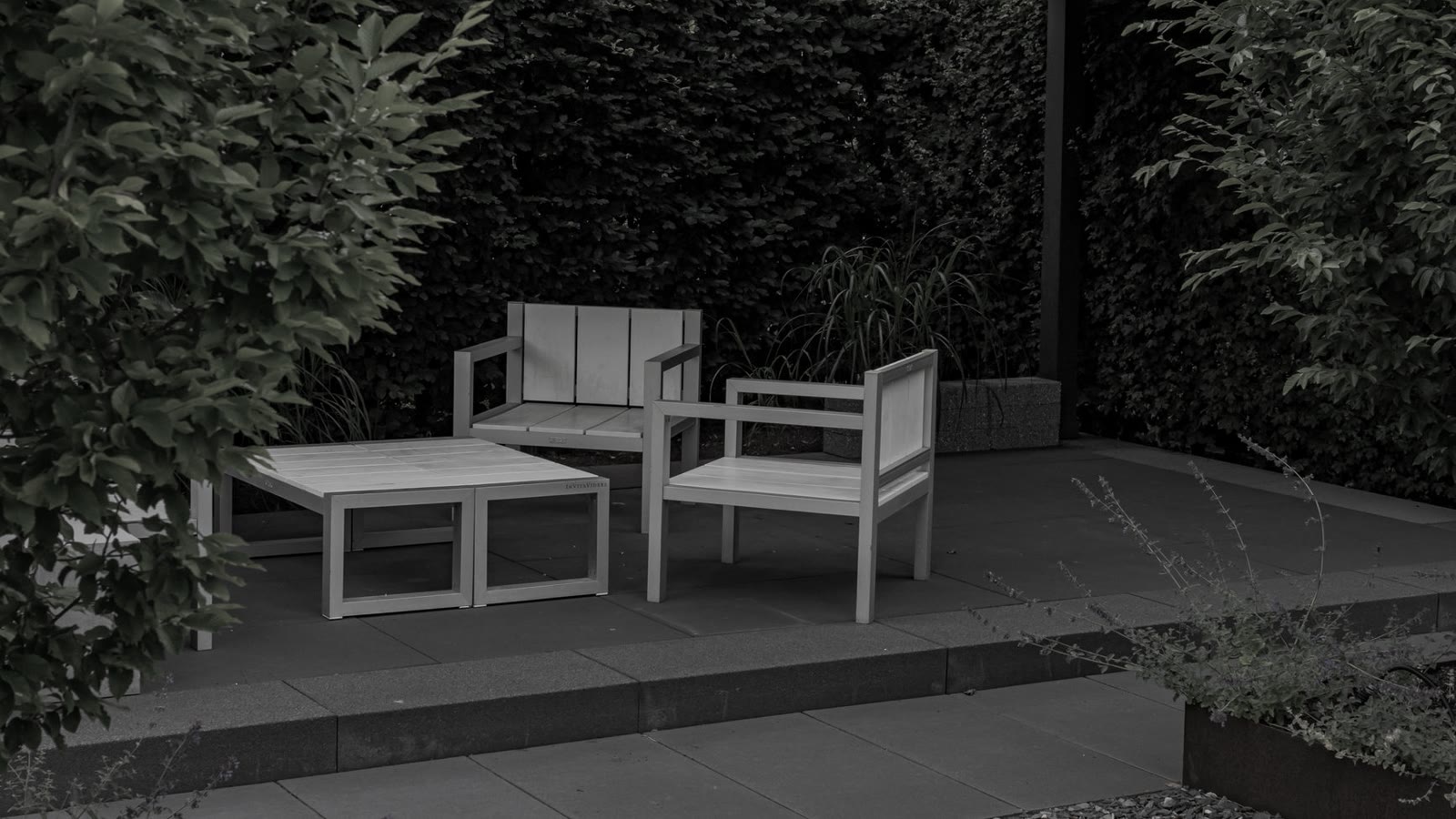
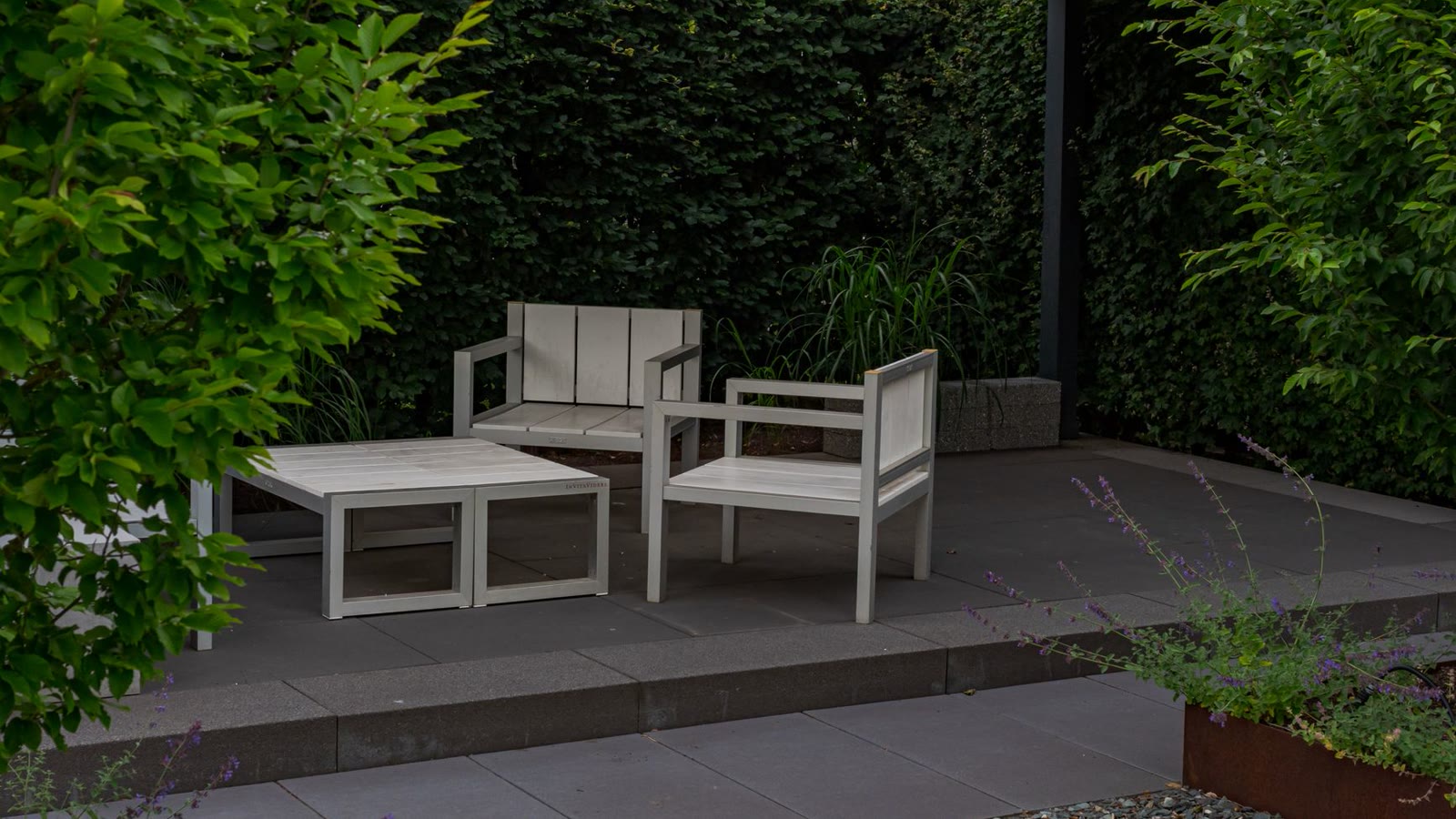
The plot in March, and the same view in August.
Two pictures, one hidden under the other, and a round lens that follows the pointer or your finger to show what is underneath. Left alone it drifts on its own. For before and after, a drawing and the finished thing, day and night. Needs the EtchPress Runtime; without it the two pictures sit side by side.
How it works
Before and after. A plan and the finished build. A product and what is inside it. Day and night, summer and winter.
Options
image and alt (the picture you see); overImage and overAlt (the picture in the lens); caption (text, optional); size (select: small, medium, large)
Open the item page
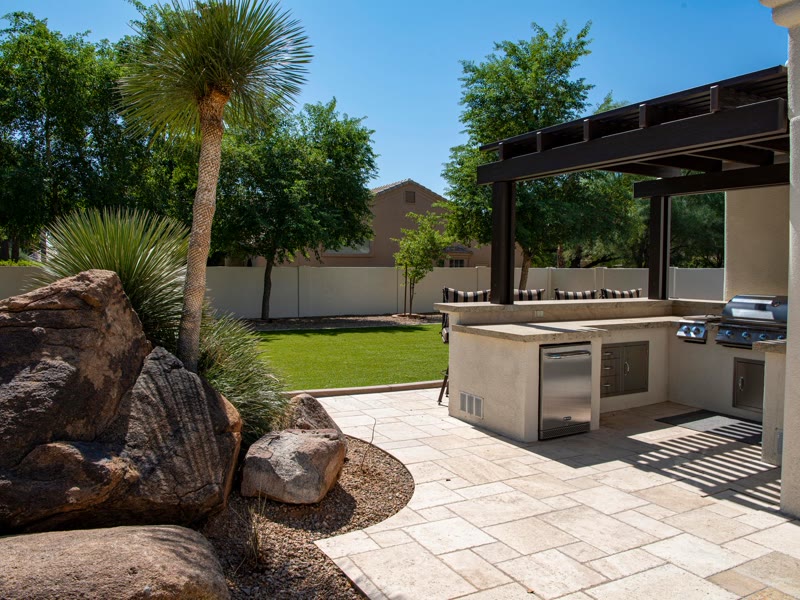
The lake at the bottom of the Lakeside garden.
A picture that behaves like still water: rings spread from wherever the pointer or your finger moves across it, and one drops in on its own now and then. Needs the EtchPress Runtime; without it, or where the browser has no WebGL, it is simply the picture.
How it works
A hero picture that answers the pointer. A feature image on a case study. A product shot with some life in it. A portrait or a place.
Options
image and alt; caption (text, optional); ratio (select: the picture's shape); strength (select: gentle, medium, strong)
Open the item page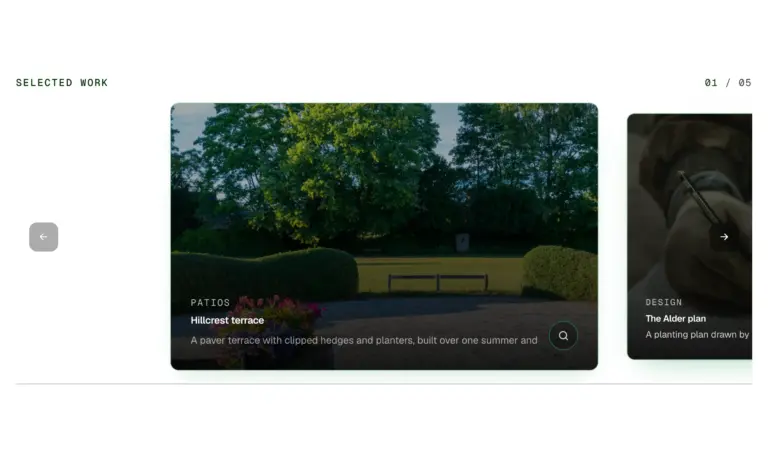
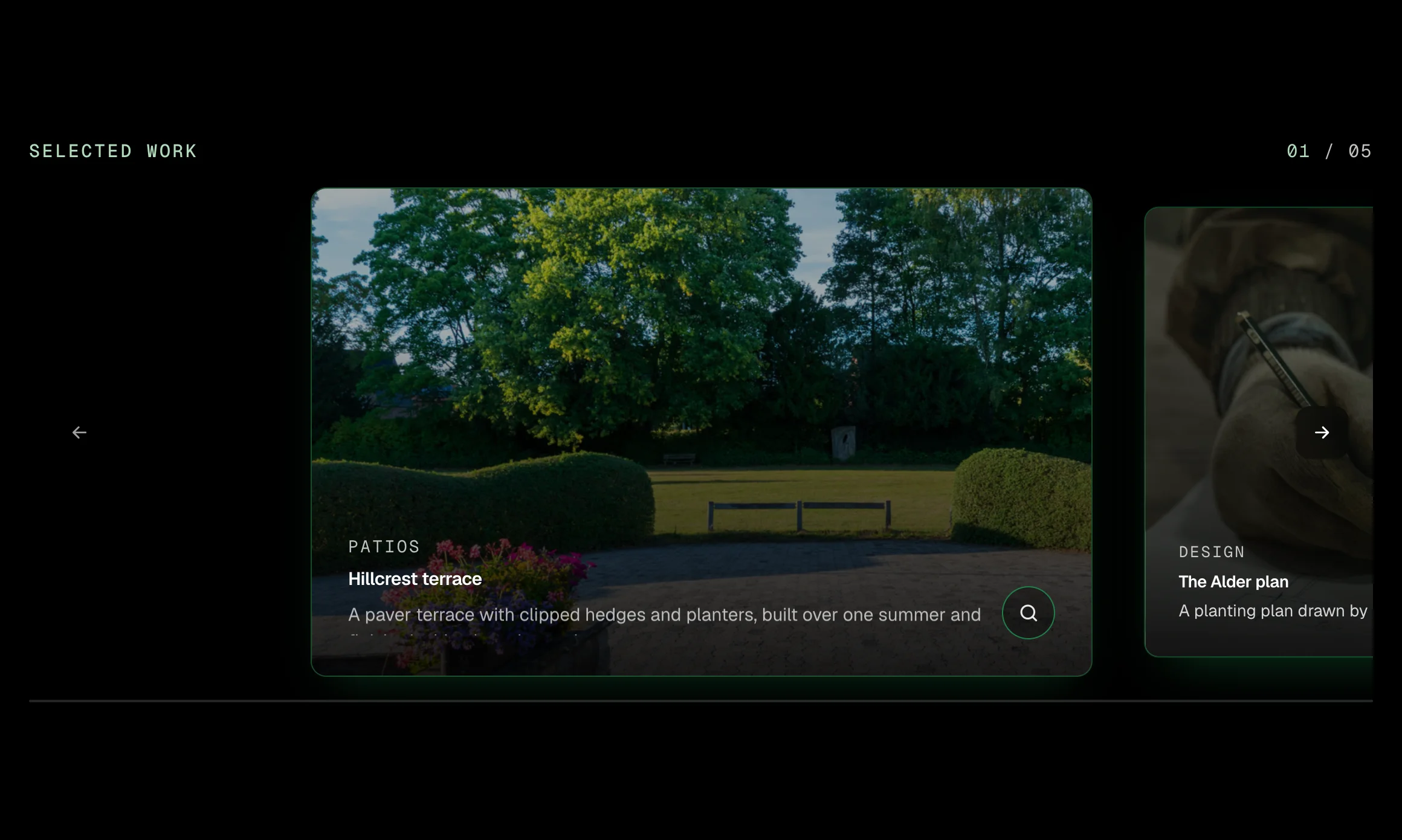
A row of large photo cards for selected work. In the spotlight layout the centred card is bright with an outline and a caption on a dark scrim, and its neighbours sit dimmed at the edges; two or three in view makes it a plain row. Swipe, drag with the mouse, use the arrows or the keyboard; a counter and a progress line keep the place, a zoom opens the picture full size, and autoplay comes with a Pause control. Native scroll snap with one small script, no plugin.
How it works
A selected work section on a studio or contractor home page. A gallery of finished projects with captions and a full size view. A row of two or three photo cards for services, locations or rooms. A testimonial or case study reel that advances on its own, with a Pause control.
Options
label (text, the eyebrow and the carousel's name); showLabel (boolean: hide the eyebrow under a section heading, the name stays for screen readers); items (repeater: image, alt, title, category, description); layout (select: spotlight, two in view, three in view); cardWidth (select, spotlight only: medium, wide, narrow portrait); autoplay (select: off, every 5 seconds, every 8 seconds); showCount (boolean); showProgress (boolean); showZoom (boolean, the lightbox); intro (select: none, or advance two cards when first seen)
Open the item page






Nothing matches. Clear the search.