Canvas
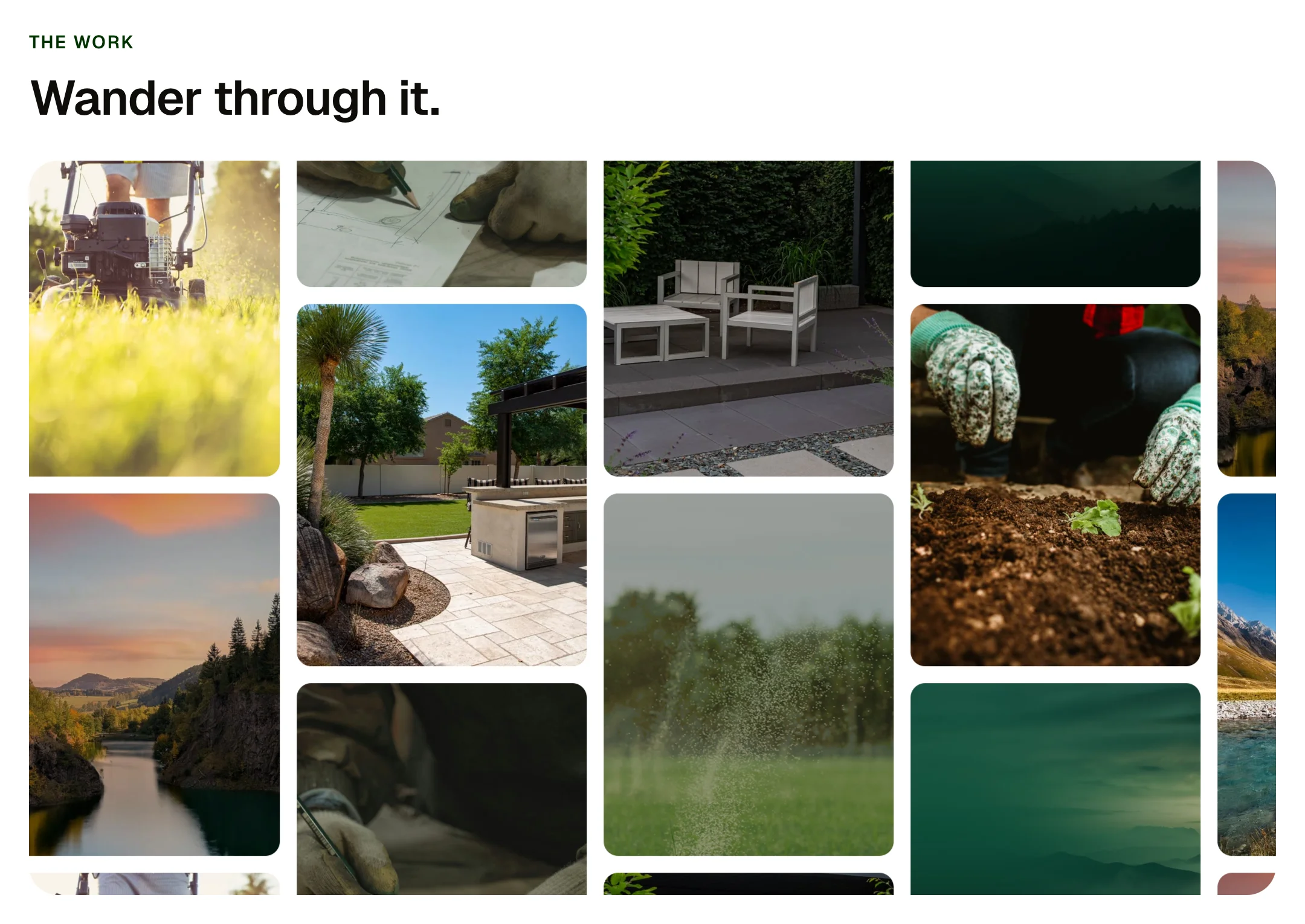
A wall of pictures with no edge: drag it in any direction and it keeps going, coasting when you let go and drifting when left alone. Swipe it sideways on a phone. Needs the EtchPress Runtime; without it it is a tidy grid of the pictures.
Live preview
The work
Wander through it.
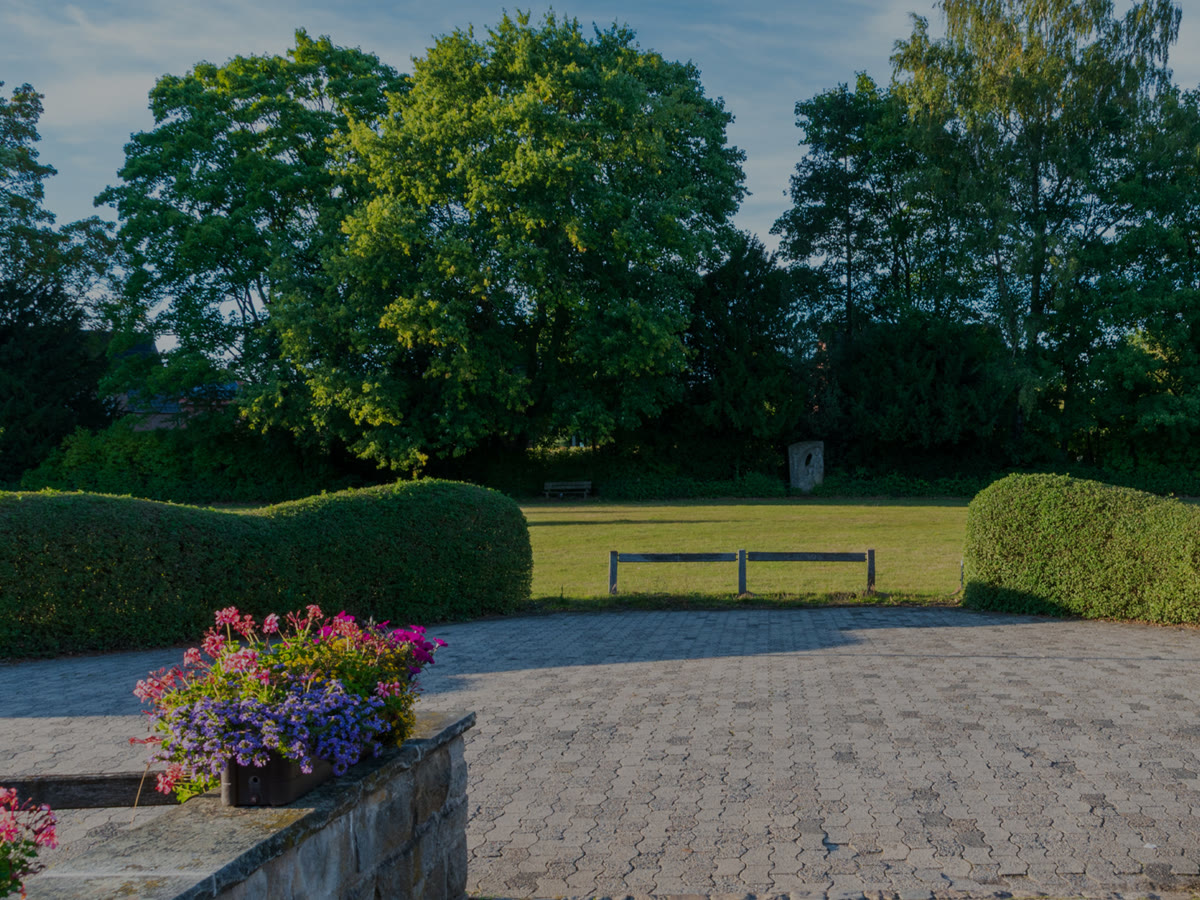

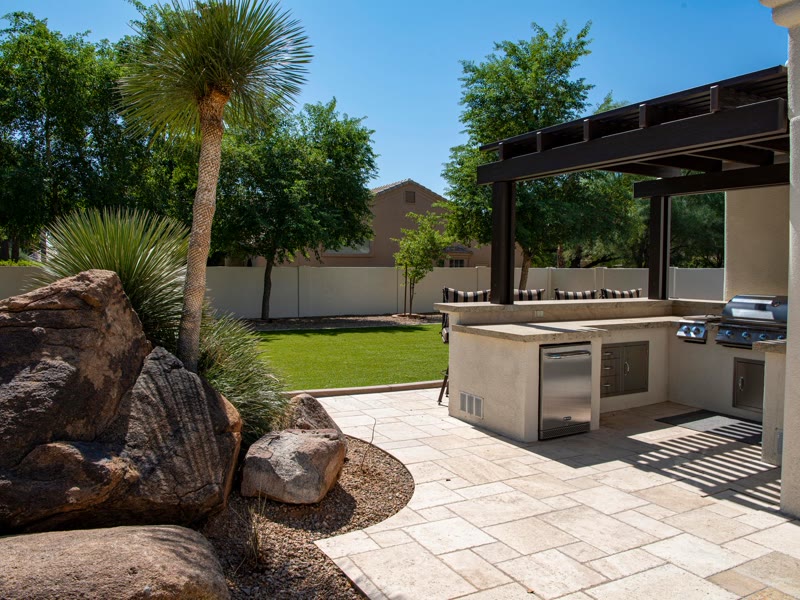



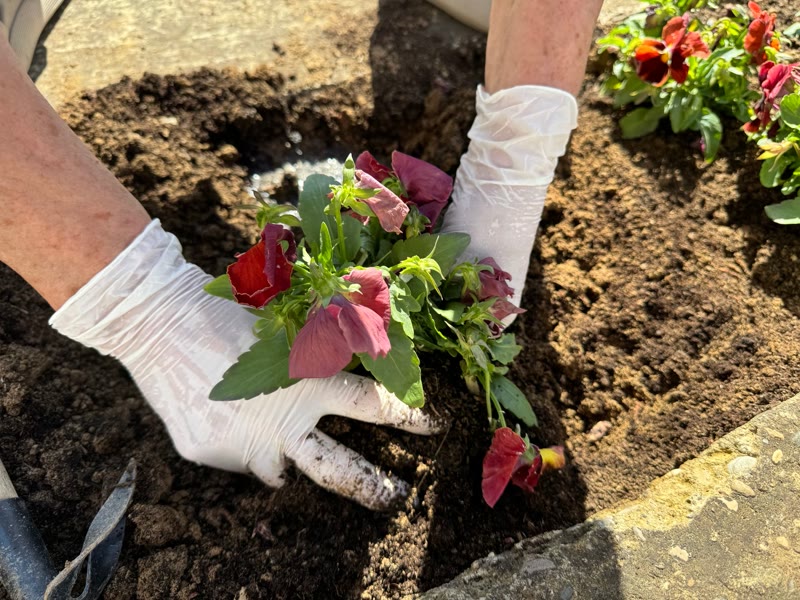

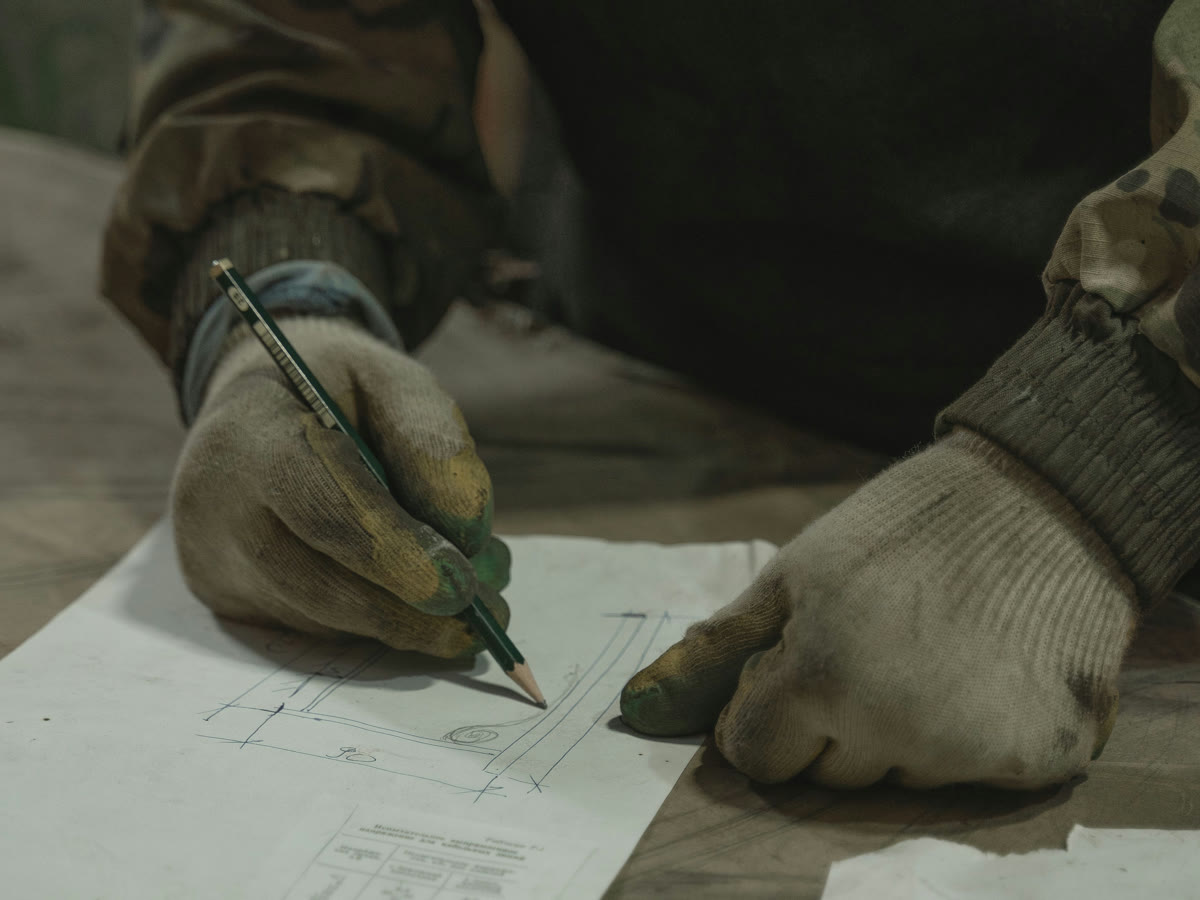


Drag it any way you like.
Before you copy
This is a showpiece. It pastes into Etch like any other item and it is complete without anything else, but its motion comes from the EtchPress runtime: a small script that loads only on the pages that use a showpiece.
Etch for WordPress: download the EtchPress Runtime plugin from Downloads in your account, install it and activate it. Paste your licence key under Settings, EtchPress Runtime, and it updates from the Plugins screen like any other plugin.
Etch Studio: download the EtchPress runtime files from Downloads in your account, unzip them and drop them into your project's Asset Manager, then paste the item. Studio ships the files it needs with your site.
What you can build with it
A portfolio to wander through. Photos from an event. A mood board or lookbook. A product range with no first and last.
Props
eyebrow (text, optional); title (text, optional); images (repeater: image, alt)
States shown
At rest: a slow drift. Mouse: drag any way, it follows and coasts. Touch: a sideways drag moves it and a vertical swipe scrolls the page, which also carries the wall up and down. Reduced motion and no runtime: a grid.
How to change it
Content and options are 3 props in the component's settings panel. Colour, type, spacing and radius follow your Automatic.css settings, so a change to the site's palette or scale changes this too. For anything else, edit the classes in the Style Manager, starting with .wall. Its behaviour is a small script that travels with the component; no plugin and nothing to install.
ACSS tokens used
space-xs, space-s, space-m, radius, text-s, primary-dark.
ACSS requirements
ACSS 4 defaults. Needs the EtchPress Runtime, 0.6.0 or later: the EtchPress Runtime plugin on WordPress, or the runtime's files dropped into the project's Asset Manager in Etch Studio. Without it you get the still version.
Version history
Version 1.0.0, October 3, 2026: First release, with the EtchPress Runtime 0.6.0.
Tested with
Etch 1.6.8 and ACSS 4.0.1. Version 1.0.0.
Needs the EtchPress runtime
The plugin on WordPress, or the runtime's files in Etch Studio. Without it you get the still version.
Lifetime members
Members copy this straight into Etch, ready to paste.
Used an earlier version? How to update it
Get lifetime accessWant EtchPress for Bricks or the block editor?
Everything here is made for Etch. Pick the builder you use and leave your email: we write once, when EtchPress works there.