
01
Patios and hardscape
Paver patios, seat walls and walkways that stay level through winter.
See patiosOne wide photo holds on screen while the page scrolls, splits into two, three or four cards, and each card turns over to its own title, line and link. On a phone, with reduced motion, or without its script, it is a heading over plain cards. No plugin and no stylesheet.
What we do
Paver patios, seat walls and walkways that stay level through winter.
See patiosA scroll scene: the photo holds while you scroll, splits into cards, and the cards turn over. Scroll to see it move. On a phone, and with reduced motion, it is a heading over three plain cards.
What we do
Paver patios, seat walls and walkways that stay level through winter.
See patios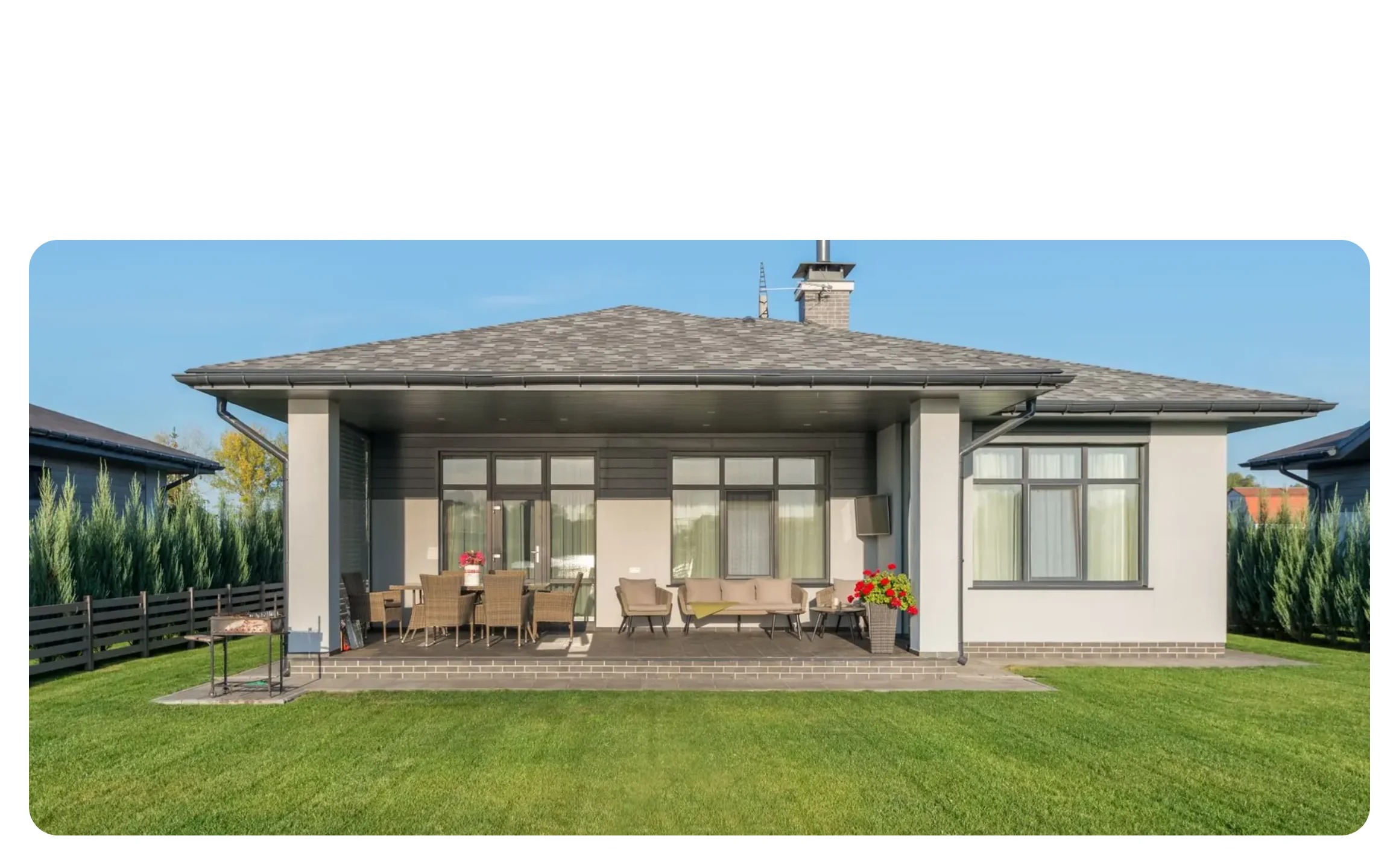
The services of a home page as one showpiece: a photo of the work that becomes the three things you do. A studio's disciplines, each card turning to a link. Before the plain services grid, as the one moment of theatre on the page. A process in three or four steps, each with its own page.
eyebrow (text, optional); title (text); image (one wide photo, cut across the cards); cards (repeater, two to four: number, title, text, linkLabel, href)
Scrolling through: the row narrows, the heading arrives, the gaps open and the corners round, the cards turn over one after the other; it can stop anywhere. A focused link shows the finished cards. Under 56rem of room, under reduced motion and without the script: a heading over plain cards, no pin.
Content and options are 4 props in the component's settings panel. Colour, type, spacing and radius follow your Automatic.css settings, so a change to the site's palette or scale changes this too. For anything else, edit the classes in the Style Manager, starting with .scene-card, .scene-cards. Its behaviour is a small script that travels with the component; no plugin and nothing to install.
space-xs, space-m, space-l, grid-gap, radius, h4, text-s, primary-dark, text-dark-muted, the card variables (–card-padding, –card-gap-tight), box-shadow-1, focus tokens, –header-height for the pin.
ACSS 4 defaults. Nothing to install: a few lines of script follow the scroll. Use it once on a page, twice at most; it takes four screens of scroll.
Version 1.0.0, September 30, 2026: First release: the first scroll scene, built on the shared scroll script with the finished layout as the fallback.
Etch 1.6.7 and ACSS 4.0.1. Version 1.0.0.
Members copy this straight into Etch, ready to paste.
Used an earlier version? How to update it
Get lifetime accessEverything here is made for Etch. Pick the builder you use and leave your email: we write once, when EtchPress works there.