Whole client sites for Etch. Built on your site in one click.
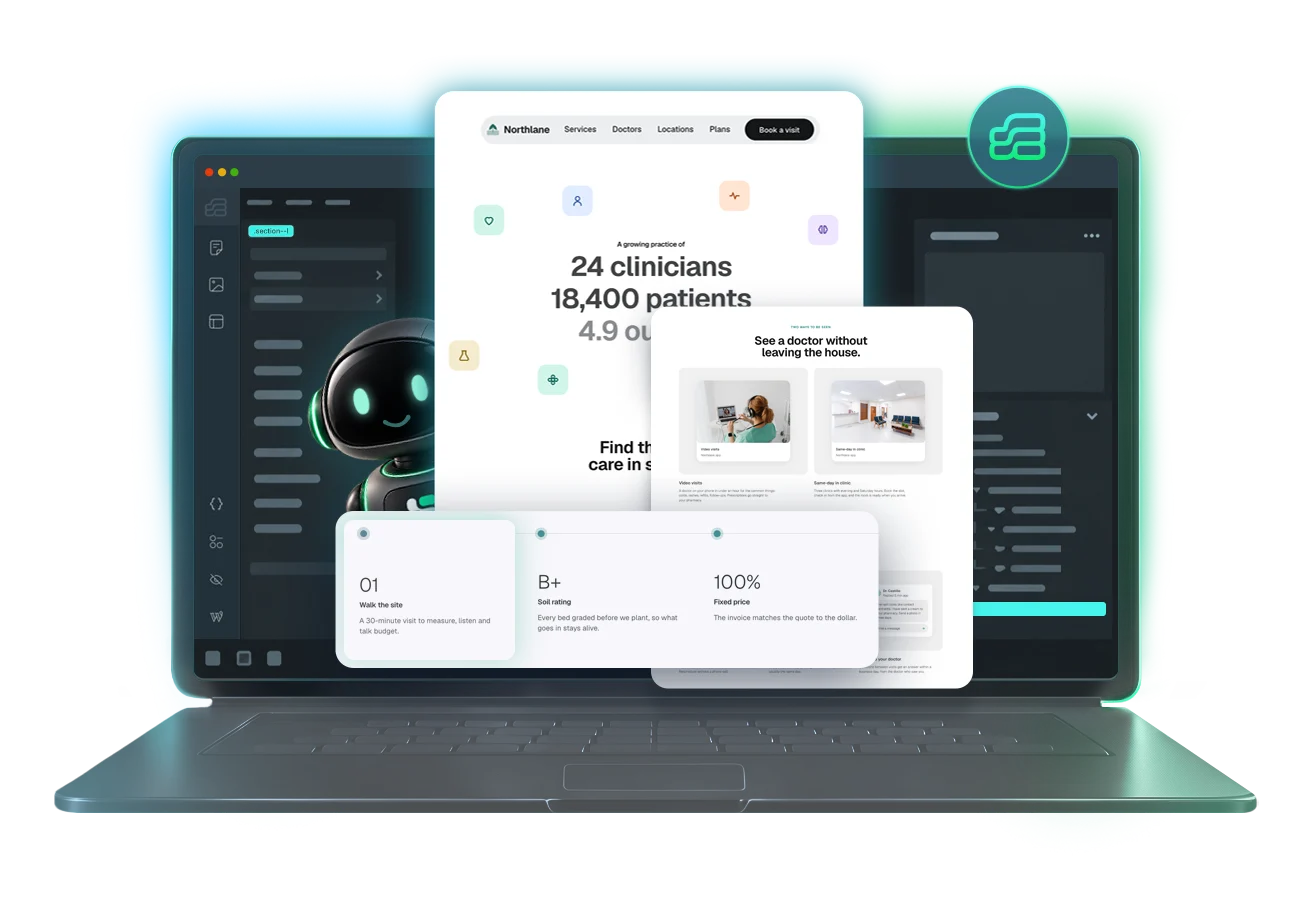
Eleven finished sites for real kinds of business, 119 sections and components to extend them, and a composer, a skill and an MCP so your AI builds more in the same system.
- 11 live demos
- 119 library items
- 31 showpieces
- Tested on Etch 1.7.0 and ACSS 4.0.1
$375 once. Every future kit included.
One payment, everything here.
Everything reads the same ACSS settings and the same class names. Mix a kit with a library section and it still looks like one site.
Eleven full-site kits
Whole websites for one kind of business, each with a live demo. Every page, the header, the footer and the forms.
See kitsPatterns
Heroes, pricing, services, testimonials, FAQs, footers. Each one a section you paste in and fill.
Browse patternsComponents
Real Etch components with props: cards, buttons, accordions, forms. Change one and every instance follows.
See componentsEtchPress skill
Claude Code and Codex learn the system. Ask for a new section and it lands in the same tokens and classes as the kits.
How the skill works- 31 showpieces: scroll scenes, backdrops and text effects that run on the EtchPress Runtime plugin
- Etch Studio files for ten of the eleven kits, with their demo content
- The EtchPress panel: kits, parts, starts and the composer inside Etch
- A brand guide for every client, read live from the site and shared with one link
- The EtchPress MCP: your agent inserts items into the page you have open, and composes whole pages, on the plan you already pay for
- Every future kit and item, at no extra cost

Eleven sites you can open right now.
Each kit is a complete site for one kind of business: every page, the header, the footer, the forms, and the settings that make them match. Open a demo and click around.
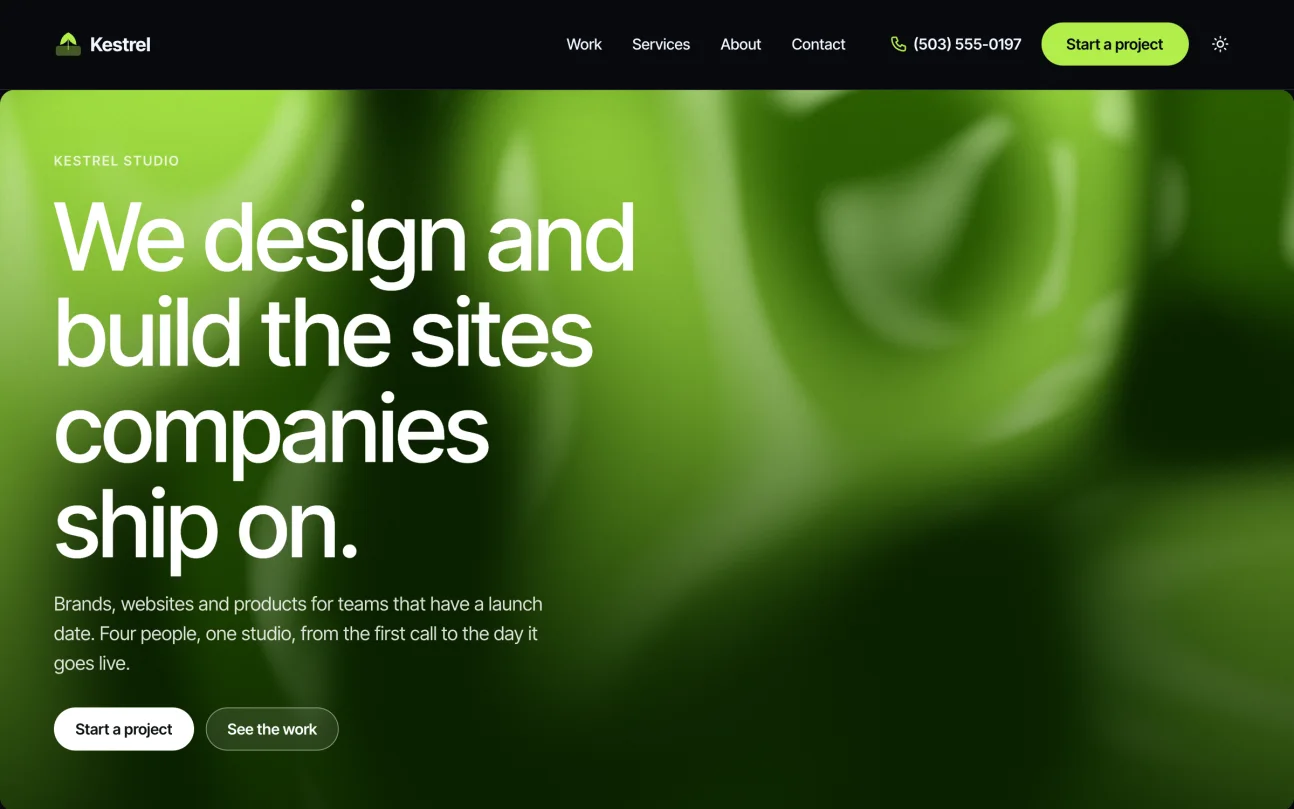
A type-led agency site in light and dark, built from six showpieces: a liquid hero, a work list that previews on hover, a pan gallery, a drawn process timeline, a client wall and a magnetic button. Projects by sector, services, reviews and two forms.
10 pagesDemo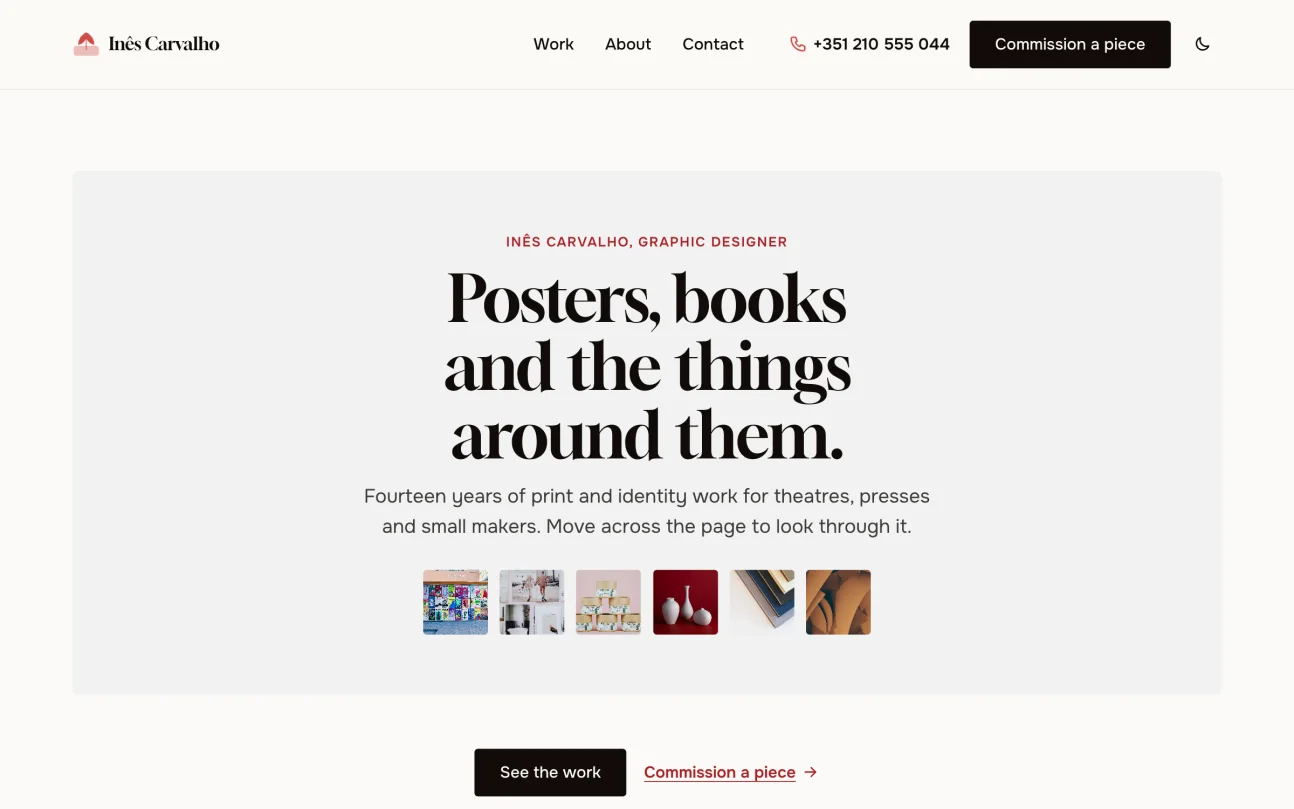
One person's work shown as objects, on paper with one warm accent, in light and dark: an image trail around the headline, a card deck, a fan, a lens on each piece, a ledger of clients and a commission form.
7 pagesDemo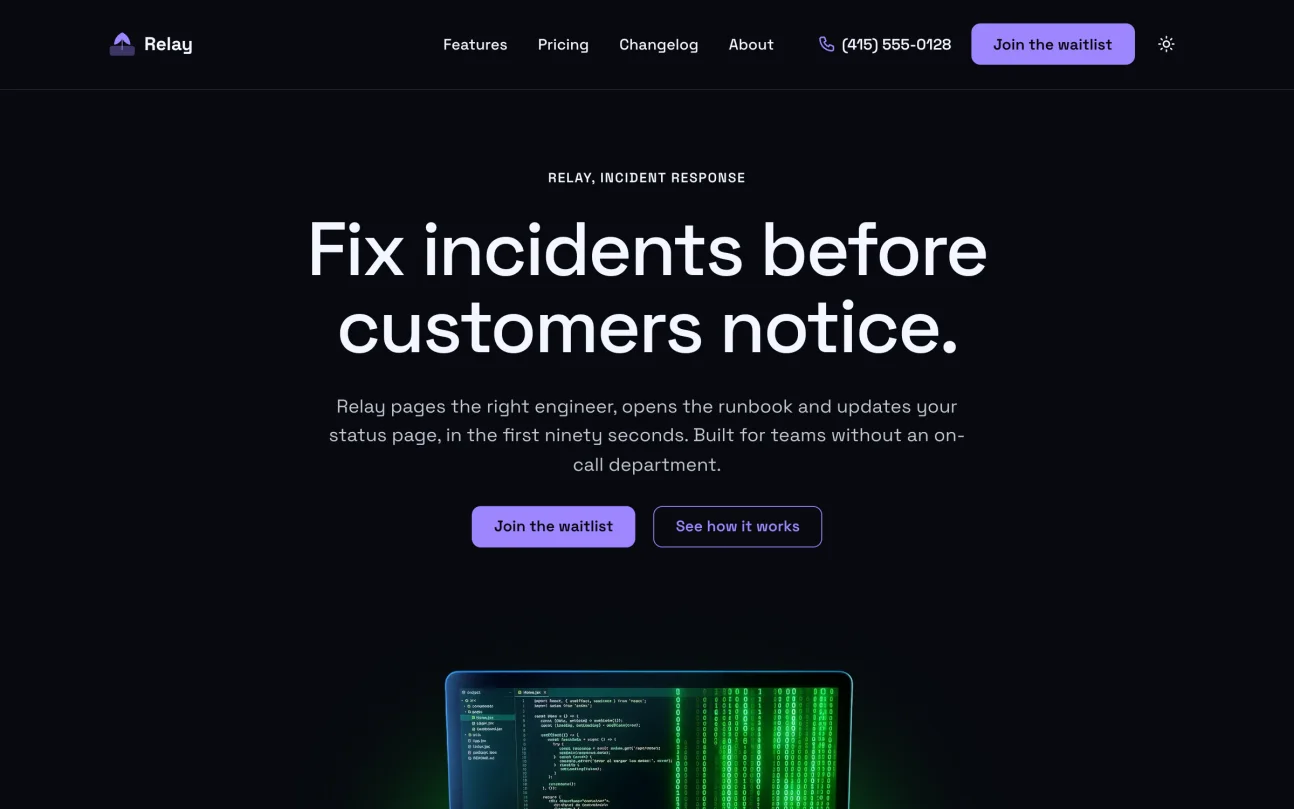
A software product's site in light and dark that explains, proves and converts: a product shot that grows into the headline, a feature dock and bento, a steps scene, pricing on ring cards, a changelog kept as posts and a waitlist.
9 pagesDemo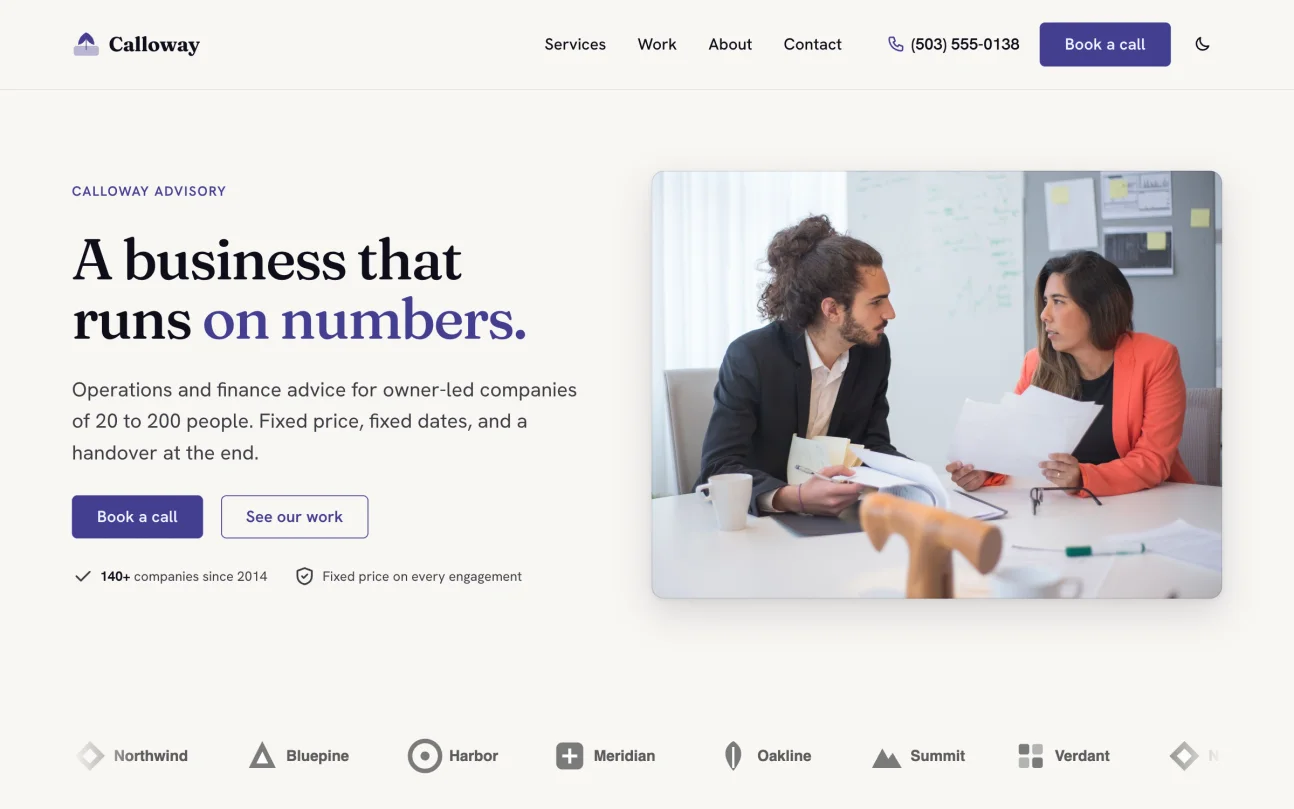
A headline whose last word changes, services as stacking cards, result widgets and counters, built from library items. Case studies and a call request form. In light and dark.
8 pagesDemo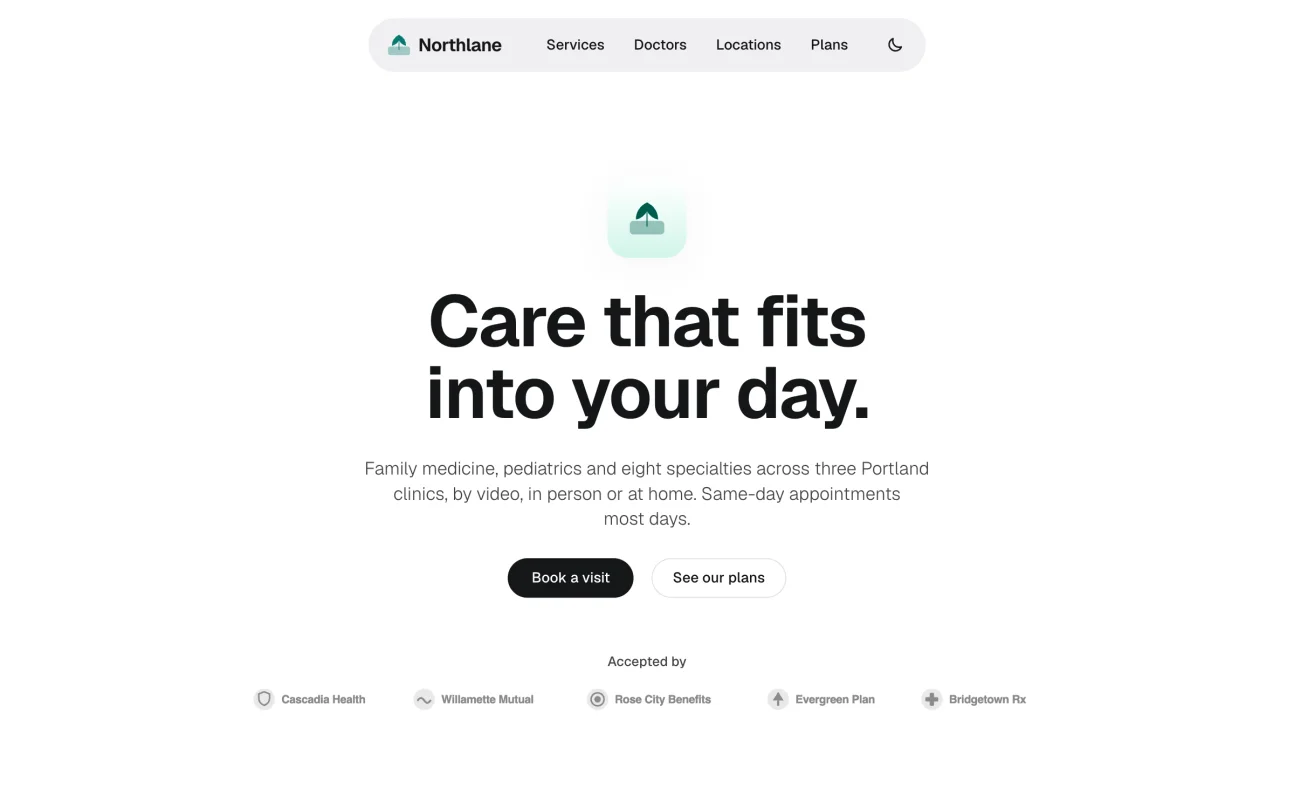
A pill header, a visit finder with filters and sort, doctors, locations, plans and a logo marquee, with ACSS 4 motion throughout. In light and dark.
11 pagesDemo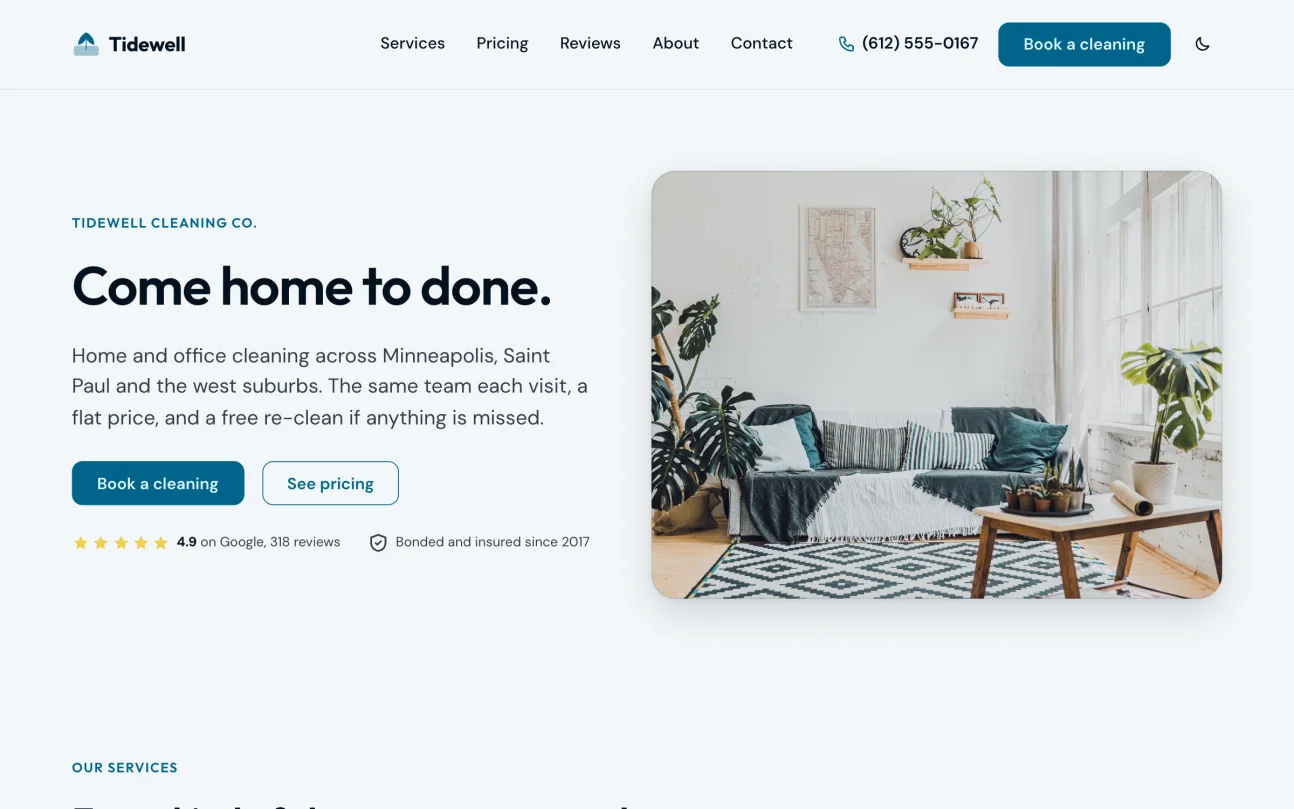
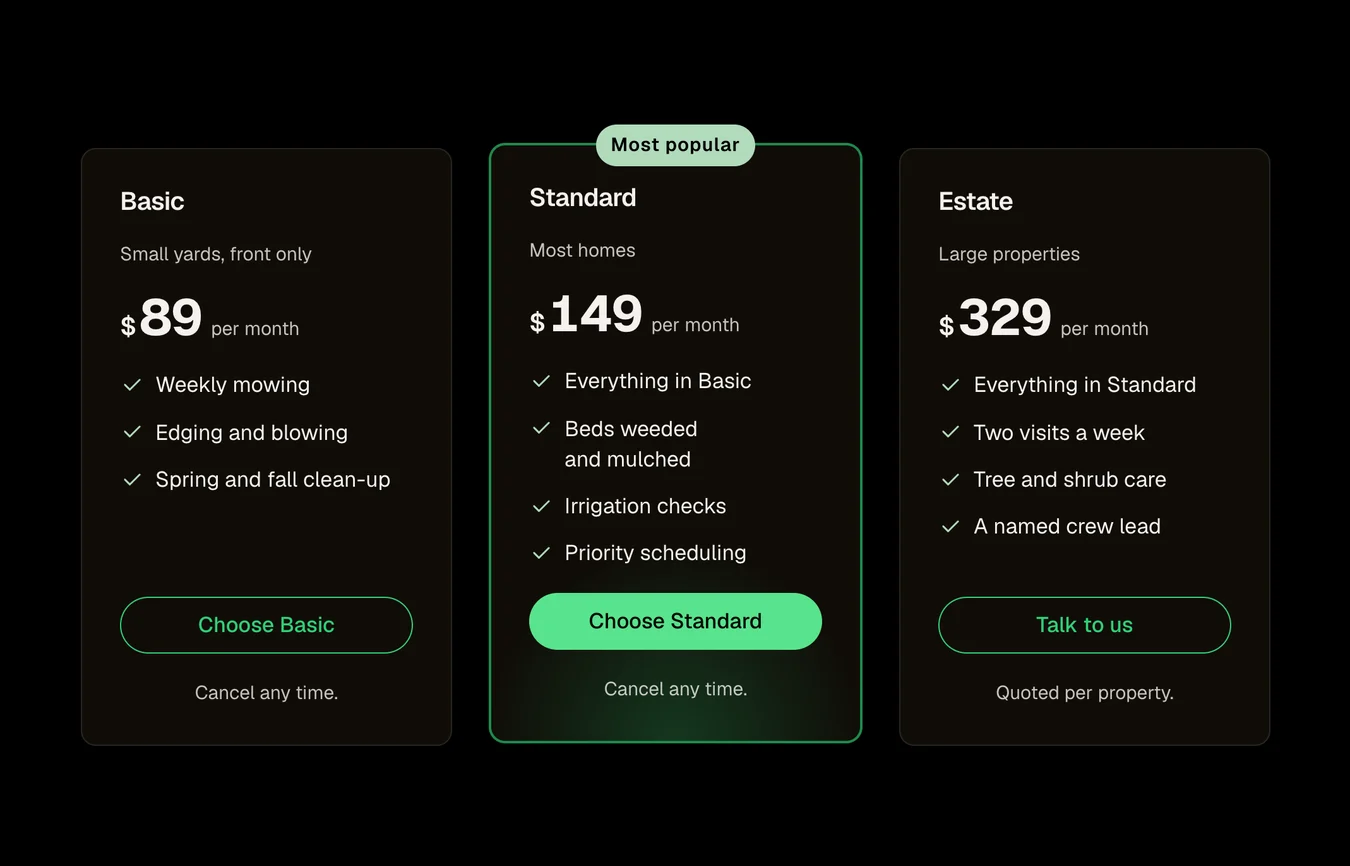
Plan cards, a checklist and a how-it-works scroll scene, built from library items. Services, reviews and a booking form. In light and dark.
8 pagesDemo
Parts do not make a site.
Most libraries sell sections. You still have to choose them, match them, write the pages between them, and build the header, the footer and the forms. A kit starts where that work ends: a finished site you rename, refill and hand over.
Pick, build, launch.
Pick
Open the EtchPress panel in Etch (Ctrl+Shift+L). Pick a kit, or one section from the library.
Build
Press once for the whole site, or drop one section where you are. Styles, classes and components come along and read your ACSS 4 settings. A site that already has pages can add the kit beside them, or start over.
Launch
Put in the client's name, words and photos. Change one colour in ACSS and every page follows. Hand over the brand guide with one link.
Sections you paste in.
Every pattern ships with its ACSS requirements listed and a live playground in light and dark.

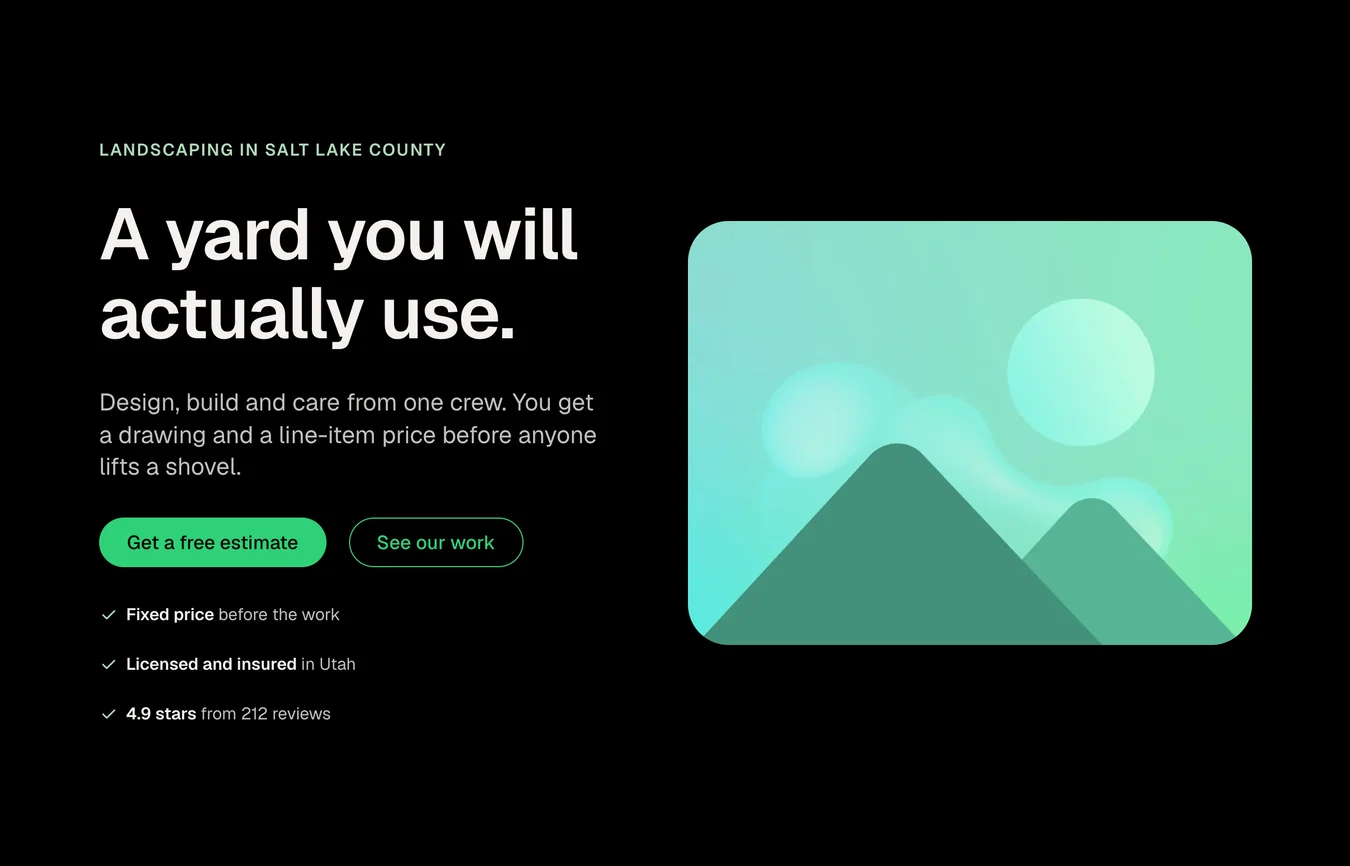
The free set needs a free account. Everything else needs lifetime access.
Kits, parts and the composer, without leaving Etch.
Press Ctrl+Shift+L in the builder and EtchPress takes the window, or sits as a column beside the canvas when you prefer to keep the page in view. Search every item and kit page, preview variants live, star what you reach for, and insert it where you are working. Cmd+Z (Ctrl+Z on Windows) takes it back.
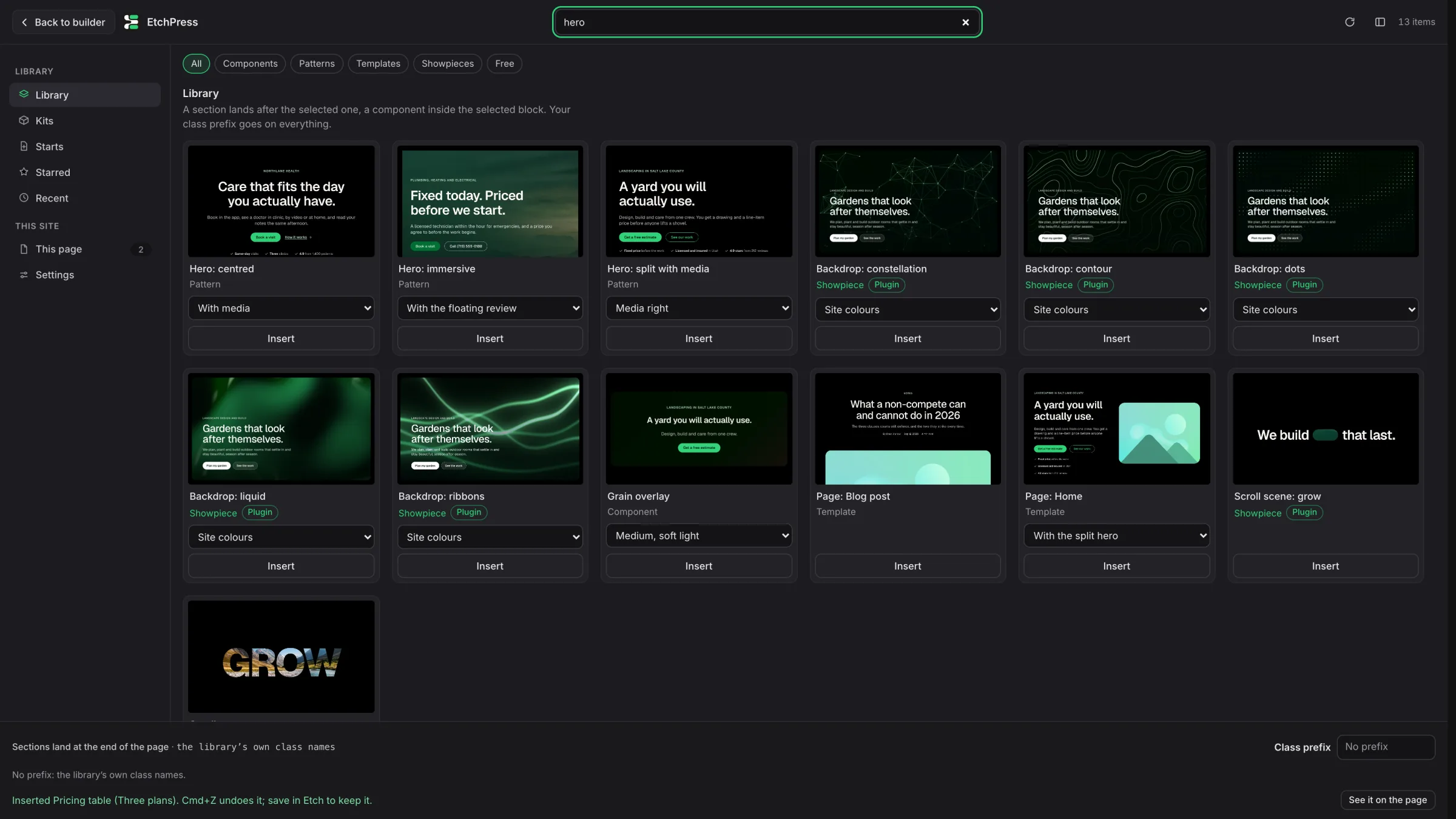
Compose from a sentence
Say what the section is for and Compose picks the library parts that fit and writes their words, on your own model key. The plan shows as cards, each with its picture, before anything lands. When nothing fits, it writes one section and checks it on your canvas first.
Whole sites, built for you
Kits is one card per kit. Build this site makes your site the demo in about a minute: pages, header, footer, forms, content types and demo entries. Add a second kit beside it, or start over with another.
Your client's class names
Set a prefix once and every insert arrives as acme-hero, components and scripts included. If your site already uses one, the panel picks it up.
A page that stays current
This page lists what the panel put on the open page, with versions. One click updates a copy, or swaps its variant and keeps the texts you wrote.
Comes with the EtchPress Runtime plugin for WordPress. Its Agents place hands Claude Code, Codex or Cursor their connection commands with your key filled in. Etch Studio has no plugins: copy from the item pages there, or let your AI agent insert.
Your AI builds the next section to match.
Install one folder and Claude Code or Codex writes Etch the way Page Building 101 teaches it: structure first, BEM classes, ACSS 4 variables, real components and loops. Ask for a section and it fits the kit you pasted.
- Etch 1.6 conventions, components 2.0, loops and templates
- ACSS 4 tokens and classes, verified against a real install
- A review checklist the AI runs on its own work
- Updated with each Etch and ACSS release
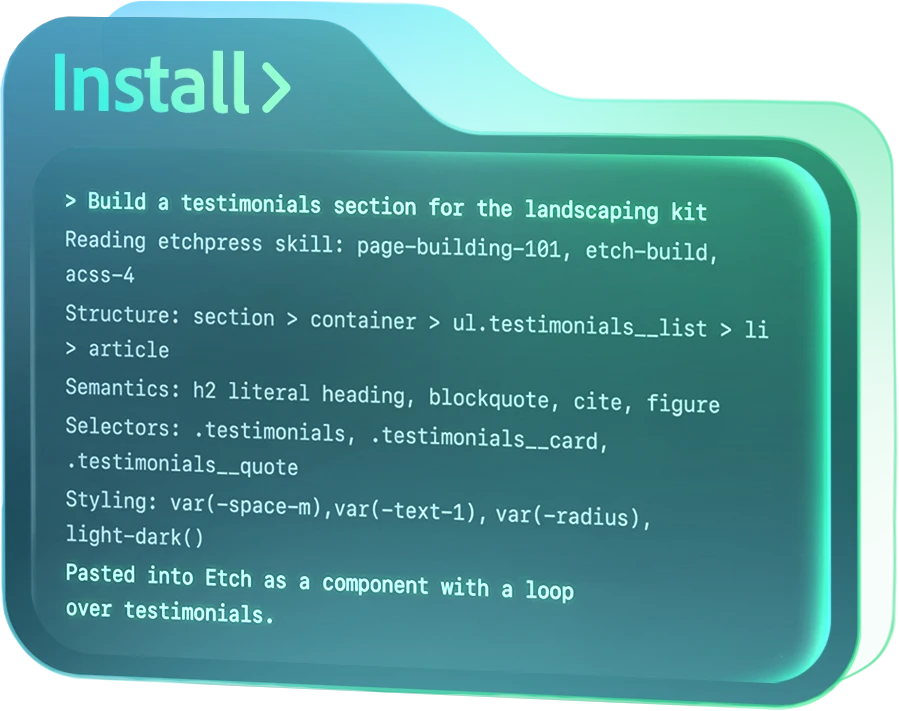
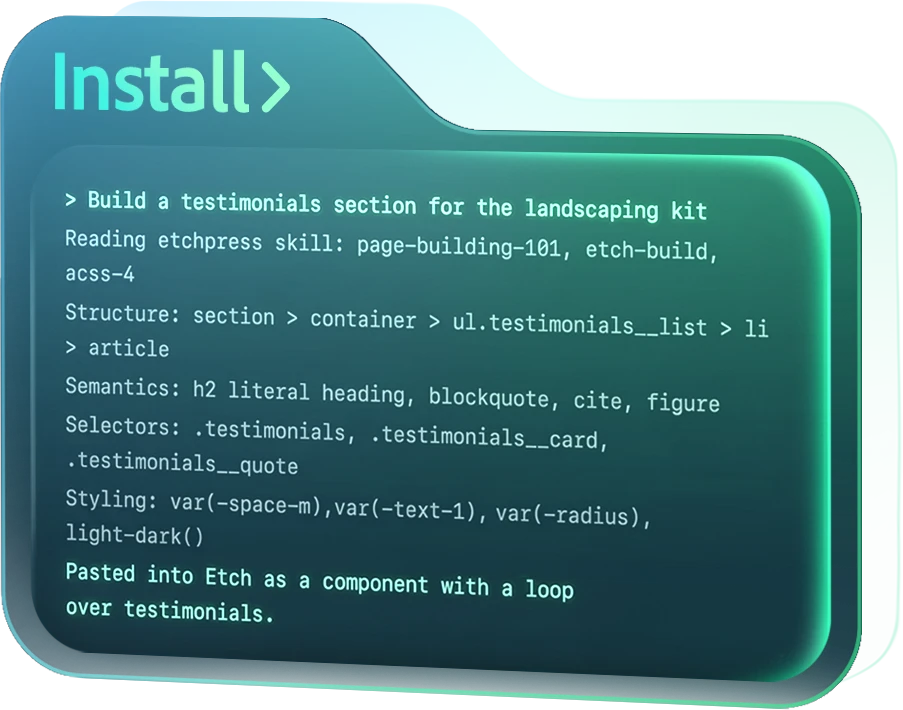
Ask your agent. The section lands in Etch.
Add the EtchPress MCP to Claude Code, Codex or Cursor once. Then describe what you want, and your agent finds the item, picks the variant and puts it into the page open in your Etch builder.
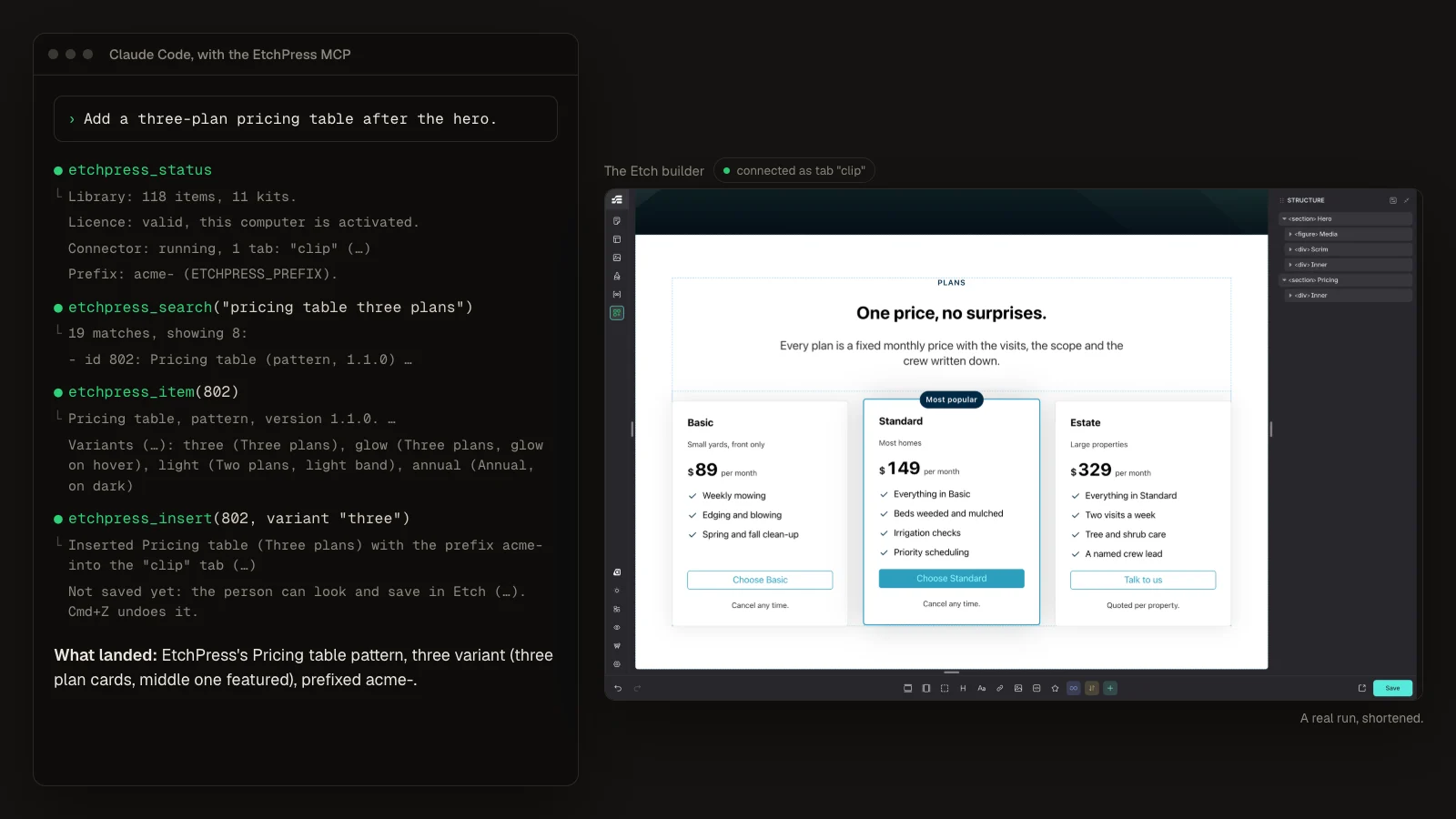
Plain words, or a whole brief
Ask for a testimonials wall or the Landscaping home page, and your agent reads an item's variants before it picks one. Or say what a page is for, and the composer plans it from library parts with the words written, your agent as the model. It runs on the Claude or ChatGPT plan you already pay for, with no API key to buy.
Into the open page
The item goes after the section you have selected, or at the start or end of the page, already renamed to your prefix. Kit pages go in section by section.
Light on your agent
Items travel from etchpress.com straight to your builder, never through the agent, so a whole page costs it almost nothing.
WordPress and Studio
It works in Etch on WordPress and in Etch Studio. It asks before it updates a component you already have, and the page is yours to save or discard.
For Claude Code, Codex, Cursor and other MCP clients. It runs on your computer, beside Etch's own Connector.
Works in Etch Studio too.
Every kit and every library item has been pasted into Etch Studio and measured there, and each kit ships its Studio files: the sections converted, the demo content as data sources, the header on Etch's native Studio components. Full styling in Studio arrives when Automatic.css ships for Studio; until then a kit's look.css and global.css, added as Studio stylesheets, carry its design. The SureCart shop kit is WordPress only.
Pay once. Keep everything that ships.
$375, one time. No subscription and no renewal. The price rises as kits and features ship. Whatever you pay, you keep everything that comes after.
- A handful of free patterns
- Copy and paste into Etch
- Library previews in light and dark
- Every kit, section, component and showpiece
- The panel inside Etch, with Compose, and the skill and the MCP for your AI agent
- Every future kit and item
- Unlimited sites, yours and your clients'
Not affiliated with Digital Gravy or EtchWP.
Before you buy.
Does it work without ACSS?
The kits and patterns are built on ACSS 4 variables. The panel's first insert adds the EtchPress look stylesheet, so a paste renders as designed even without ACSS. The moment your Automatic.css defines a token, yours wins.
Which Etch version do I need?
Etch 1.6 or newer. Kits use components 2.0, loops and templates, so older builds will miss pieces.
What does lifetime mean?
For the life of the product: every kit, pattern, component and skill update, with no renewal. If EtchPress ever closes, you keep everything you downloaded.
Can I use kits on client sites?
Yes. Unlimited projects, your own and your clients'. You cannot resell or redistribute the kits themselves.
Is EtchPress affiliated with Etch or Digital Gravy?
No. EtchPress is an independent project by Gorilla Perch, not affiliated with Digital Gravy or EtchWP. Digital Gravy gave permission to use the name on the condition that we say so clearly, so we do.
What if it is not for me?
Email within 10 days of buying and you get a full refund, no questions asked.
Will the price go up?
Yes. It rises as kits and features ship, and each rise is announced before it happens. Whatever you pay, you keep everything that comes after.
Do I need an AI tool?
No. The kits and the library work by copy and paste, or from the panel inside Etch. The skill and the MCP are there if you build with Claude Code, Codex or Cursor.
What does Compose cost to run?
Nothing from us. In the panel it runs on your own model key (Claude, OpenAI or OpenRouter) and your provider bills the tokens. From Claude Code or Codex through the MCP it runs on the plan you already pay for. We keep no prompts and no keys: yours stays encrypted on your own site.

Launch your next Etch site from a kit.
Eleven sites, the library, the panel with Compose, and the skill, for one payment.