Pinned split
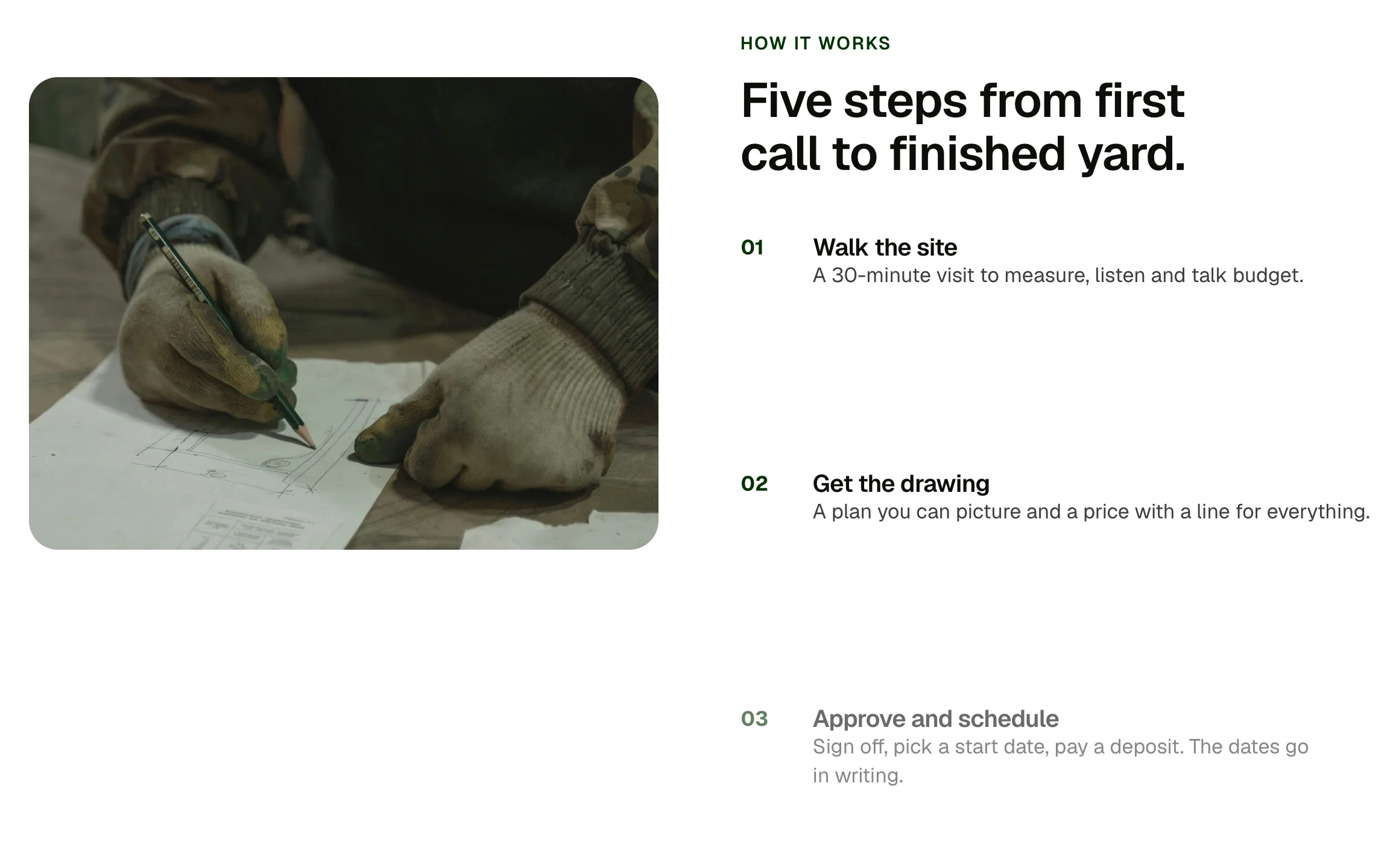
A two-column section where the image stays put while the steps scroll past it, each step brightening as it reaches the middle of the screen. Steps are a repeater. On narrow screens the image sits above the steps.
Live preview

Five steps from first call to finished yard.
Walk the site
A 30-minute visit to measure, listen and talk budget.
Get the drawing
A plan you can picture and a price with a line for everything.
Approve and schedule
Sign off, pick a start date, pay a deposit. The dates go in writing.
The build
One crew, one lead, daily updates until the walk-through.
The walk-through
We walk it with you, fix what you point at, and hand over the care sheet.
Scroll-linked: the image holds while the steps pass and brighten in the middle of the screen. Scroll to see it move.
Five steps from first call to finished yard.
Walk the site
A 30-minute visit to measure, listen and talk budget.
Get the drawing
A plan you can picture and a price with a line for everything.
Approve and schedule
Sign off, pick a start date, pay a deposit. The dates go in writing.
The build
One crew, one lead, daily updates until the walk-through.
The walk-through
We walk it with you, fix what you point at, and hand over the care sheet.
What you can build with it
A how it works section where the image holds while the steps pass. A product tour with one screenshot and several points. A process explained beside a photo.
Props
eyebrow (text); headline (text); image (image); alt (text); steps (repeater: title, text); tone (select: light, dark)
States shown
Step: waiting (dimmed), current (full), passed (dimmed). Reduced motion and older browsers: every step at full.
How to change it
Content and options are 6 props in the component's settings panel. Colour, type, spacing and radius follow your Automatic.css settings, so a change to the site's palette or scale changes this too. For anything else, edit the classes in the Style Manager, starting with .null, .pinned.
ACSS tokens used
–header-height for the pin, –primary-dark for the step numbers, –text-dark-muted.
ACSS requirements
ACSS 4 defaults. No stylesheet needed; a few lines of script follow the scroll.
Version history
Version 1.0.0, September 19, 2026: First release.
Tested with
Etch 1.6.7 and ACSS 4.0.1. Version 1.0.0.
Lifetime members
Members copy this straight into Etch, ready to paste.
Used an earlier version? How to update it
Get lifetime accessWant EtchPress for Bricks or the block editor?
Everything here is made for Etch. Pick the builder you use and leave your email: we write once, when EtchPress works there.