Pages
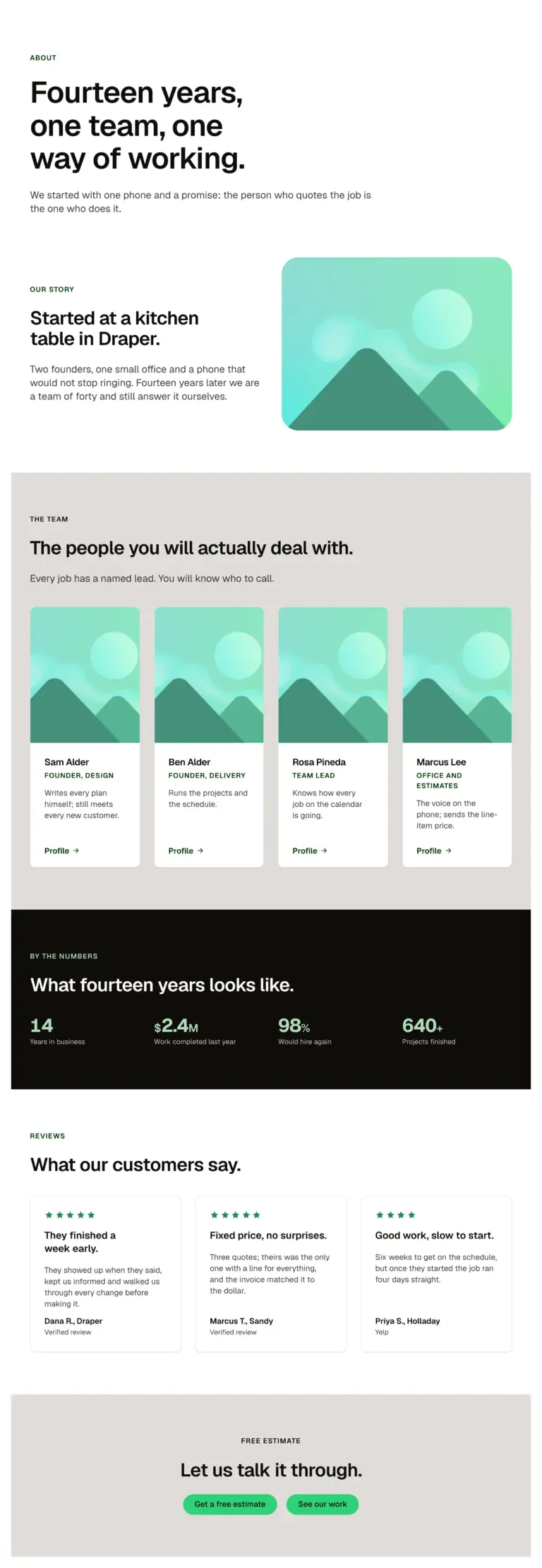
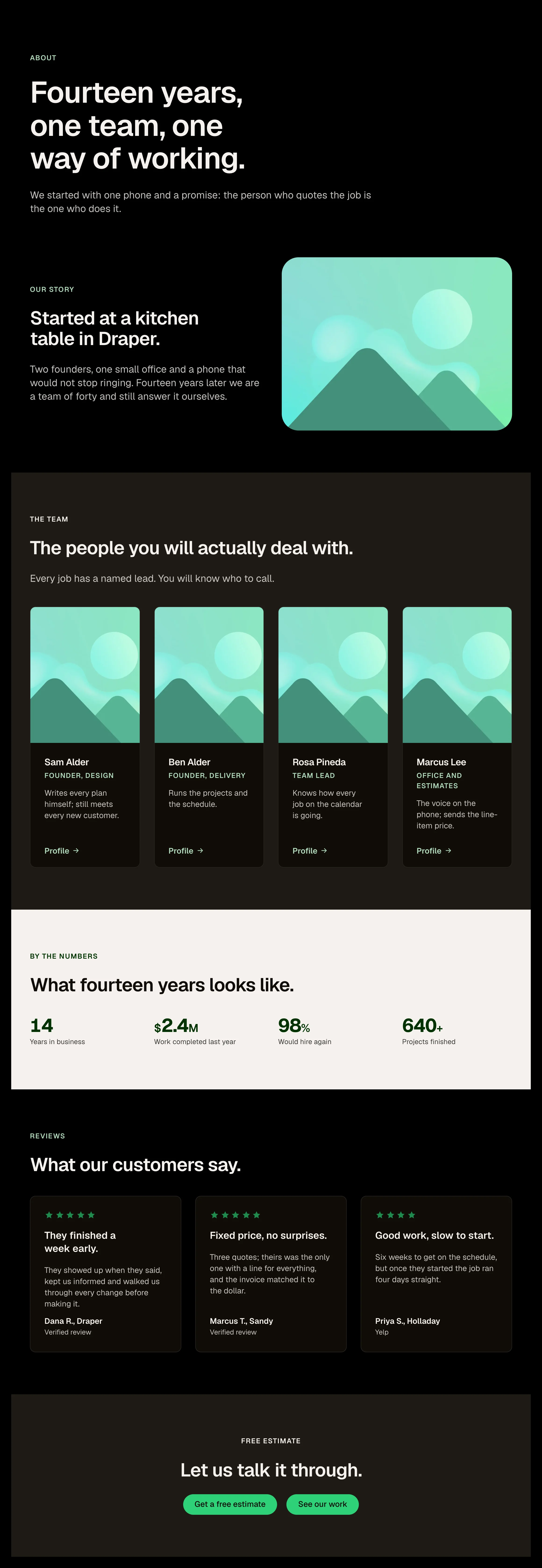
An about page in one paste: page intro, the story beside a photo, the team, a stats band, reviews and a closing call to action.
How it works
An about page for a service business in one paste. A team and story page for a studio or practice. A starting point to rearrange section by section.
Options
A page: edit each section's props and cards; replace the placeholder photo and portraits.
Open the item page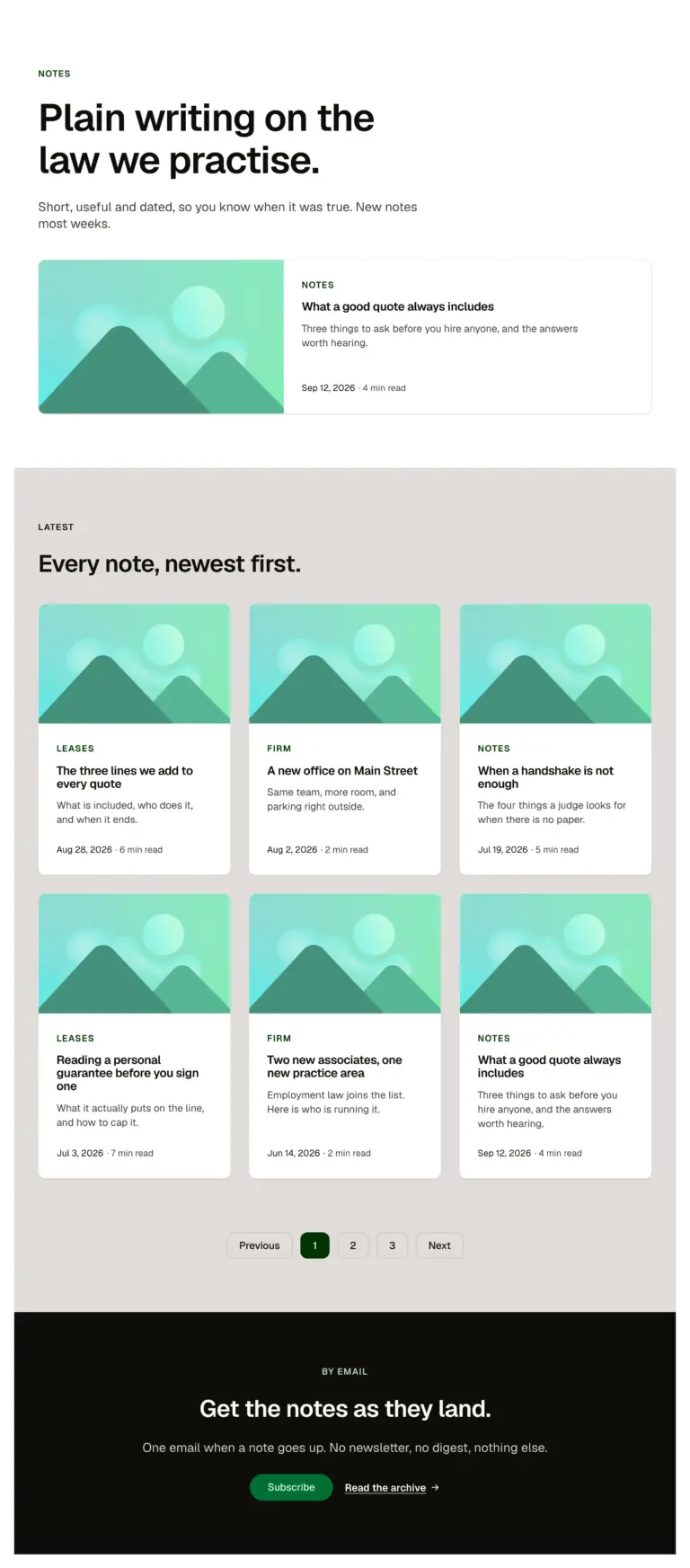
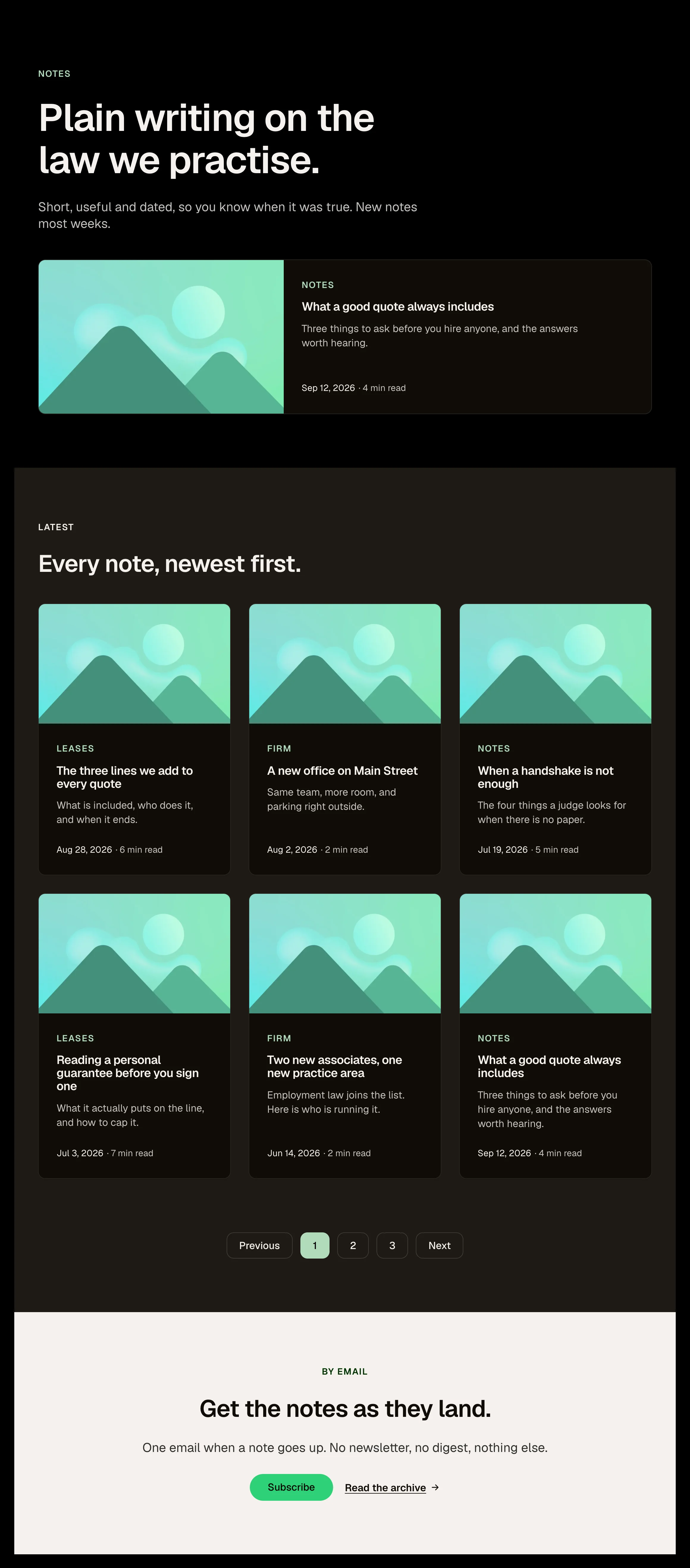
A blog archive in one paste: page intro, one featured post across the width, six posts newest first with pagination, and an email call to action. On a site, wrap the cards in a posts loop and map the Blog card's props from the post.
How it works
A blog archive with a featured post and pagination. A news or resources index. A starting point to bind to a posts loop.
Options
A page: edit the intro; replace the cards with a posts loop mapped to the Blog card's props; point the pagination at your archive.
Open the item page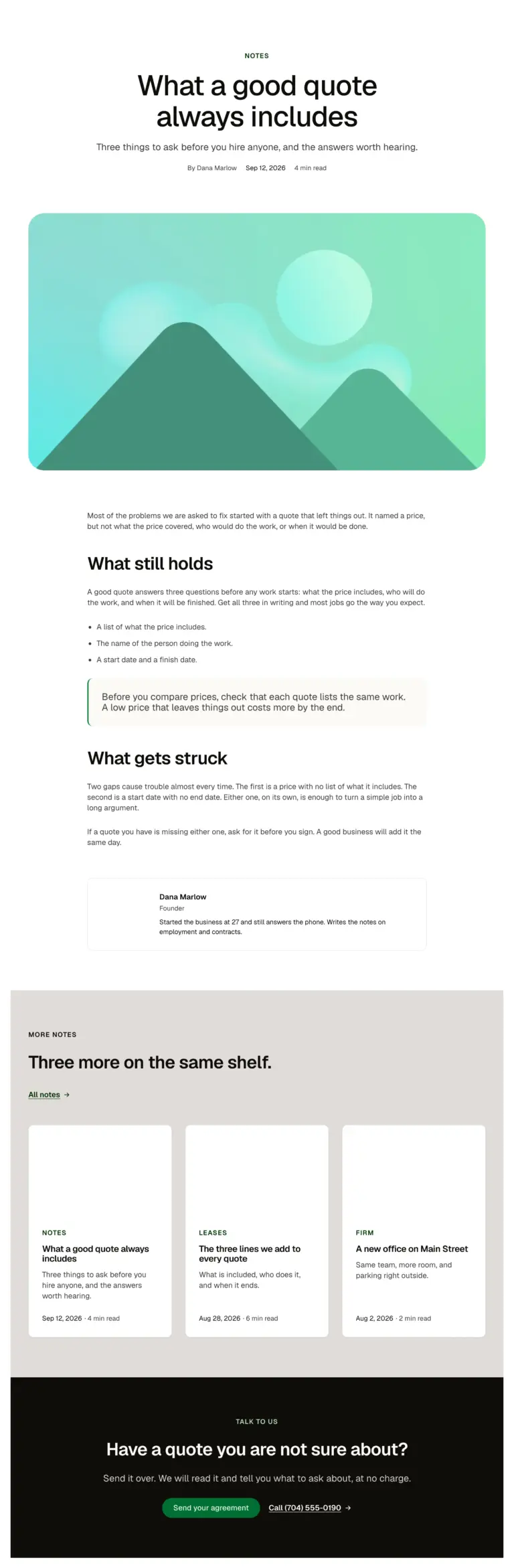
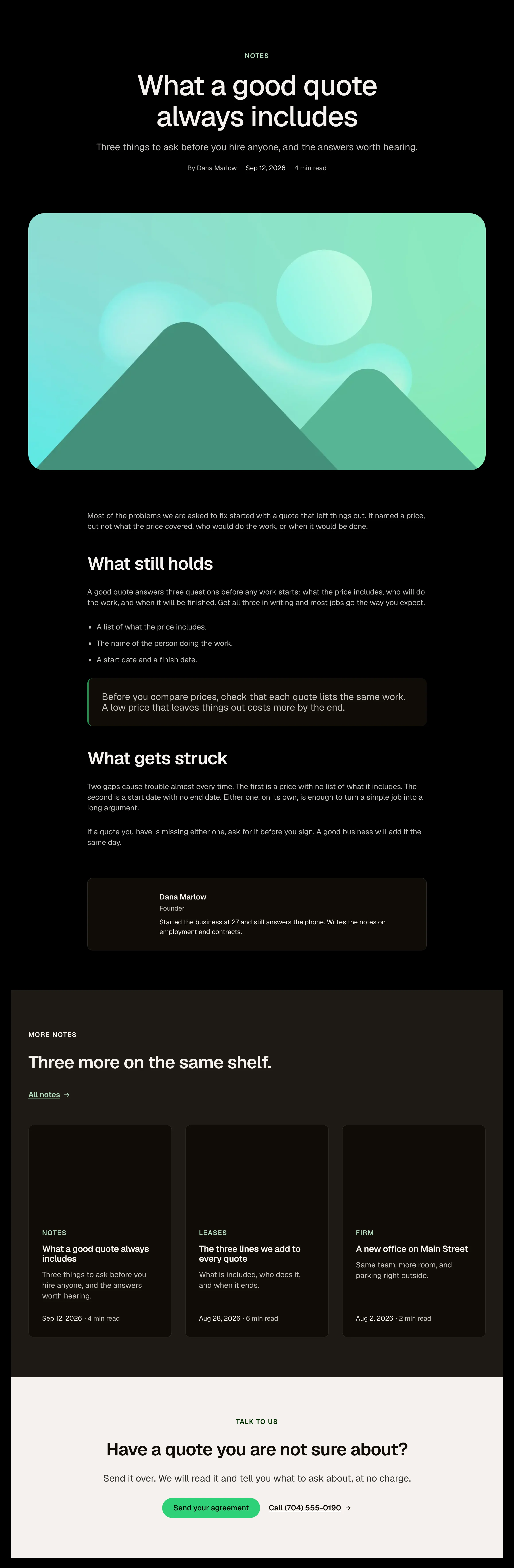
A single post in one paste: centred header with category, title, lead and meta, a wide hero image, the article at reading width with a pull quote and a list, an author box, three more posts and a call to action. On a site, bind the header, image and body to the post.
How it works
A single article with header, image, body and author. A case study or news story template. A starting point to bind to the post's fields.
Options
A page: bind title, date, image and body to the post; edit the author box; wrap the three cards in a related-posts loop.
Open the item page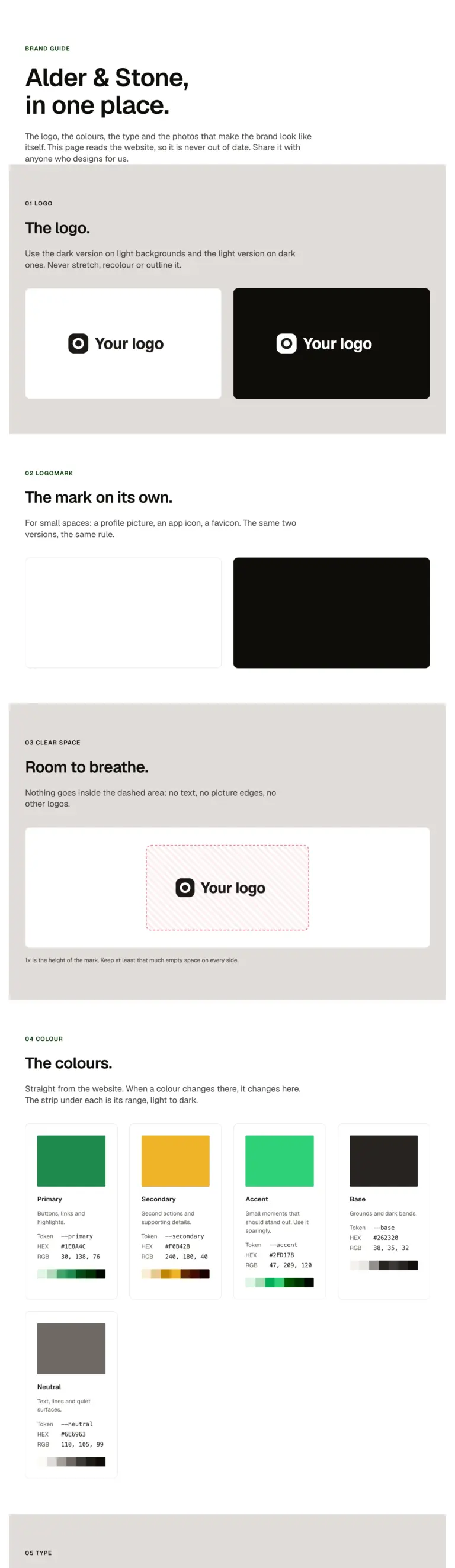
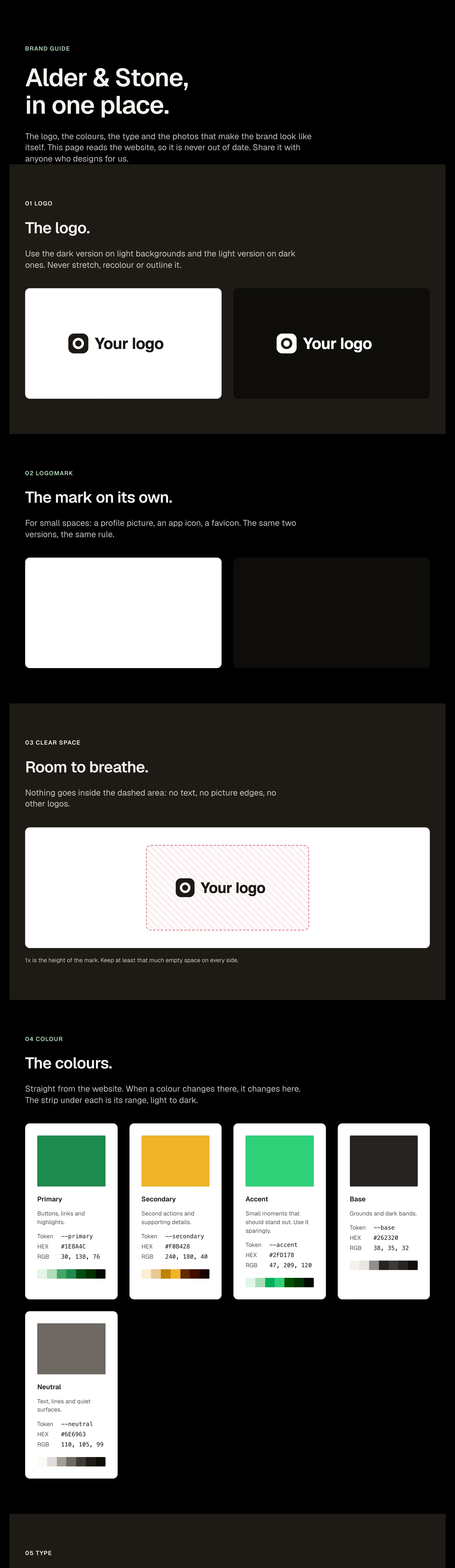
A brand guide for a client in one paste: the logo and the mark on light and dark, clear space, the colours with their HEX, RGB and shades, the typefaces and the type scale, all read live from the site, and the brand's photos. Share it with a magic link from the panel.
Options
A page: swap the two logos, the two marks and the photos for the client's (Media Library), name the colours, edit the words. The colours, fonts and sizes fill in from Automatic.css on their own.
Open the item page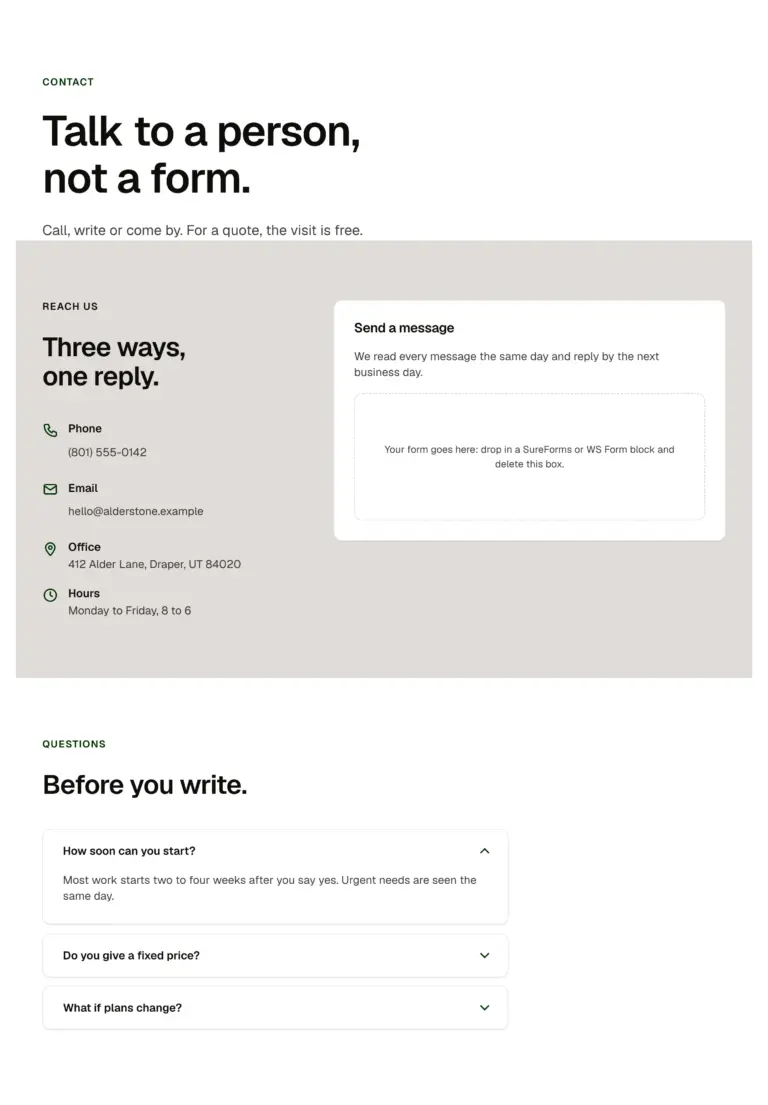
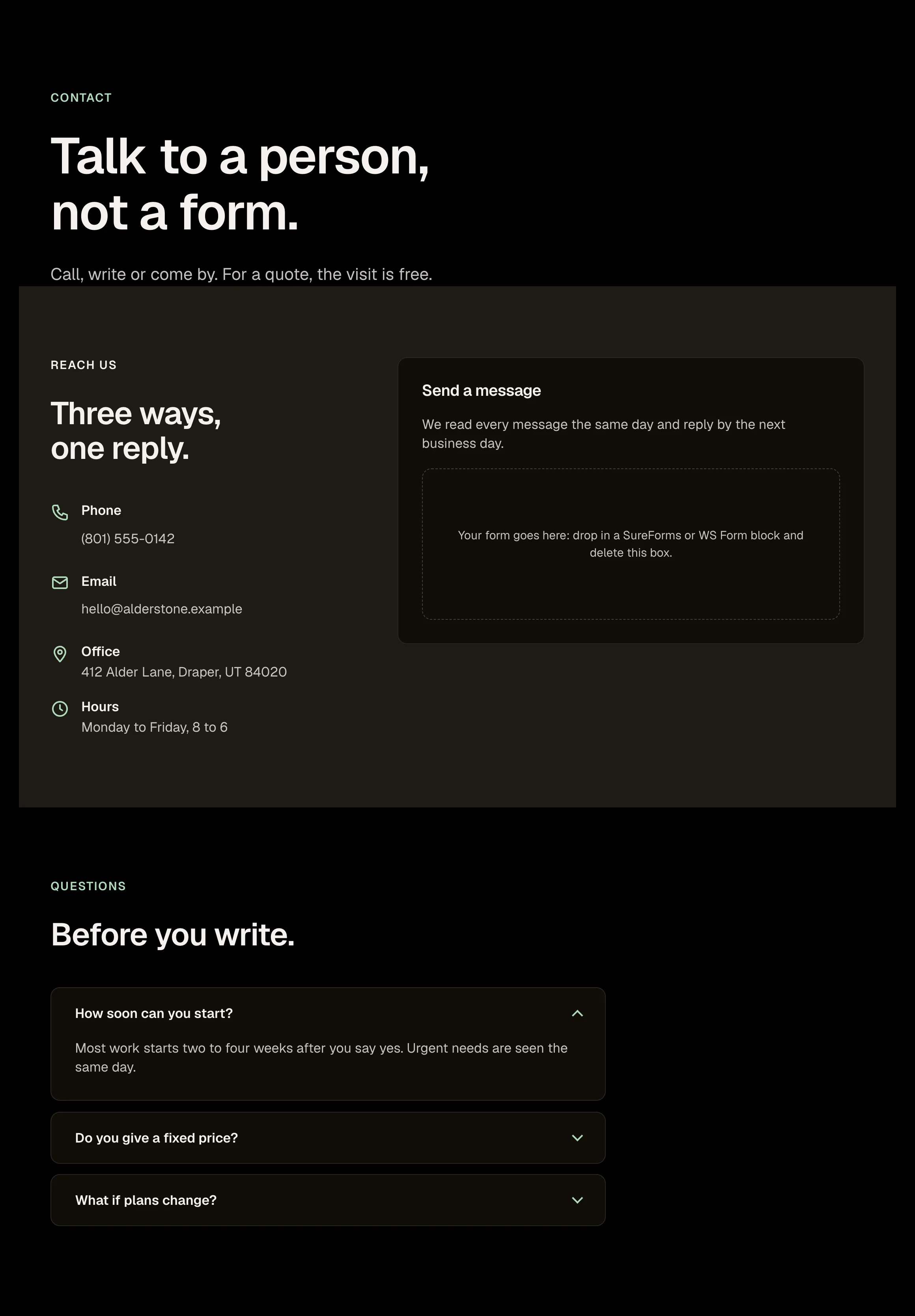
A contact page in one paste: page intro, the contact section with details and a form card, and three questions.
How it works
A contact page with details, a form and three questions. A book a visit page. A get a quote page.
Options
A page: edit the details, drop your form block into the marked box, edit the questions.
Open the item page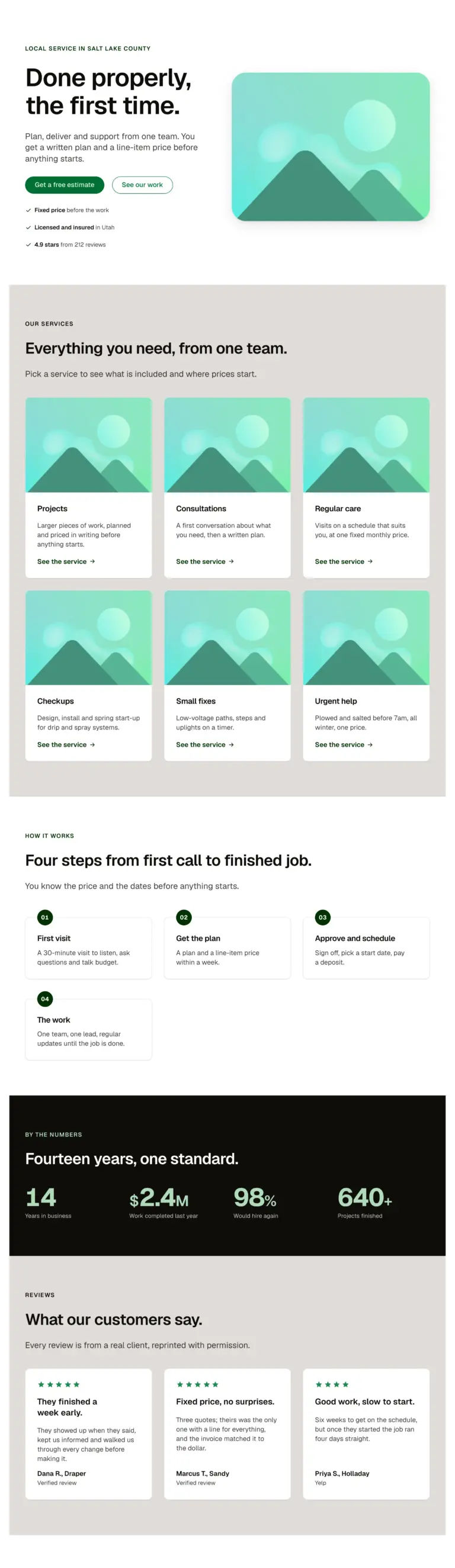
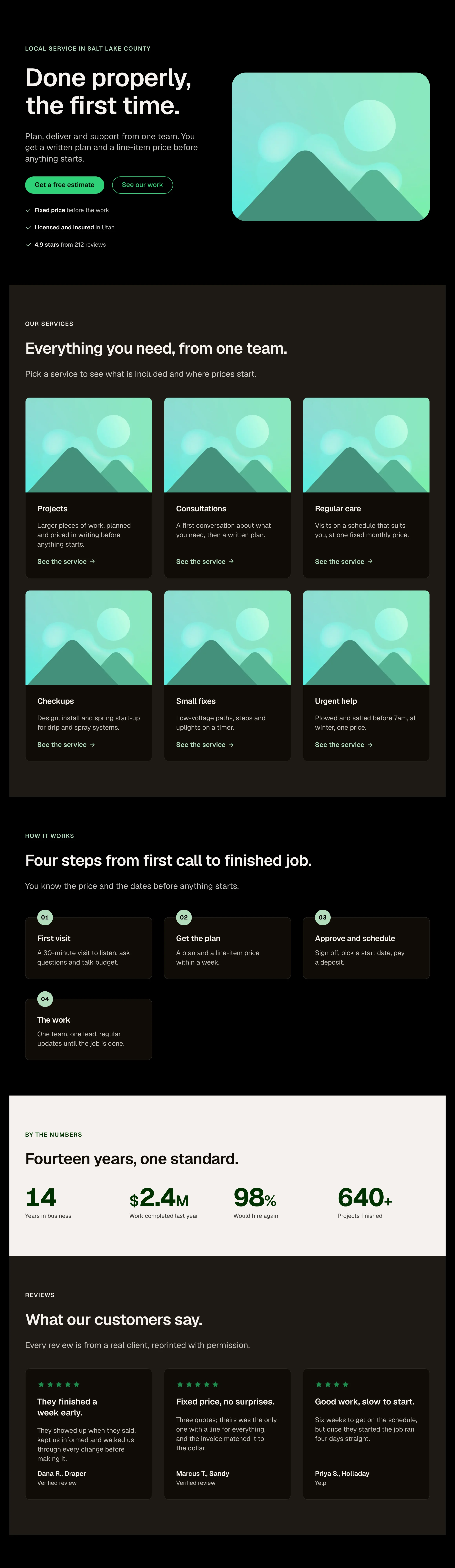
A complete service-business home page in one paste: hero with media, services grid, process steps, a stats band, reviews, questions and a closing call to action. Seven sections, every one a library layout.
How it works
A complete service business home page in one paste. A first draft to show a client the same day. Seven sections to keep, swap or remove.
Options
A page: edit each section's Section intro and cards; swap the hero for the immersive one (second variant).
Open the item page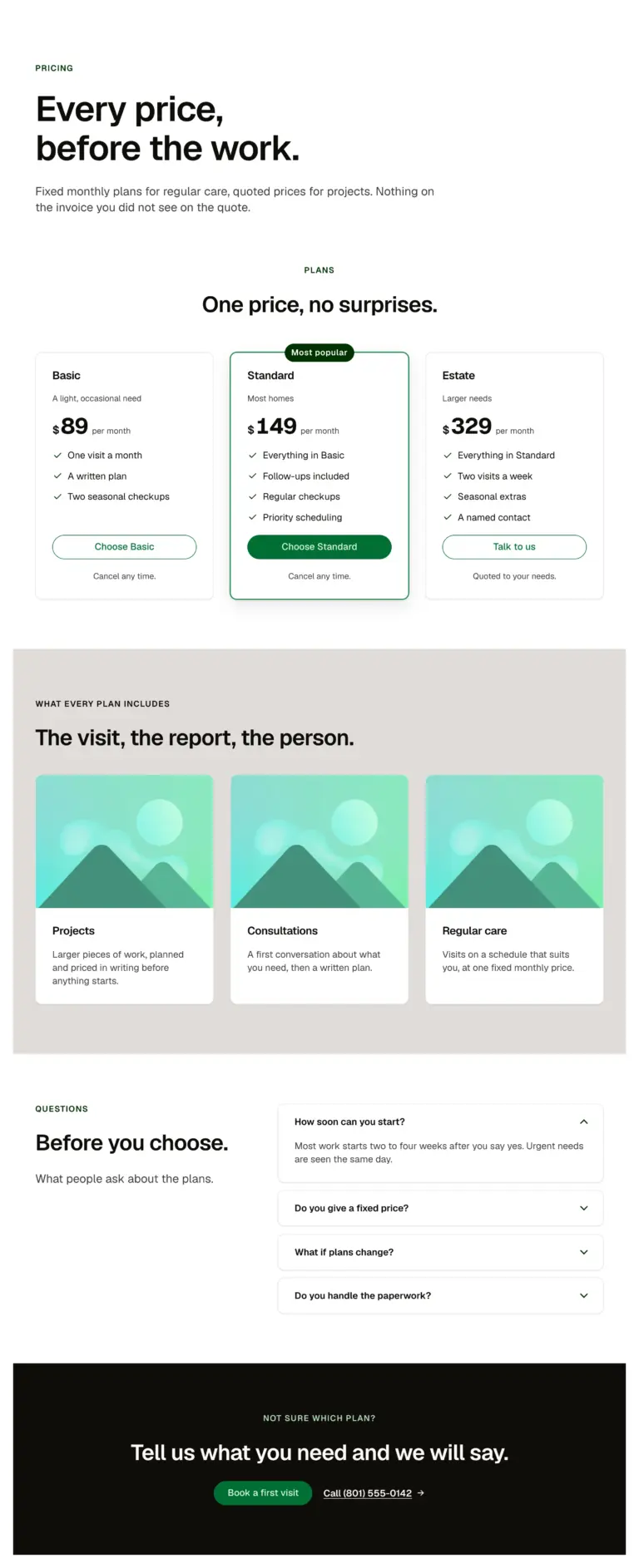
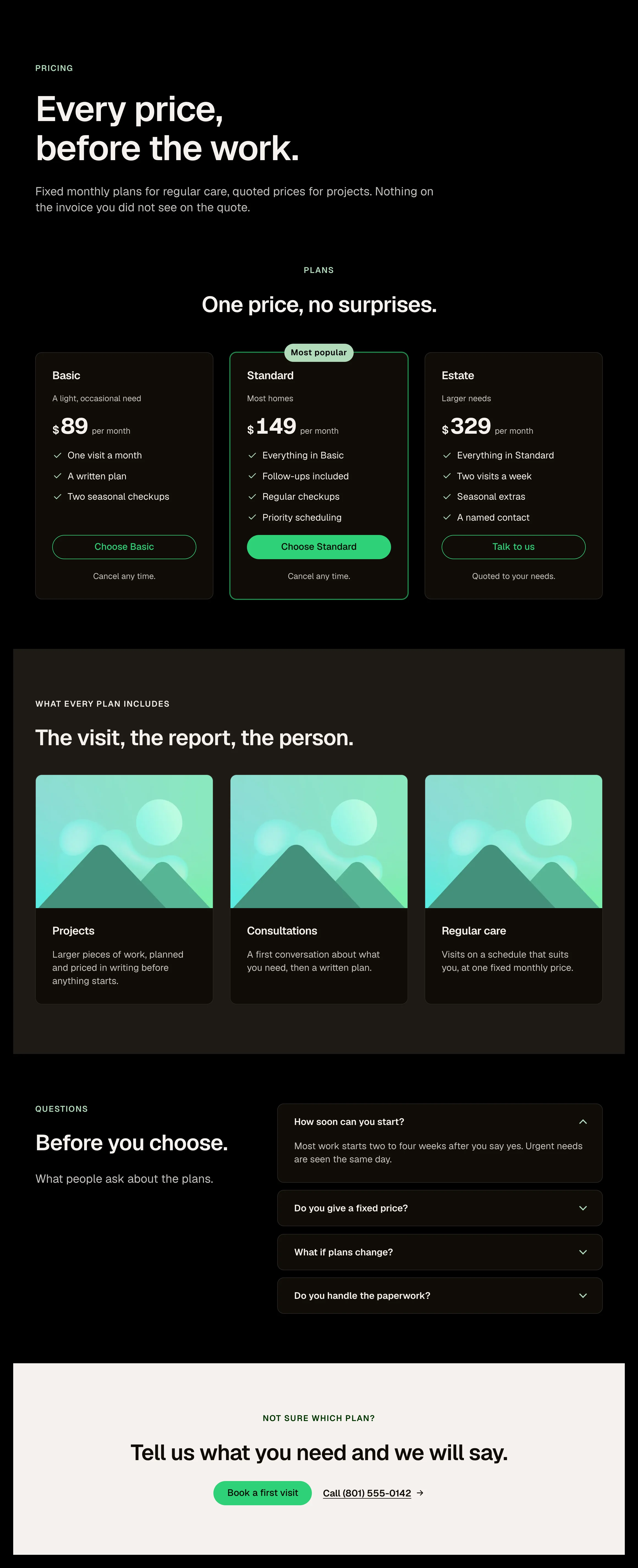
A pricing page in one paste: page intro, the pricing table, what every plan includes, questions and a closing call to action.
How it works
A pricing page with plans, inclusions and questions. A membership or packages page. A services and fees page.
Options
A page: edit the plans (each a Plan card with a feature repeater), the included cards and the questions.
Open the item page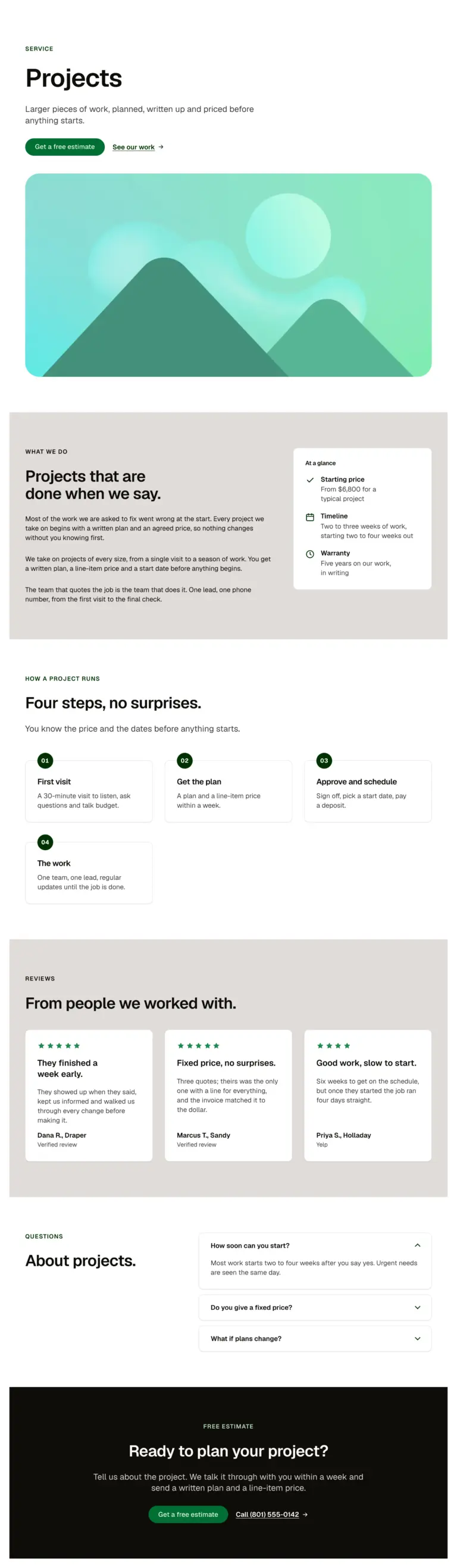
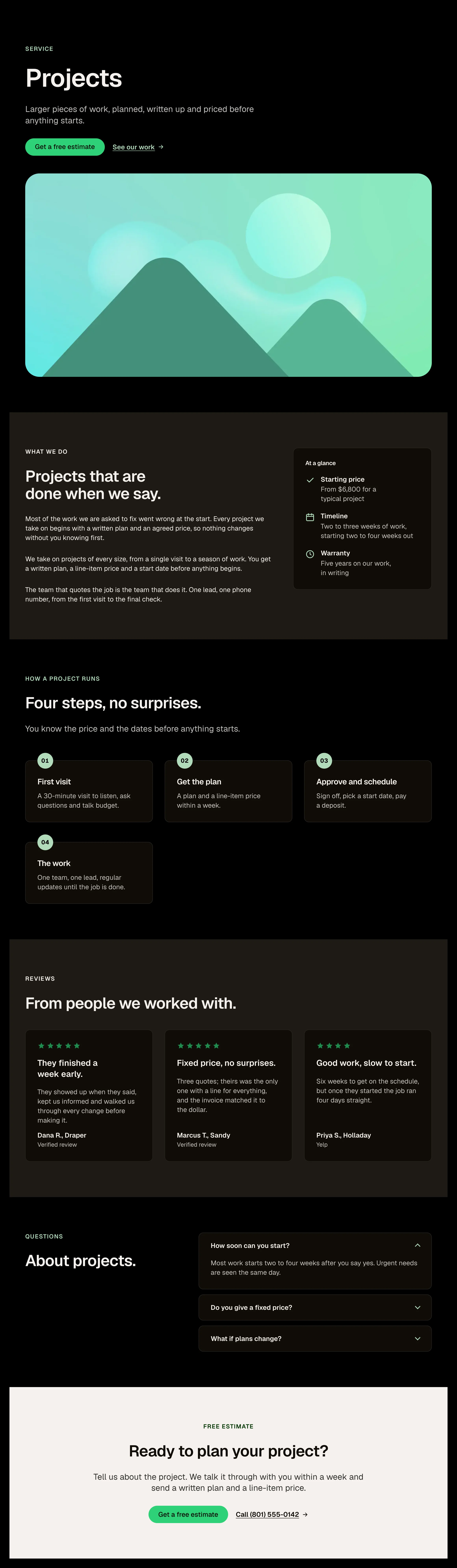
A single service page in one paste: page intro with actions, a wide image, the description beside a sticky at-a-glance card (price, timeline, warranty as Detail items), how the project runs, reviews, questions and a closing call to action.
How it works
A single service page with a sticky at a glance card. A treatment, practice area or package page. A template to bind to a services post type.
Options
A page: edit the intro, the description and the three Detail items; replace the image; edit the steps and questions.
Open the item page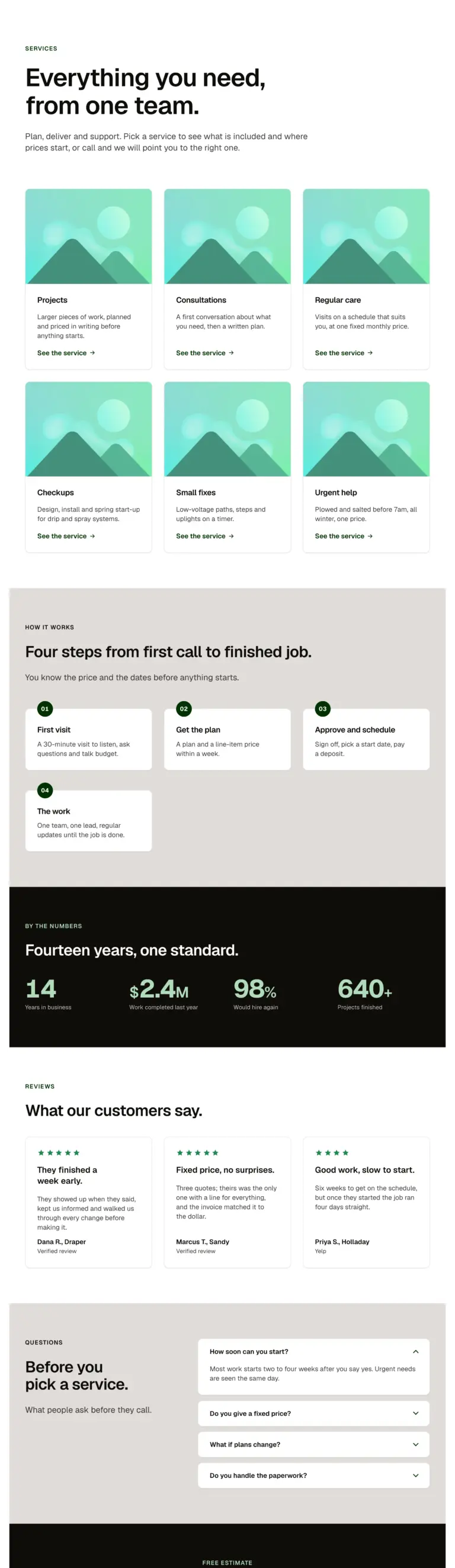
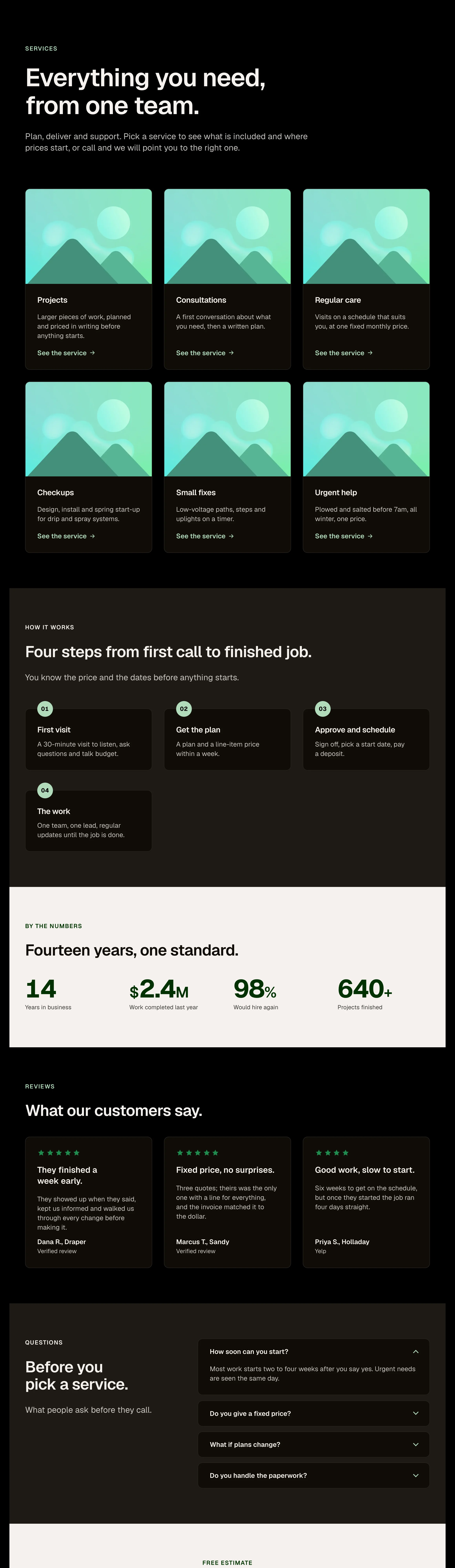
A services overview in one paste: page intro, six Service cards, how it works, a stats band, reviews, questions and a closing call to action.
How it works
A services overview with six cards and a process. A practice areas or treatments index. A what we do page.
Options
A page: edit the intro and each Service card; link every card to its service page.
Open the item page
Nothing matches. Clear the search.