Before and after
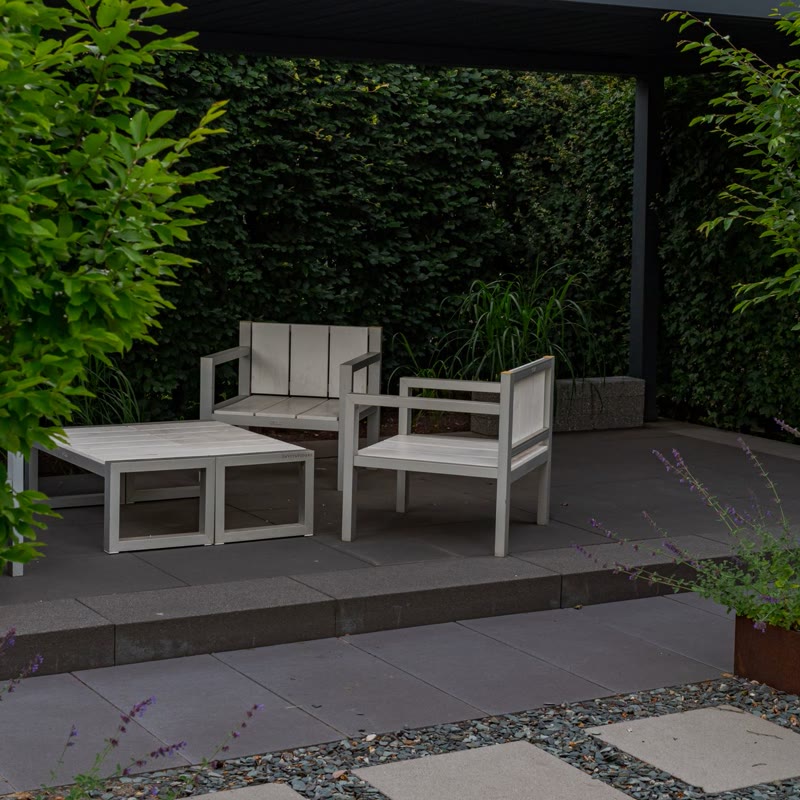
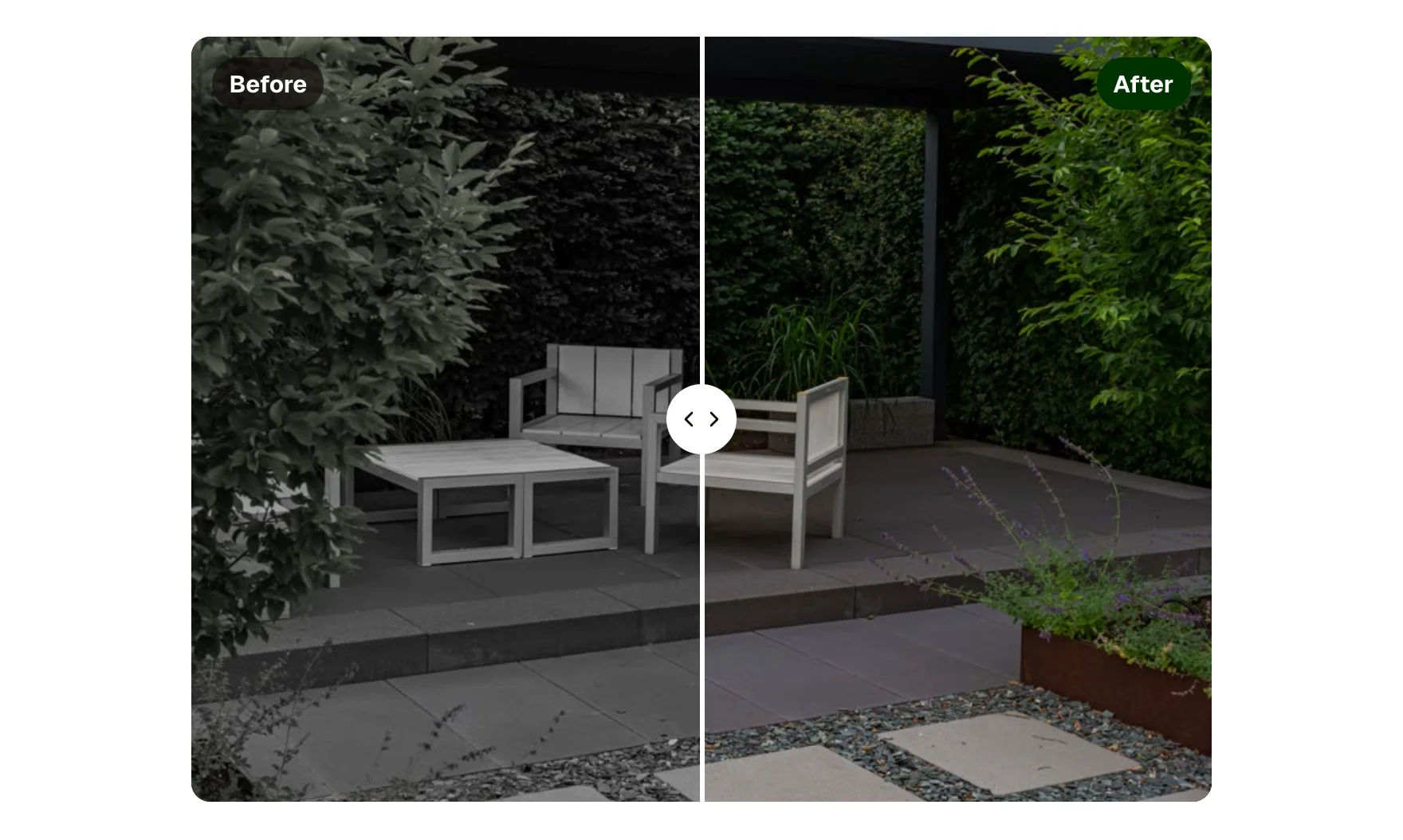
Two photos, one divider you drag. The control is a real range input, so it works by keyboard, touch and mouse, reads its position aloud, and needs no library. Labels and the start position are props.
Live preview
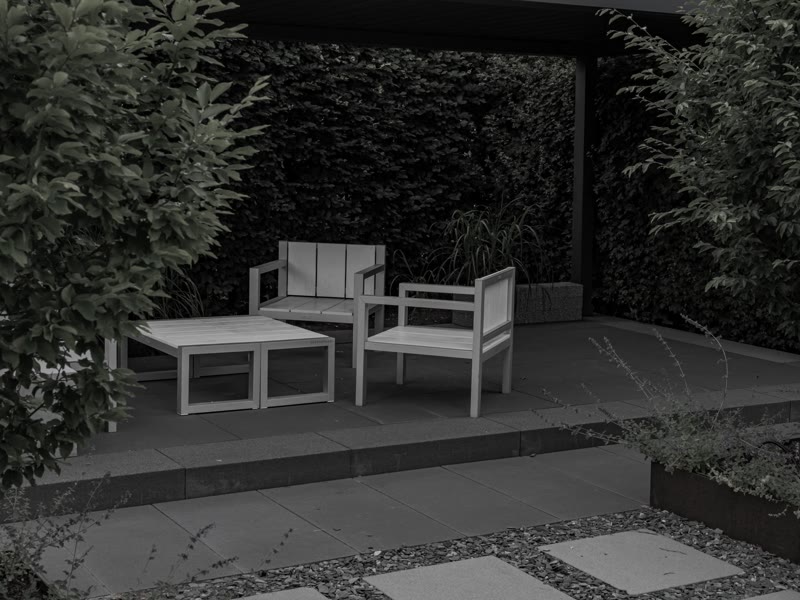
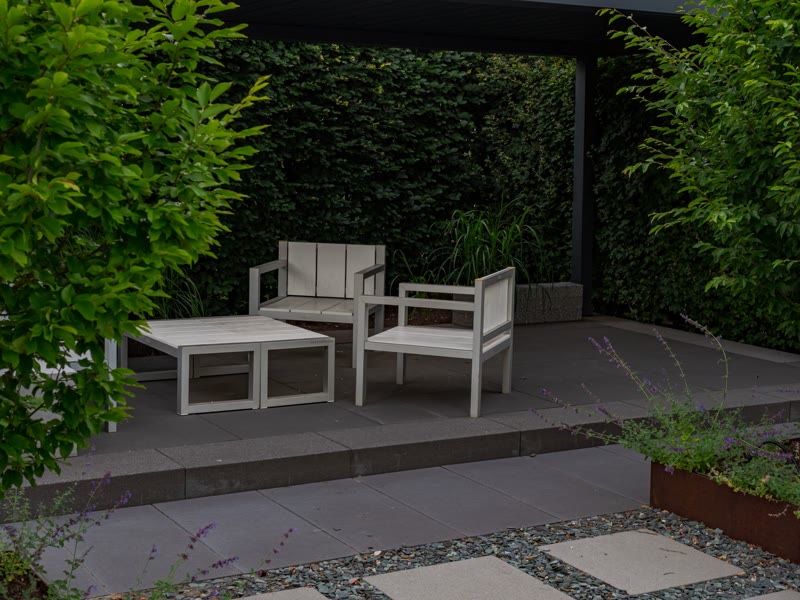 BeforeAfter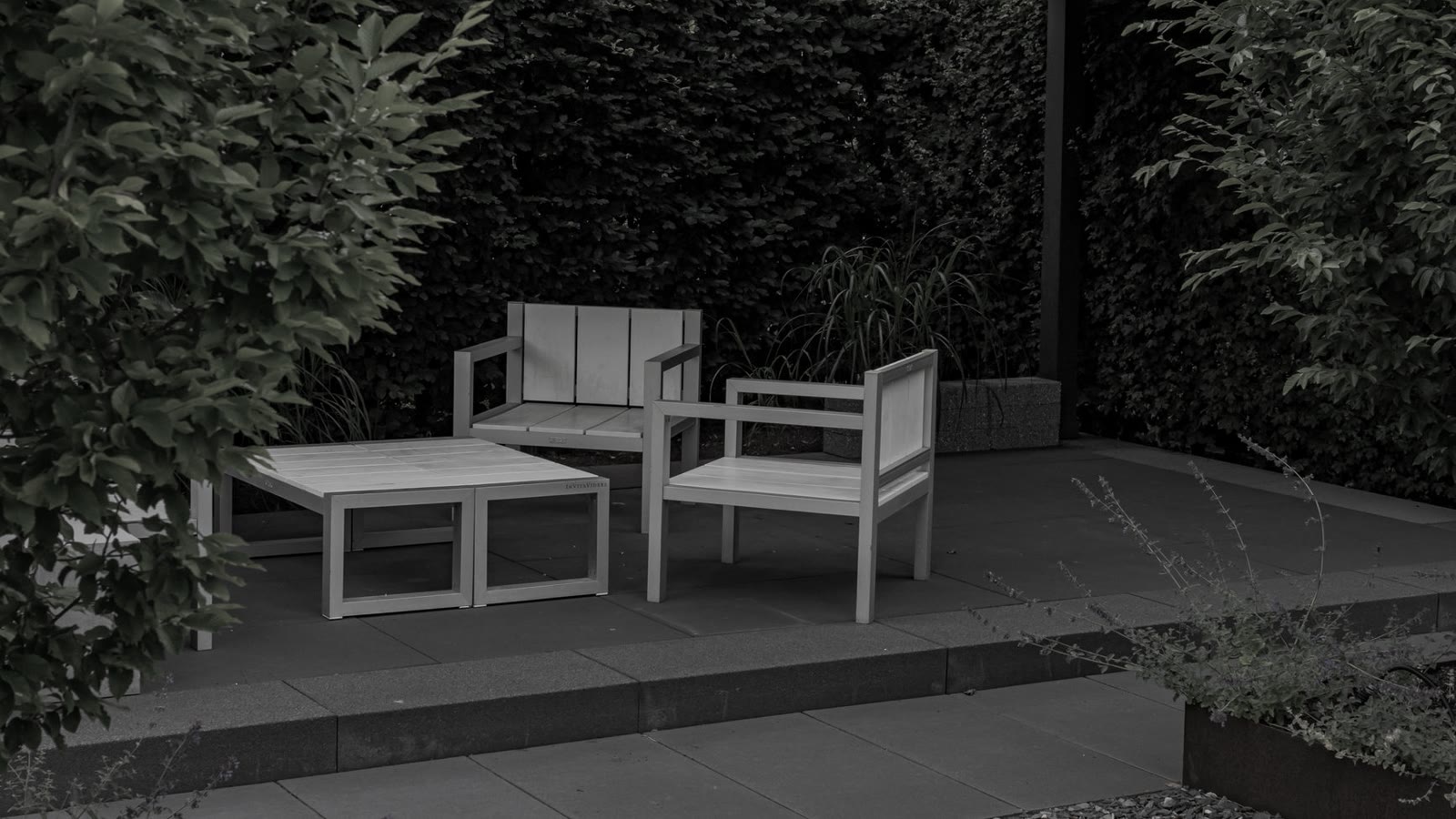
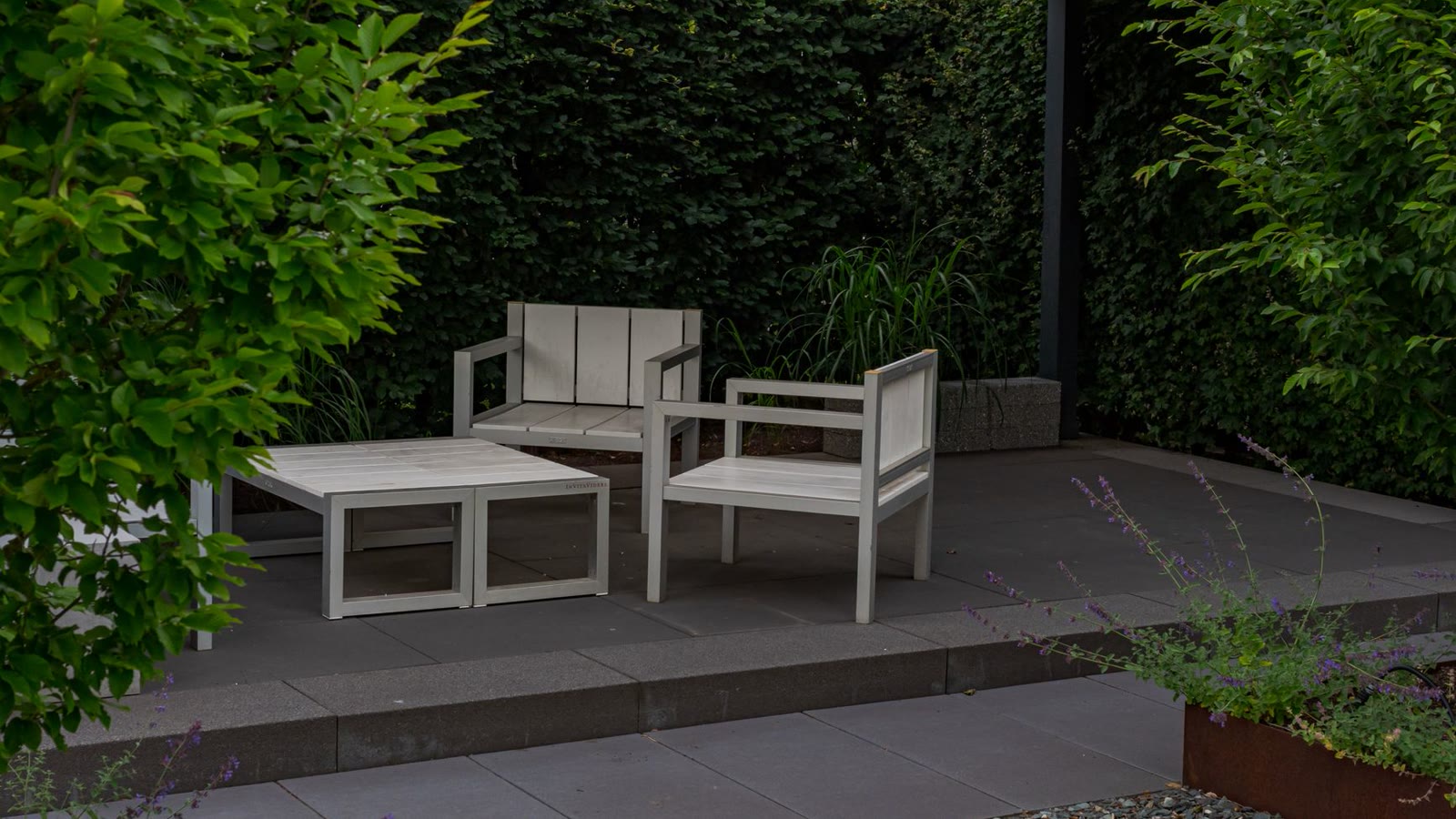 BeforeAfter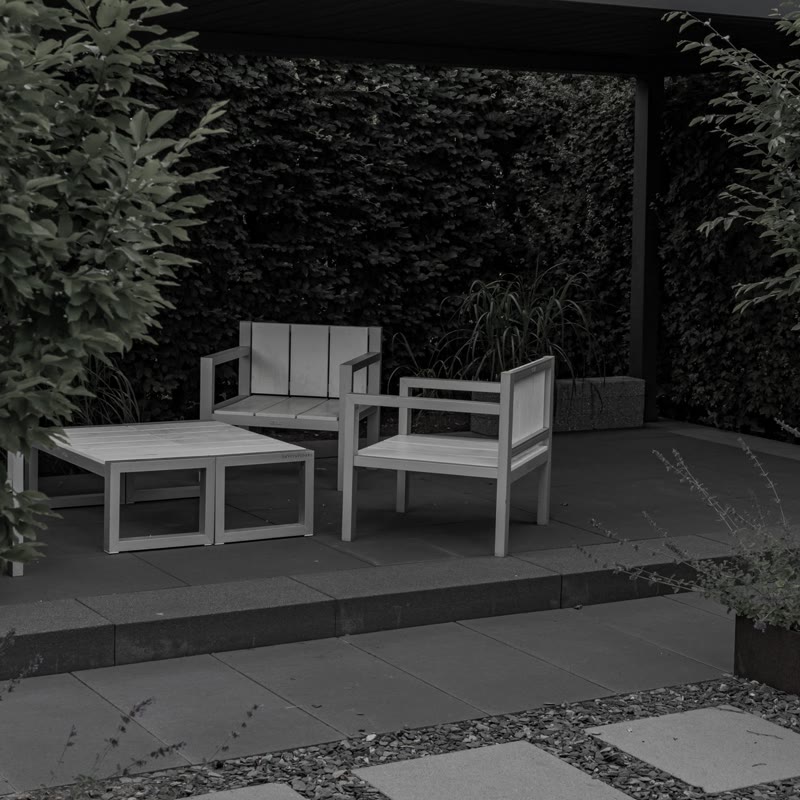
What you can build with it
A renovation or landscaping result, before and after. A cleaning, detailing or repair comparison on a service page. A retouching or design revision shown side by side.
Props
before (image URL); beforeAlt (text); after (image URL); afterAlt (text); beforeLabel and afterLabel (text); start (select: 25, 50, 75 percent); ratio (select: 4:3, 16:9, 1:1)
States shown
Dragging, keyboard focus (the ring shows on the whole frame), hover (resize cursor). Reduced motion changes nothing: there is no animation.
How to change it
Content and options are 8 props in the component's settings panel. Colour, type, spacing and radius follow your Automatic.css settings, so a change to the site's palette or scale changes this too. For anything else, edit the classes in the Style Manager, starting with .before-after. Its behaviour is a small script that travels with the component; no plugin and nothing to install.
ACSS tokens used
radius (card radius when Cards is on), base-ultra-dark, white, primary-dark, text-s, space-xs, radius-circle, box-shadow-2, focus tokens
ACSS requirements
ACSS 4 defaults. Nothing to switch on.
Version history
Version 1.0.0, September 17, 2026: First release.
Tested with
Etch 1.6.7 and ACSS 4.0.1. Version 1.0.0.
Lifetime members
Members copy this straight into Etch, ready to paste.
Used an earlier version? How to update it
Get lifetime accessWant EtchPress for Bricks or the block editor?
Everything here is made for Etch. Pick the builder you use and leave your email: we write once, when EtchPress works there.