Segmented panels
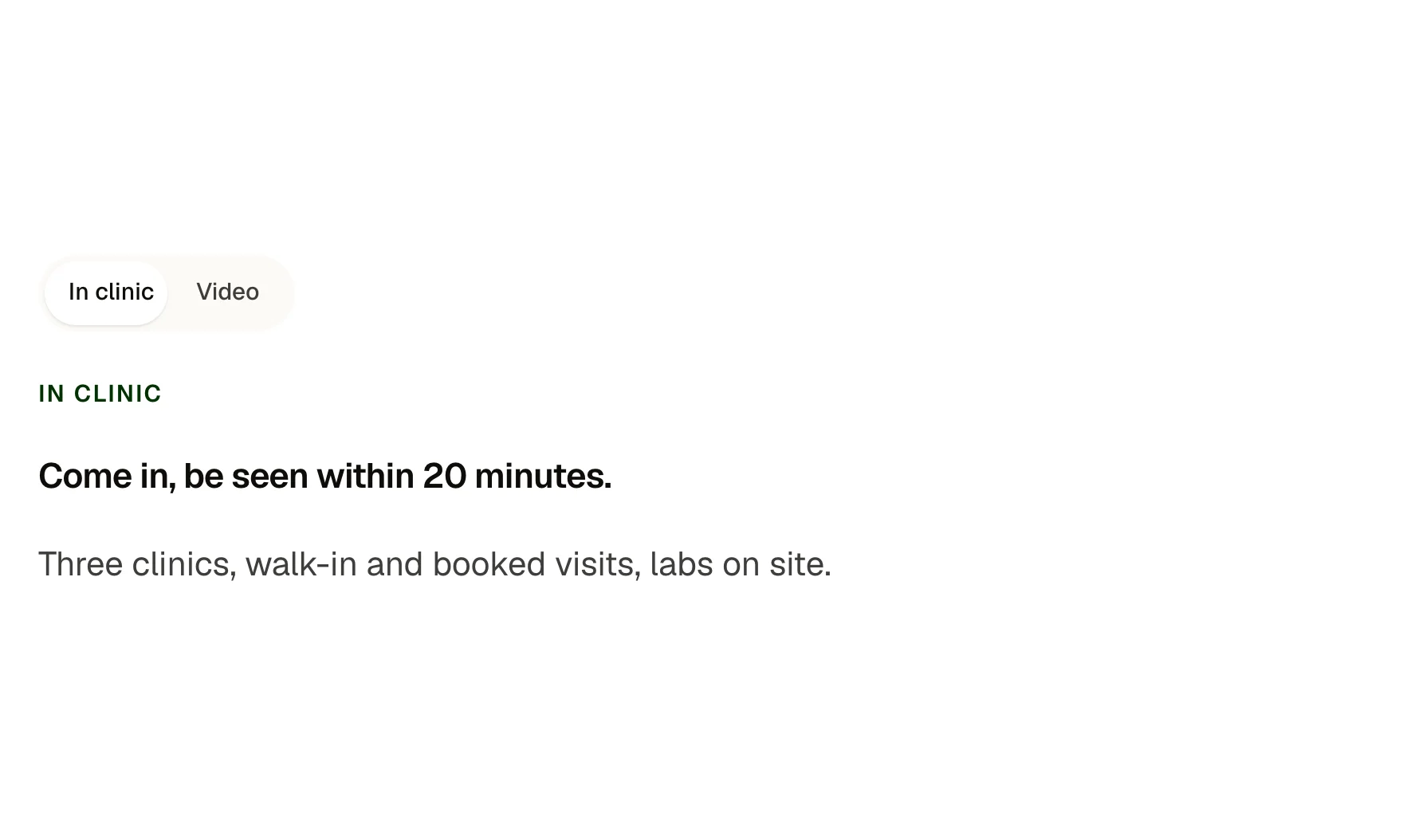
A segmented control (a sliding thumb behind two to four options) that switches between panels. Each panel is a slot, so anything goes inside. Real buttons with pressed state, arrow-key movement and no layout jump between panels.
Live preview
In clinic
Come in, be seen within 20 minutes.
Three clinics, walk-in and booked visits, labs on site.
Video
See a doctor from your sofa.
Same doctors, same notes, from any phone or laptop.
In clinic
Come in, be seen within 20 minutes.
Three clinics, walk-in and booked visits, labs on site.
Video
See a doctor from your sofa.
Same doctors, same notes, from any phone or laptop.
Home
We come to you.
Nurse visits and physicals for the whole household.
In clinic
Come in, be seen within 20 minutes.
Three clinics, walk-in and booked visits, labs on site.
Video
See a doctor from your sofa.
Same doctors, same notes, from any phone or laptop.
Home
We come to you.
Nurse visits and physicals for the whole household.
In clinic
Come in, be seen within 20 minutes.
Three clinics, walk-in and booked visits, labs on site.
What you can build with it
Monthly and annual pricing behind one switch. Two to four views of the same content, such as plans, tiers or audiences. A tabs replacement that keeps its height.
Props
label (text, names the control for screen readers); option1 to option4 (text, empty options are left out); align (select: start, center); panel1 to panel4 slots
States shown
Selected option (the thumb slides), hover and focus rings on options, arrow keys move the selection, Home and End jump. Reduced motion: the thumb moves without sliding.
How to change it
Content and options are 6 props in the component's settings panel, and what goes inside is a slot you fill with your own blocks. Colour, type, spacing and radius follow your Automatic.css settings, so a change to the site's palette or scale changes this too. For anything else, edit the classes in the Style Manager, starting with .section-intro, .seg, .seg-panels. Its behaviour is a small script that travels with the component; no plugin and nothing to install.
ACSS tokens used
white, neutral-ultra-light, text-dark, text-dark-muted, text-s, radius-circle, box-shadow-1, focus tokens, transition, space-m
ACSS requirements
ACSS 4 defaults. Nothing to switch on.
Version history
Version 1.0.0, September 17, 2026: First release.
Tested with
Etch 1.6.7 and ACSS 4.0.1. Version 1.0.0.
Lifetime members
Members copy this straight into Etch, ready to paste.
Used an earlier version? How to update it
Get lifetime accessWant EtchPress for Bricks or the block editor?
Everything here is made for Etch. Pick the builder you use and leave your email: we write once, when EtchPress works there.