Section intro
The opening of every section: a literal heading as the eyebrow, the headline as a paragraph, an optional lead and up to three actions. Heading level, alignment and every optional piece are props.
Live preview
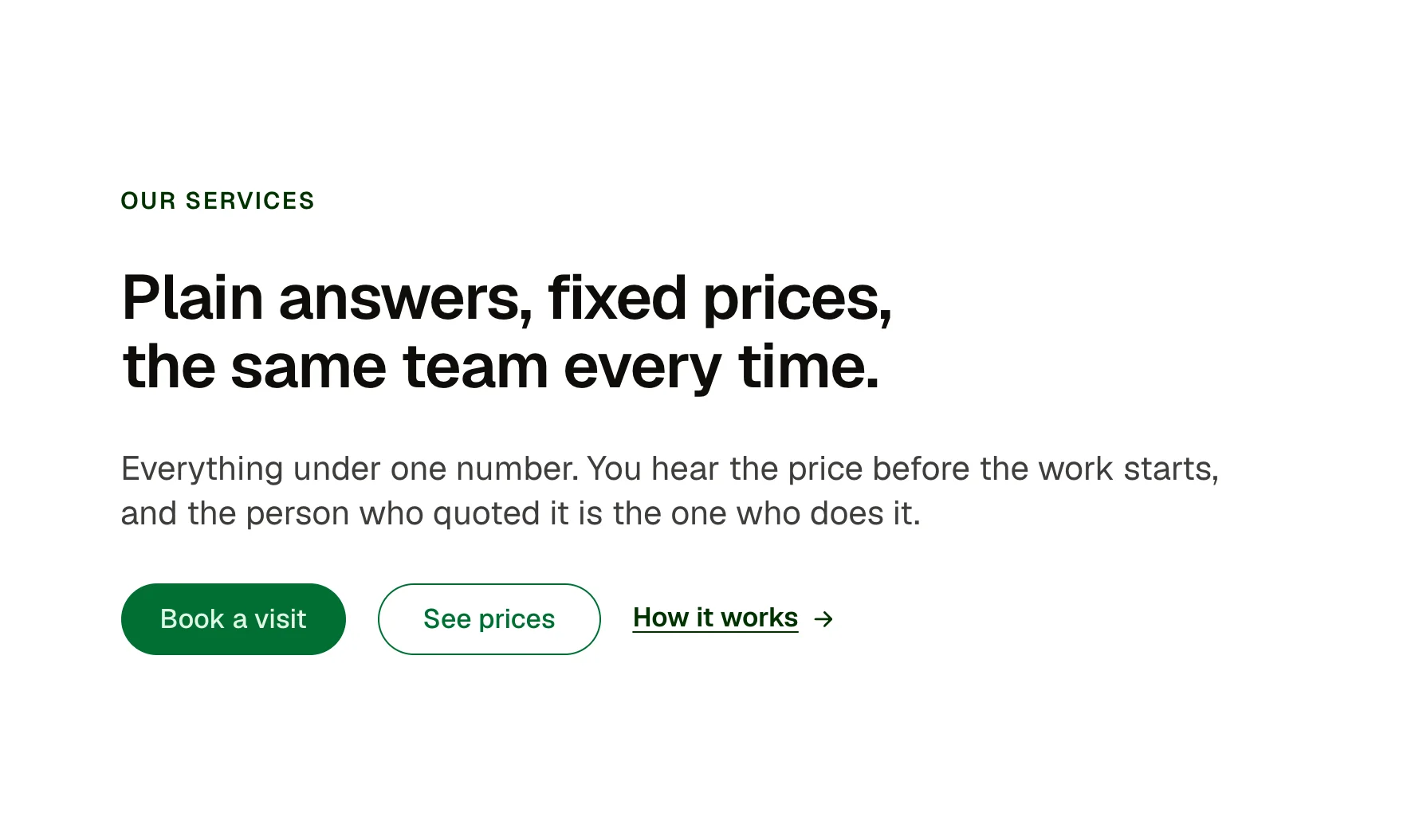
Our services
Plain answers, fixed prices, the same team every time.
Everything under one number. You hear the price before the work starts, and the person who quoted it is the one who does it.
Our services
Plain answers, fixed prices, the same team every time.
Everything under one number. You hear the price before the work starts, and the person who quoted it is the one who does it.
Services
Every price, before the work.
Everything under one number. You hear the price before the work starts, and the person who quoted it is the one who does it.
Our work
From a quick question to a full project.
Everything under one number. You hear the price before the work starts, and the person who quoted it is the one who does it.
What you can build with it
The opening of any section: eyebrow, headline, lead and actions. A page header at H1. A centred introduction above a grid.
Props
eyebrow (text, the literal heading); level (select: h2, h1, h3); headline (text); showLead (boolean); lead (text); align (select: start, center); showActions (boolean); primaryLabel and primaryHref; secondaryLabel and secondaryHref; linkLabel and linkHref
States shown
Text link: hover (thicker underline, wider gap) and focus-visible (ACSS focus ring). Buttons take their states from ACSS.
How to change it
Content and options are 13 props in the component's settings panel. Colour, type, spacing and radius follow your Automatic.css settings, so a change to the site's palette or scale changes this too. For anything else, edit the classes in the Style Manager, starting with .section-intro.
ACSS tokens used
content-gap, text-s, text-l, h1, h2, h3, heading font family, weight, line height, letter spacing and colour, text font family and line height, text-dark-muted, primary-dark (auto-inverts in dark mode), space-s, focus width, colour and offset, radius, transition
ACSS requirements
ACSS 4 defaults. Buttons use the primary button classes (btn–primary, btn–outline). Nothing to switch on. Colour scheme support on if the site has dark mode; every token used flips on its own.
Version history
Version 1.0.0, September 17, 2026: First release.
Tested with
Etch 1.6.7 and ACSS 4.0.1. Version 1.0.0.
Free item
Create a free account and copy it straight into Etch.
Used an earlier version? How to update it
Want EtchPress for Bricks or the block editor?
Everything here is made for Etch. Pick the builder you use and leave your email: we write once, when EtchPress works there.