Search palette
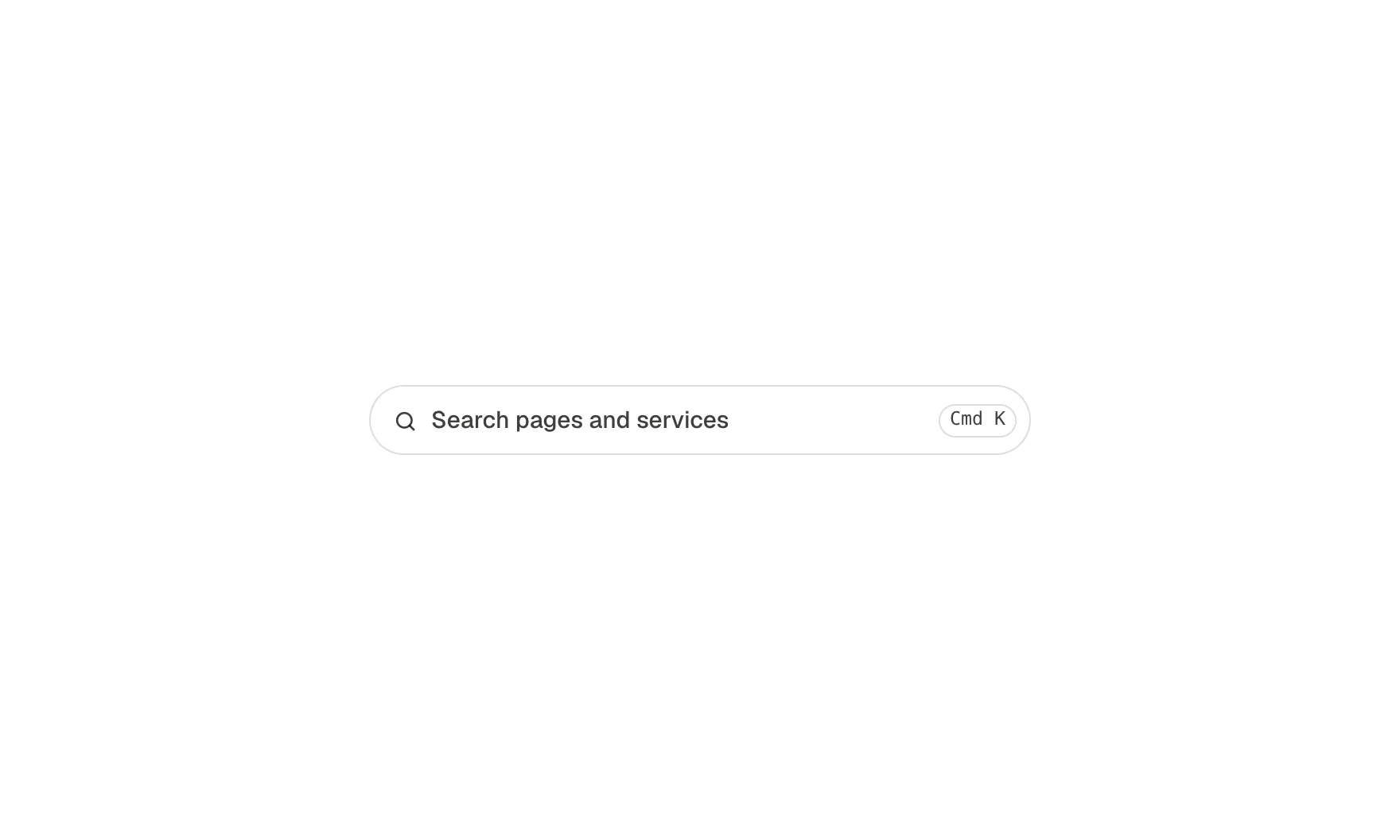
A search box that opens a search window over the page: type to narrow a list of pages, services or anything you name, move with the arrow keys, open with Enter, close with Escape. Cmd K or Ctrl K opens it from anywhere. No plugin, no search index: the results are a list you fill in the component's settings.
Live preview
What you can build with it
A site search for a small site without a search plugin: pages, services, locations. A symptom or service finder in a clinic or agency header. A command menu for a docs site or a product's help pages.
Props
placeholder (text, shown in the box and the field); label (text, the window's accessible name); items (repeater: title, category, link, keywords, matched word by word against what is typed); emptyText (text); hotkey (select: on, off; the first palette on a page with it on answers Cmd K or Ctrl K).
States shown
Closed (the box, with the shortcut shown as Cmd K on a Mac and Ctrl K elsewhere), open (a modal window, the page behind inert and dimmed, focus in the field), typing (results narrow word by word, titles that start with the words first, the matched part underlined), a result active (arrow keys or the pointer), no results (the empty text), closed again (Escape, the close button, a click outside, or opening a result; focus returns to the box). Without JavaScript the box is hidden.
How to change it
Content and options are 5 props in the component's settings panel. Colour, type, spacing and radius follow your Automatic.css settings, so a change to the site's palette or scale changes this too. For anything else, edit the classes in the Style Manager, starting with .icon, .search-palette. Its behaviour is a small script that travels with the component; no plugin and nothing to install.
ACSS tokens used
white, neutral-ultra-light, text-dark, text-dark-muted, text-s, text-m, text-xs, primary, radius, radius-circle, box-shadow-3, border-color-dark, space-xs, space-s, focus tokens, transition
ACSS requirements
ACSS 4 defaults. Uses the browser's dialog element (every current engine).
Version history
Version 1.0.0, October 10, 2026: First release (CJ's Clinic review asked for a working search box like draculatheme.com's).
Tested with
Etch 1.6.8 and ACSS 4.0.1. Version 1.0.0.
Lifetime members
Members copy this straight into Etch, ready to paste.
Used an earlier version? How to update it
Get lifetime accessWant EtchPress for Bricks or the block editor?
Everything here is made for Etch. Pick the builder you use and leave your email: we write once, when EtchPress works there.