Full-site kits
Whole websites for one kind of business. Every page, the header, the footer, the contact form. Built the way Page Building 101 teaches it.
See kitsA dark content card that leans toward the pointer in 3D while its border becomes a green to cyan ring that follows the cursor. A still glow lights behind it, a faint tint appears inside, and the shadow under it shrinks as the card lifts. Icon, title, text and a link. Dark as designed, light, or following the page's scheme.
Whole websites for one kind of business. Every page, the header, the footer, the contact form. Built the way Page Building 101 teaches it.
See kitsWhole websites for one kind of business. Every page, the header, the footer, the contact form. Built the way Page Building 101 teaches it.
See kitsHeroes, pricing, services, testimonials, FAQs, footers. Each one a section you paste in and fill.
Browse patternsClaude Code and Codex learn the system. Ask for a new section and it lands in the same tokens and classes as the kits.
How the skill worksWhole websites for one kind of business. Every page, the header, the footer, the contact form. Built the way Page Building 101 teaches it.
See kitsWhole websites for one kind of business. Every page, the header, the footer, the contact form. Built the way Page Building 101 teaches it.
See kitsWhole websites for one kind of business. Every page, the header, the footer, the contact form. Built the way Page Building 101 teaches it.
See kits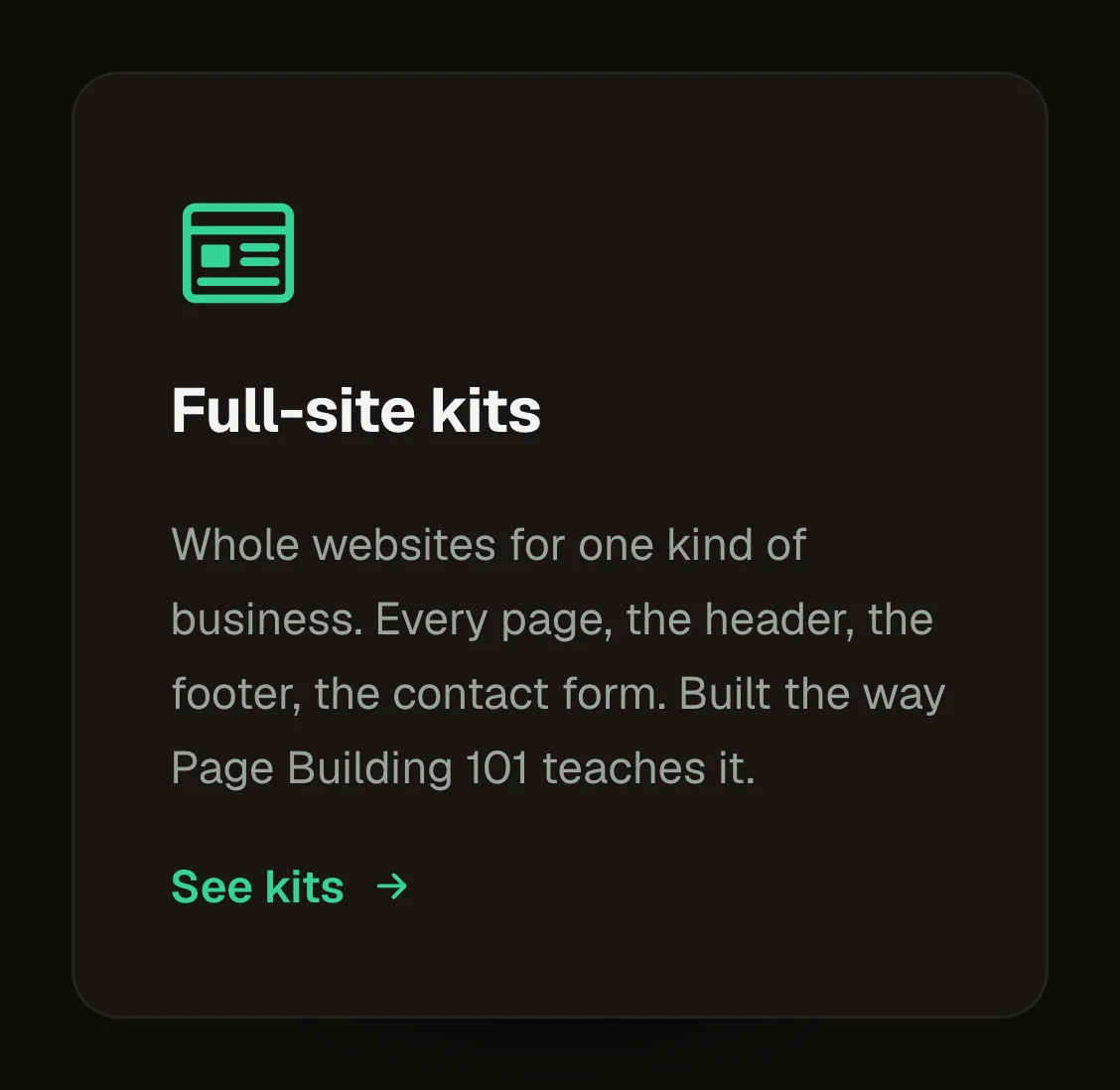
One feature that deserves the spotlight on a dark page. A row of three or four product or service cards. A link card to a pricing or contact page. A highlighted plan beside quieter ones.
tone (select: dark, light, auto); icon (select), title, text, linkLabel, href, ringA, ringB, ringMint (the ring's three colours), line (the ring's thickness), inkIcon, inkTitle, inkText, inkLink (the colours inside the card), tilt (select: none, subtle, normal, strong)
Rest: a plain dark card with a hairline border. Hover with a mouse: the card leans up to the chosen angle and lifts, the ring follows the cursor, the glow, the tint and the smaller shadow appear. Keyboard focus on the link, or a press: the same light with a still ring and no lean. Reduced motion: a still ring on hover, no lean.
Content and options are 15 props in the component's settings panel. Colour, type, spacing and radius follow your Automatic.css settings, so a change to the site's palette or scale changes this too. For anything else, edit the classes in the Style Manager, starting with .ring-card. Its behaviour is a small script that travels with the component; no plugin and nothing to install.
The look is dark by design and does not follow the colour scheme. Its colours are the component's own variables on .ring-card, set from its options: –ring-card-a, –ring-card-b and –ring-card-mint for the ring and the glow, –ring-card-line for its thickness, –ring-card-ink-icon, -title, -text and -link for what is inside.
ACSS 4 defaults. Made for a dark section: the card's face is near black. Place it under a section heading: its title is an H3. A few lines of script lean the card; without script it still lights.
Version 1.0.0, October 4, 2026: First release. Version 1.1.0, October 4, 2026: Tone: dark as designed (the default), light, or follow the page's scheme. The light card has a white face, house inks and a softer glow. Version 1.2.0, October 5, 2026: A better light card: it lifts instead of leaning, keeps its edge, shows the ring in deeper shades and casts a soft green shadow. The dark card is unchanged. Version 1.2.1, October 5, 2026: The light card leans in 3D like the dark one, and the ring meets the edge cleanly, with no grey line outside it on hover.
Etch 1.6.8 and ACSS 4.0.1. Version 1.2.1.
Members copy this straight into Etch, ready to paste.
Used an earlier version? How to update it
Get lifetime accessEverything here is made for Etch. Pick the builder you use and leave your email: we write once, when EtchPress works there.