Highlight
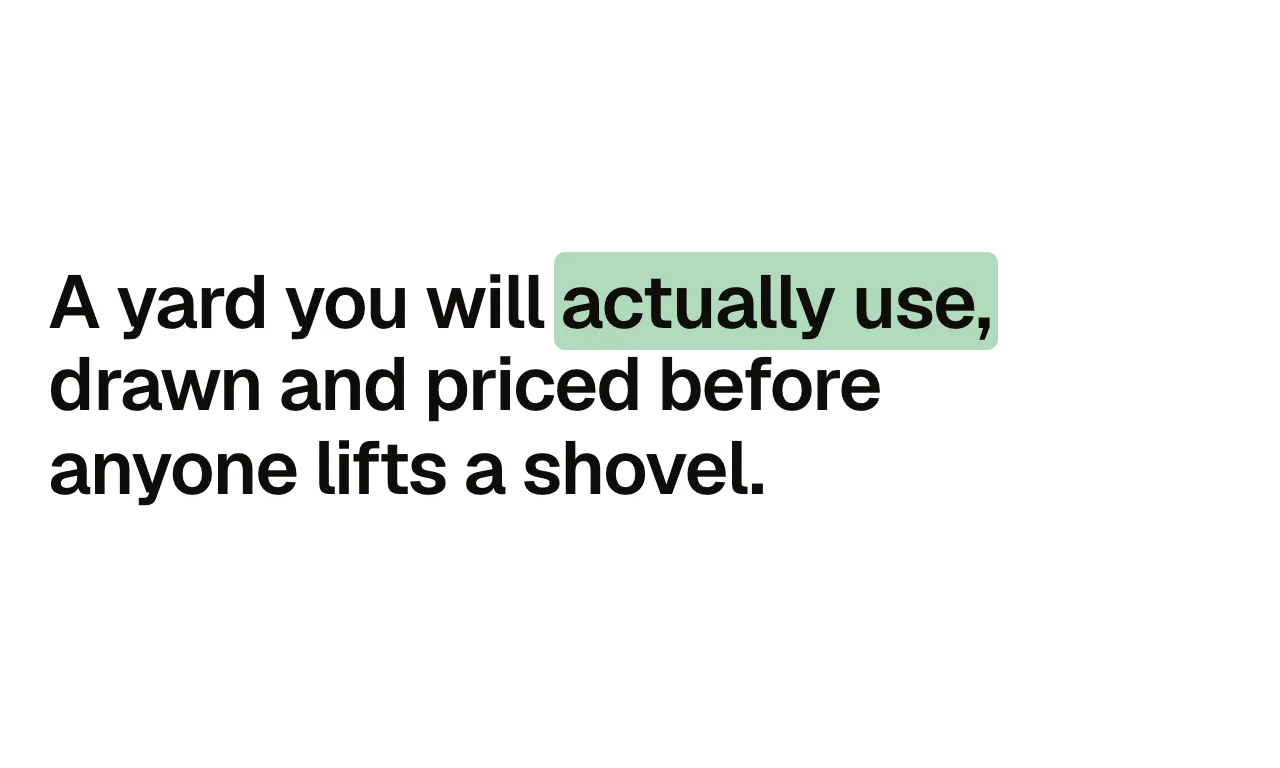
A heading with one phrase marked by a highlighter stroke that draws itself in when the heading scrolls into view. Before, after and the marked phrase are three text props, so the sentence reads as one heading.
Live preview
A yard you will actually use, drawn and priced before anyone lifts a shovel.
Fourteen years, one standard.
Drawn and priced before anyone lifts a shovel.
Every price, before the work.
What you can build with it
A headline with its key phrase marked as it comes into view. A value statement at the top of a section. A pull line in the middle of a long page.
Props
before (text); phrase (text); after (text); level (select: h1, h2, h3); colour (select: primary, accent, neutral); style (select: marker, underline, block)
States shown
Unmarked (before entry), drawing, marked. Reduced motion: marked from the start.
How to change it
Content and options are 6 props in the component's settings panel. Colour, type, spacing and radius follow your Automatic.css settings, so a change to the site's palette or scale changes this too. For anything else, edit the classes in the Style Manager, starting with .highlight. Its behaviour is a small script that travels with the component; no plugin and nothing to install.
ACSS tokens used
–primary-light / –accent-light behind the phrase, –primary-dark for the underline.
ACSS requirements
ACSS 4 defaults. EtchPress Motion stylesheet installed once. Scroll-driven behaviour needs a browser with animation-timeline (Chrome, Edge, Safari 26); others show the finished state.
Version history
Version 1.0.0, September 19, 2026: First release.
Tested with
Etch 1.6.7 and ACSS 4.0.1. Version 1.0.0.
Lifetime members
Members copy this straight into Etch, ready to paste.
Used an earlier version? How to update it
Get lifetime accessWant EtchPress for Bricks or the block editor?
Everything here is made for Etch. Pick the builder you use and leave your email: we write once, when EtchPress works there.