Hero: split with media
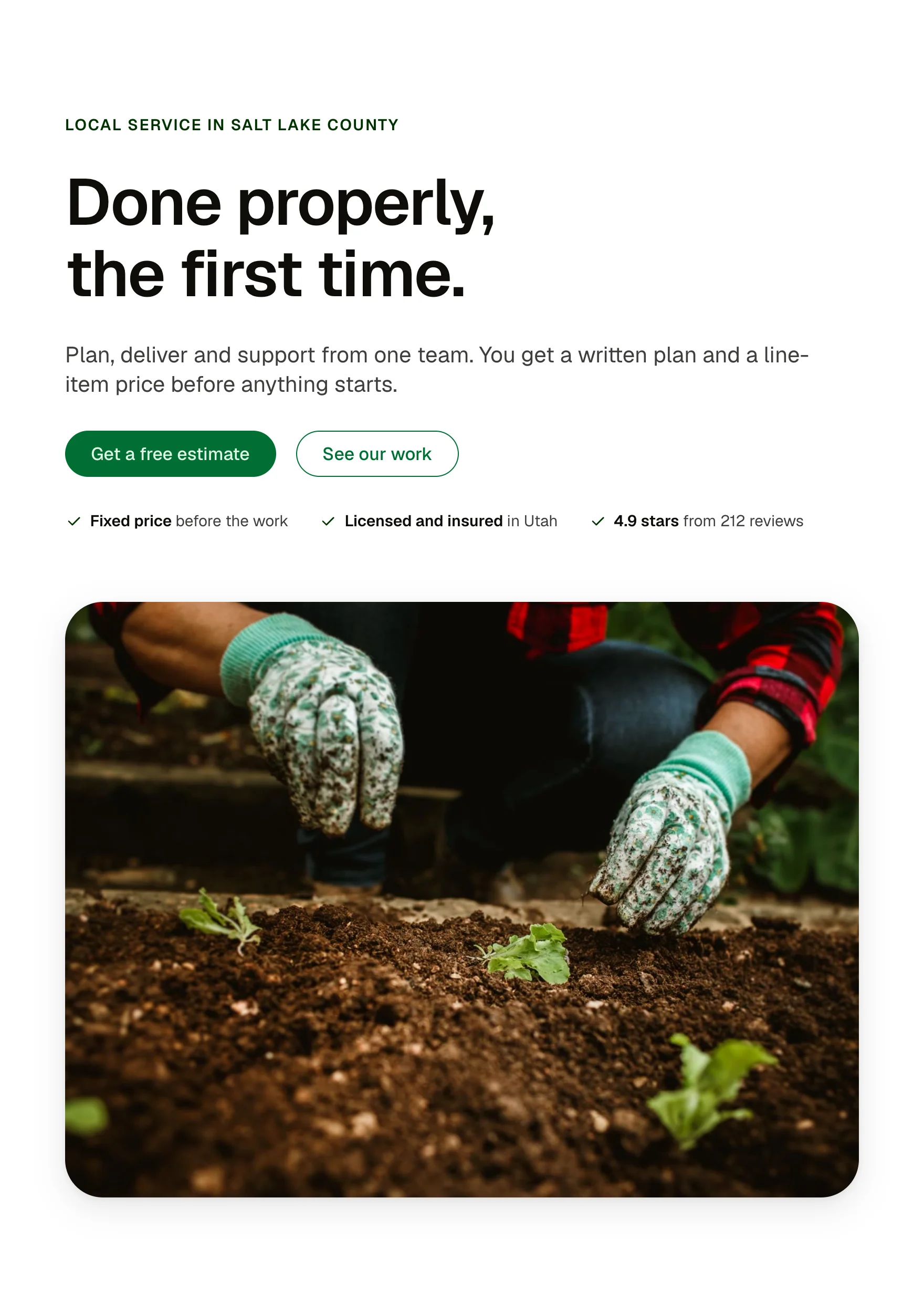
The page opener with the words on one side and a photo on the other: a Section intro at H1 with two buttons, a proof row of three facts under it, and a framed image. Media left or right, plain or on a light band.
Live preview
Local service in Salt Lake County
Done properly, the first time.
Plan, deliver and support from one team. You get a written plan and a line-item price before anything starts.
- Fixed price before the work
- Licensed and insured in Utah
- 4.9 stars from 212 reviews

Local service in Salt Lake County
Done properly, the first time.
Plan, deliver and support from one team. You get a written plan and a line-item price before anything starts.
- Fixed price before the work
- Licensed and insured in Utah
- 4.9 stars from 212 reviews
Local service in Salt Lake County
Done properly, the first time.
Plan, deliver and support from one team. You get a written plan and a line-item price before anything starts.
What you can build with it
A service business home page opener with a photo beside the words. A landing page hero with two actions and three proof points. An about page opener.
Props
A pattern: edit the Section intro's props (eyebrow, headline, lead, buttons), the three proof facts, and the image. The section carries the classes for media side (hero-split–media-left) and band (bg–light).
States shown
The buttons and link take their states from the Section intro. Media stacks under the words below 60rem of container width.
How to change it
It is a section built from library components (Section intro). Edit each component's props, and add or remove cards in the structure panel. Colour, type, spacing and radius follow your Automatic.css settings, so a change to the site's palette or scale changes this too.
ACSS tokens used
section-space-m, gutter, content-width, space-m, space-s, space-xl, text-s, text-dark, text-dark-muted, primary-dark, radius, box-shadow-2, bg-light
ACSS requirements
ACSS 4 defaults. Uses the Section intro component (included) and btn–primary. The light band uses the contextual colour class bg–light (on by default).
Version history
Version 1.0.1, October 12, 2026: The pasted copy carries the new placeholder drawing, like the rest of the library. Version 1.0.0, September 17, 2026: First release.
Tested with
Etch 1.6.7 and ACSS 4.0.1. Version 1.0.1.
Lifetime members
Members copy this straight into Etch, ready to paste.
Used an earlier version? How to update it
Get lifetime accessWant EtchPress for Bricks or the block editor?
Everything here is made for Etch. Pick the builder you use and leave your email: we write once, when EtchPress works there.