
Library
Finder
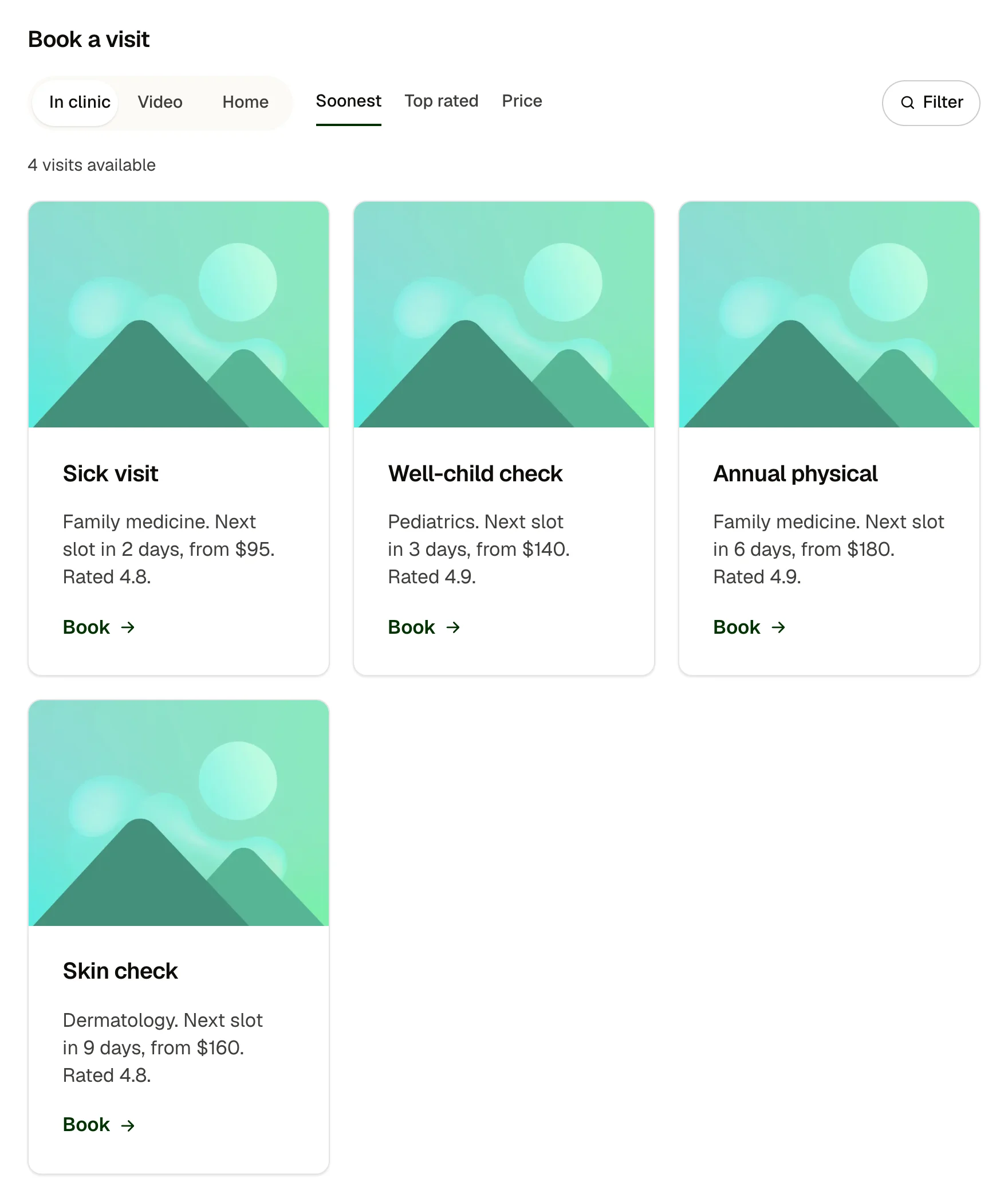
Filter and sort any list of cards without a plugin: a segmented type switch, sort buttons and a filter popover with checkbox groups, a live result count and an empty state. Types, sorts and filter groups are repeaters; the cards are a slot, and each card's list item carries the data it is judged by.
ComponentFinders
Live preview
Book a visit
Specialty
Nothing matches those filters. Clear one, or call (503) 555-0147.
Book a visit
Nothing matches those filters. Clear one, or call (503) 555-0147.
What you can build with it
A directory of clinics, locations or staff that filters without a plugin. A service or product finder with types, sorts and checkbox filters. A project archive filtered by kind and year.
Props
label (text); types (repeater: label, value, matched against data-type on each item); sorts (repeater: label, key, order asc or desc, read from data-); filters (repeater: label, key, values comma separated, matched against data-); noun and nounOne (text, for the count: visits and visit); emptyText (text); items slot (a list whose items carry data attributes)
States shown
Type selected (the thumb slides), sort pressed, filter popover open and closed (Escape and outside click close it, focus returns to the button), badge with the number of active filters, live count, empty state. Every control is a real button or input, keyboard first.
How to change it
Content and options are 7 props in the component's settings panel, and what goes inside is a slot you fill with your own blocks. Colour, type, spacing and radius follow your Automatic.css settings, so a change to the site's palette or scale changes this too. For anything else, edit the classes in the Style Manager, starting with .finder, .seg, .service-card. Its behaviour is a small script that travels with the component; no plugin and nothing to install.
ACSS tokens used
white, neutral-light, neutral-ultra-light, text-dark, text-dark-muted, text-s, primary-dark, radius, radius-circle, box-shadow-1, box-shadow-3, border-color-dark, space-xs, space-s, space-m, focus tokens, transition
ACSS requirements
ACSS 4 defaults. Uses btn–primary for the Done button. Items must be list items inside a list in the slot, each with data-type and one data attribute per sort key and filter key.
Version history
Version 1.0.1, October 11, 2026: Carries the current Service card (1.1.0): the size option and the card family's shared spacing, corners and part names. Pasted beside the card itself, it no longer asks to update it. Version 1.0.0, September 17, 2026: First release.
Tested with
Etch 1.6.7 and ACSS 4.0.1. Version 1.0.1.
Lifetime members
Members copy this straight into Etch, ready to paste.
Used an earlier version? How to update it
Get lifetime accessOther builders
Want EtchPress for Bricks or the block editor?
Everything here is made for Etch. Pick the builder you use and leave your email: we write once, when EtchPress works there.