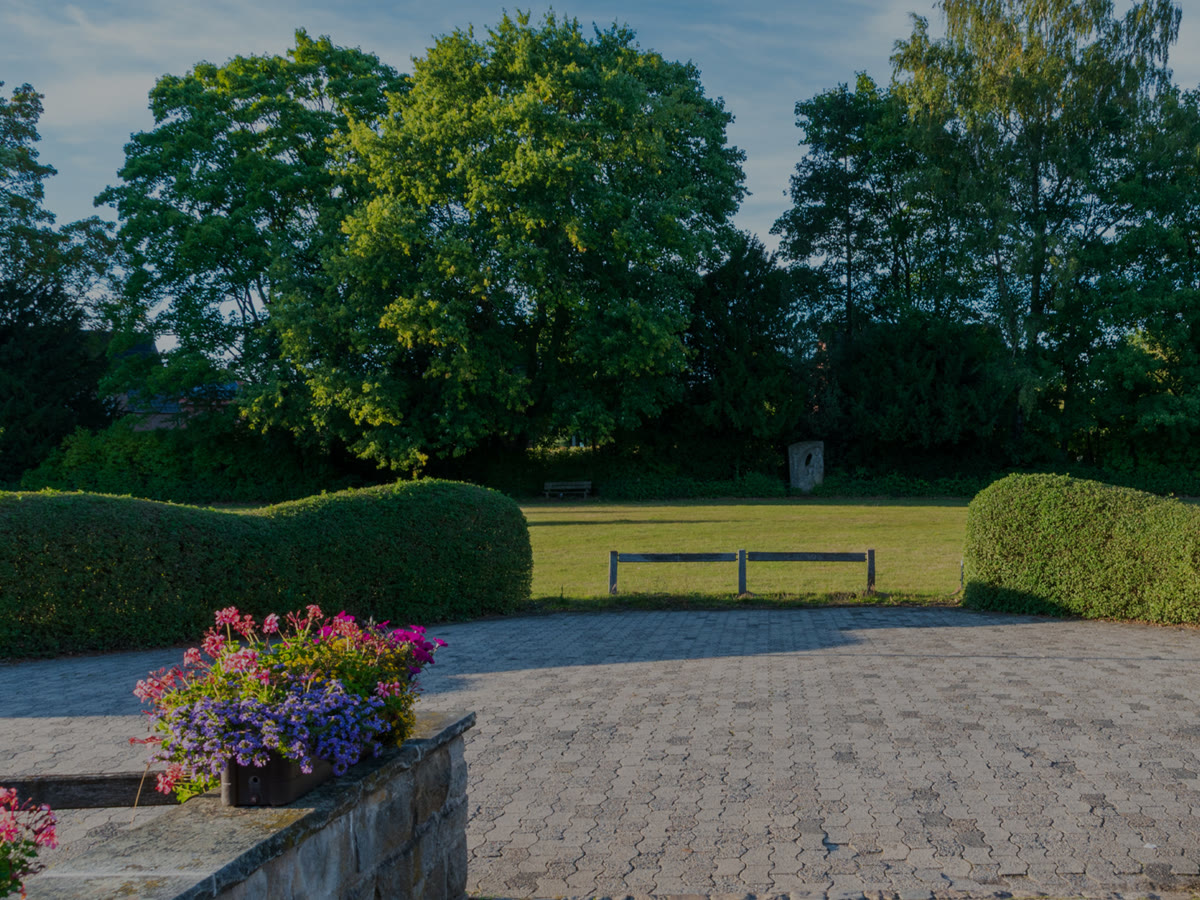
Hillcrest terrace
A paver terrace with clipped hedges, built over one summer.
See the projectA stack of cards. Drag the top one left and it flies off and tucks in at the back while the rest step forward with a small spring; drag right and the last one comes back. It works the same with a mouse and a finger; Previous and Next buttons and the arrow keys do it for a keyboard. Needs the EtchPress Runtime; without it the cards are a row to swipe.
A paver terrace with clipped hedges, built over one summer.
See the project
Native beds around a forest lake, planted for four seasons.
See the project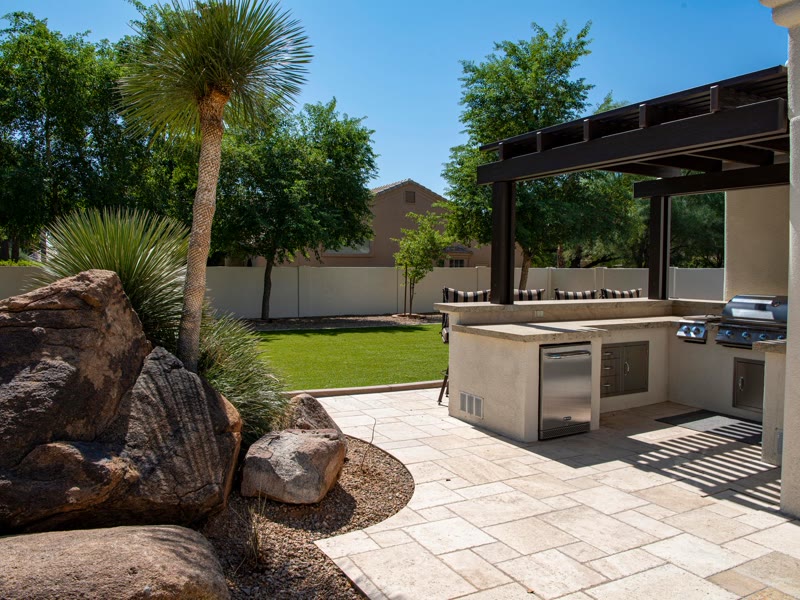
An outdoor kitchen and a patio that stays level through winter.
See the project
Drip and spray across a wide lawn, started each spring.
See the project
Raised beds, planted to the drawing.
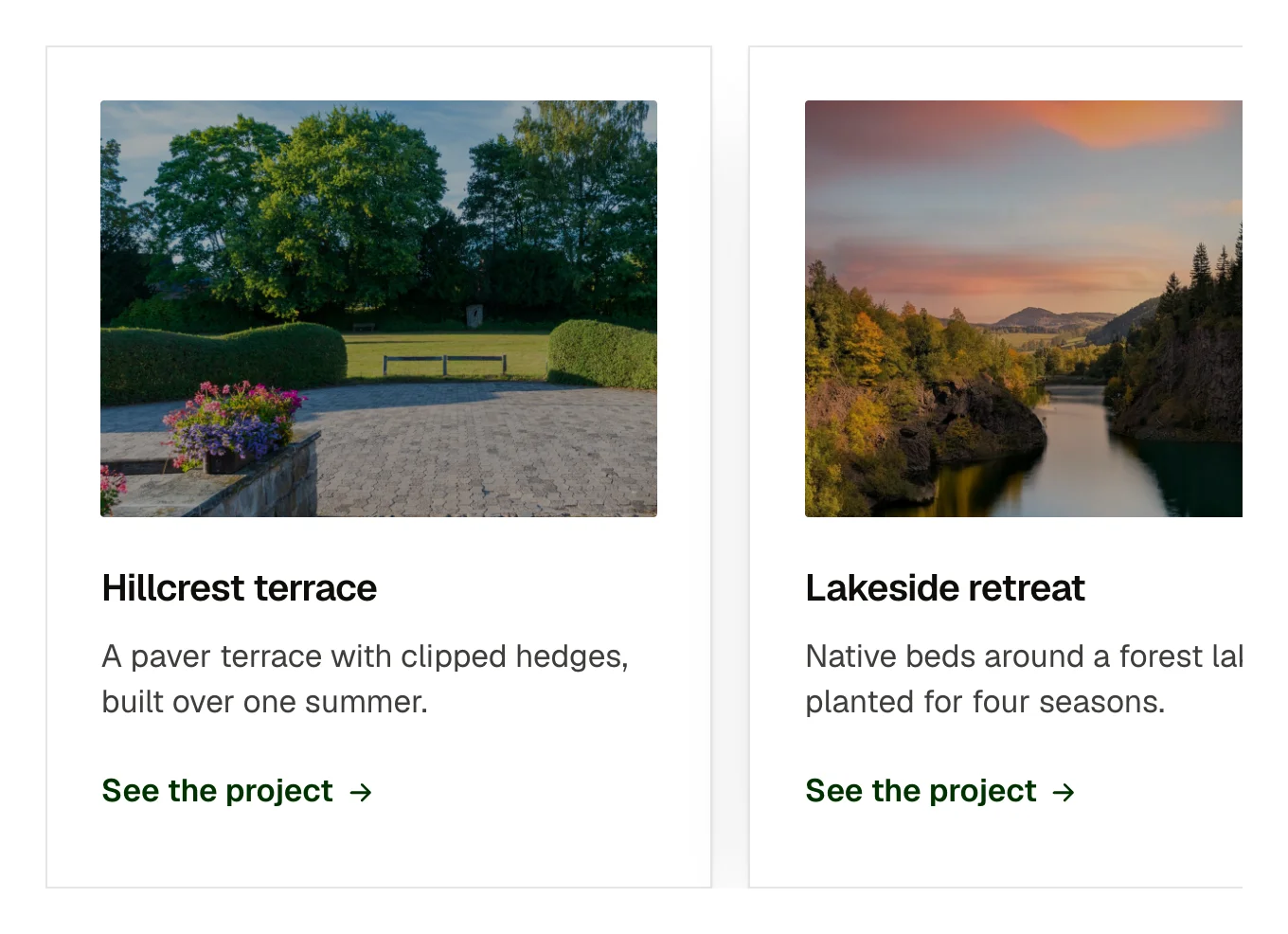
See the projectDrag the top card left for the next one, right for the one before, or use the buttons.
This is a showpiece. It pastes into Etch like any other item and it is complete without anything else, but its motion comes from the EtchPress runtime: a small script that loads only on the pages that use a showpiece.
Etch for WordPress: download the EtchPress Runtime plugin from Downloads in your account, install it and activate it. Paste your licence key under Settings, EtchPress Runtime, and it updates from the Plugins screen like any other plugin.
Etch Studio: download the EtchPress runtime files from Downloads in your account, unzip them and drop them into your project's Asset Manager, then paste the item. Studio ships the files it needs with your site.
Testimonials worth flicking through. A handful of featured projects. Team members on an about page. Product highlights on a phone-first page.
cards (repeater: image, alt, title, text, linkLabel, href); prevLabel (text, empty hides the button); nextLabel (text)
Stacked: the top card is live, the rest wait behind it. Dragging: the card follows and leans. Released to the left past the threshold or thrown: it leaves and the stack advances. Released to the right: the last card comes back on top. Otherwise it springs back. Previous, Next and the arrow keys do the same. Reduced motion and no runtime: a row with scroll snap.
Content and options are 3 props in the component's settings panel. Colour, type, spacing and radius follow your Automatic.css settings, so a change to the site's palette or scale changes this too. For anything else, edit the classes in the Style Manager, starting with .deck. Its behaviour is a small script that travels with the component; no plugin and nothing to install.
the card variables (–card-padding, –card-gap-tight, –card-radius), space-s, space-m, radius, h4, text-s, primary-dark, text-dark-muted, focus tokens.
ACSS 4 defaults. Needs the EtchPress Runtime, 0.5.0 or later: the EtchPress Runtime plugin on WordPress, or the runtime's files dropped into the project's Asset Manager in Etch Studio. Without it you get the still version.
Version 1.1.0, October 10, 2026: Goes both ways: drag right, the left arrow key or the new Previous button brings the last card back. Needs EtchPress Runtime 0.8.0 for the way back; with 0.7.0 a drag either way still moves forward. Version 1.0.1, October 2, 2026: Sizes now follow the width of the place it sits in, not the screen, so it fits a narrow column on a wide screen. Version 1.0.0, October 1, 2026: First release, with the EtchPress Runtime 0.5.0.
Etch 1.6.7 and ACSS 4.0.1. Version 1.1.0.
The plugin on WordPress, or the runtime's files in Etch Studio. Without it you get the still version.
Members copy this straight into Etch, ready to paste.
Used an earlier version? How to update it
Get lifetime accessEverything here is made for Etch. Pick the builder you use and leave your email: we write once, when EtchPress works there.